
Mesh Grabber Morph Editor (Win)
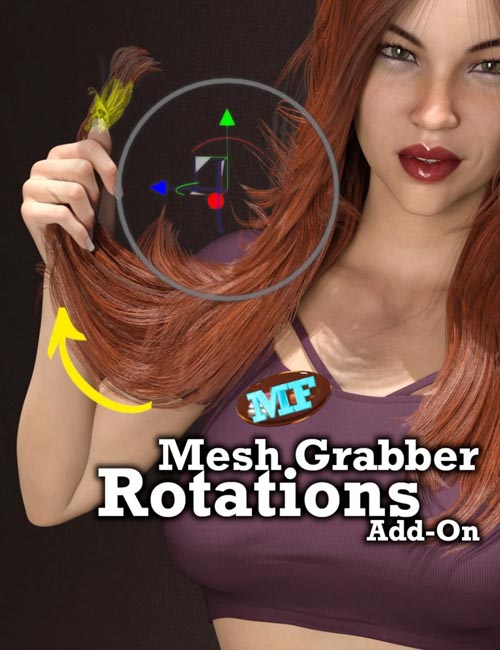
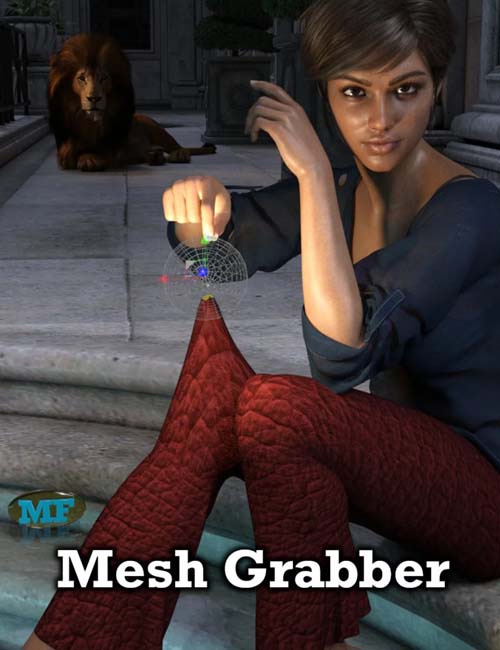

Mesh Grabber Morph Editor (Win) is the second add-on plugin to the popular Mesh Grabber, originally published in December 2019. Mesh Grabber allows you to manipulate any object geometry from within Daz Studio, without requiring external modeling software.
This add-on helps you to create your own morphs with Mesh Grabber and edit any existing morphs.
The add-on adds "Load" and "Save" buttons to the Mesh Grabber Tool Options pane:
- The "Load" button allows you to import the deltas of any existing morph into Mesh Grabber for editing. Simply mark one or several morphs as "favorites" in the properties pane and press "Load".
- The "Save" button allows you to save the current Mesh Grabber deltas as a morph.
Finally, it also enables you to easily use your Mesh Grabber work in animations, and to make it available for other scenes and users!
The combined "Load" and "Save" features also provide you with a complete morph editor. By marking multiple morphs as favorites before loading them, you can also combine multiple morphs into one.
This add-on requires Mesh Grabber 3.0 to be installed. If you purchased Mesh Grabber earlier, Daz Install Manager (DIM) will update it automatically.
This product runs on 64-bit Windows only. The Mac version is in a separate product.
Requires: Mesh Grabber (Win)
SUPPORT LINK
https://www.daz3d.com/catalog/product/view/id/73685DOWNLOAD
https://nfile.cc/***/73685-DAZ.rar.htmlYou must login to show full link. No account? Create Account