
Mesh Grabber Expert Guide: Powerful Manipulation of Meshes and Morphs
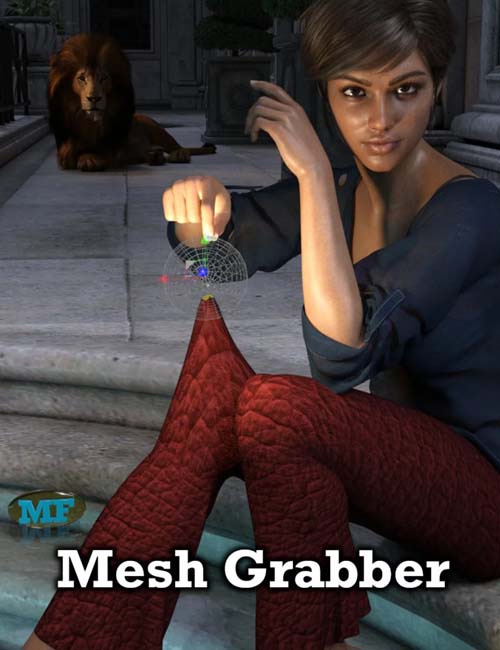
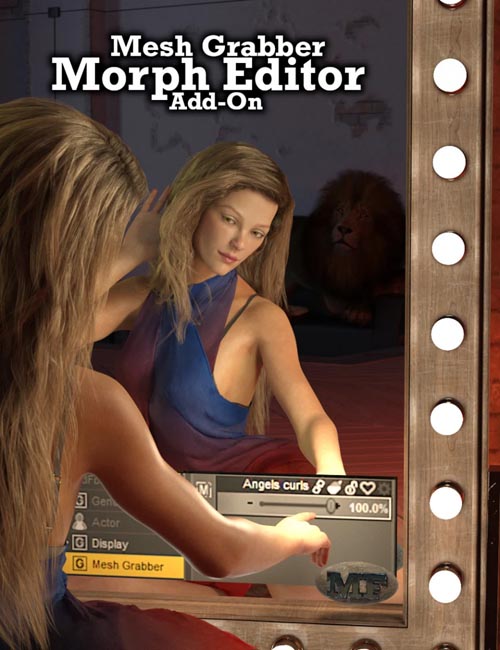
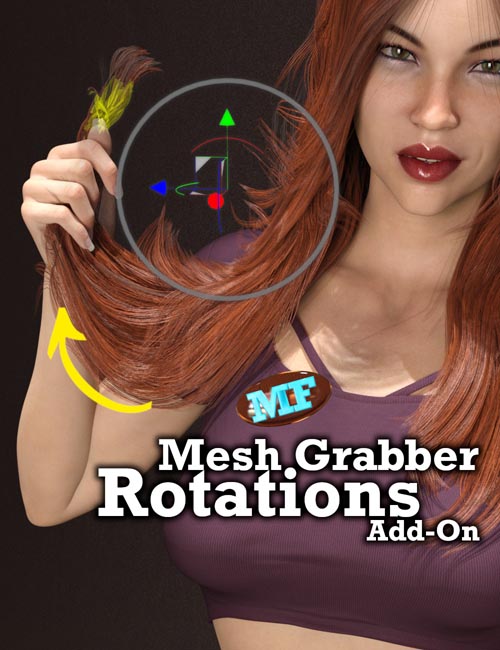
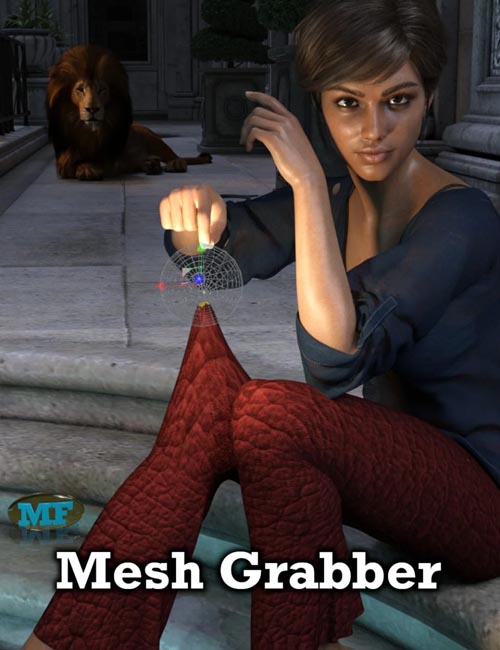
Mesh Grabber by ManFriday is a highly convenient tool to edit meshes and morphs right within DAZ Studio without having to use 3rd party modeling software.
It's great for:
- Tweaks to geometry: environments, props, hair, clothing, and character change details
- Fixing poke throughs
- Creating and modifying morphs
It can make a large difference in scene setup time. It quickly and easily fixes poke-through, helps "mess things up" adding to realism, and allows more realistic collision between objects. Mesh Grabber can be a real improvement over dFormers saving a great deal of time.
So how is it best used and what are the best ways to use it?
There is a rich range of possibilities for using this tool and Chris Shaw provides a definitive step-by-step tutorial guide. Chris goes through 15 case studies improving hair and clothing content, changing character faces, making a realistic fight scene, and editing props by adding movable parts. You can even create and save your own morphs with Mesh Grabber that you could share or sell to other artists.
Learn how to make the most of Mesh Grabber with this tutorial set that spans 3 hours and 44 minutes across 20 videos.
Introduction
- Introduction - What is Mesh Grabber and listing its potential uses
- A refresher on Geometry
- Purchasing, Installing, and Locating Mesh Grabber
- The Mesh Grabber user interface in detail
Basic Use
- Fix clothing poke through
- Fix hair poke through
- Adding dynamics to an asset without pose controls (Simple bend bell clapper)
- Comparison with D-Former
Intermediate Use
- Hinge Wagon Hookup - Manually fit together non-conforming objects (hook up a cart to a horse)
- Swing a bell: Hinge of bell around bolt without pose controls
- Shape hair without a shape control
- Creating a dForce alternative on clothing (wind, movement, or gravity)
- A localized dForce alternative on hair (wind, movement, or gravity)
- Shape a face (nose, chin, ears)
More Advanced Use
- Arm through cloak. Fix unwanted intersecting objects - create a custom morph of one object around another
- Fight scene: grabbing a scarf
Morph Editor Add-on
- Morph Editor - save your own morph (bell hinge, shaped face)
- Morph Editor - load and edit an existing morph
Caveats (Issues)
- Caveat: Some morphs not loading
- Caveat: Surface Stretching
Sample Video
SUPPORT LINK
https://www.daz3d.com/mesh-grabber-expert-guide-powerful-manipulation-of-meshes-and-morphsDOWNLOAD
https://nfile.cc/***/88876-DAZ-Mesh-Grabber-Expert-Guide-Powerful-Manipulation-of-Meshes-and-Morphs.part1.rar.htmlYou must login to show full link. No account? Create Account