
Mesh Grabber (Win) Updated
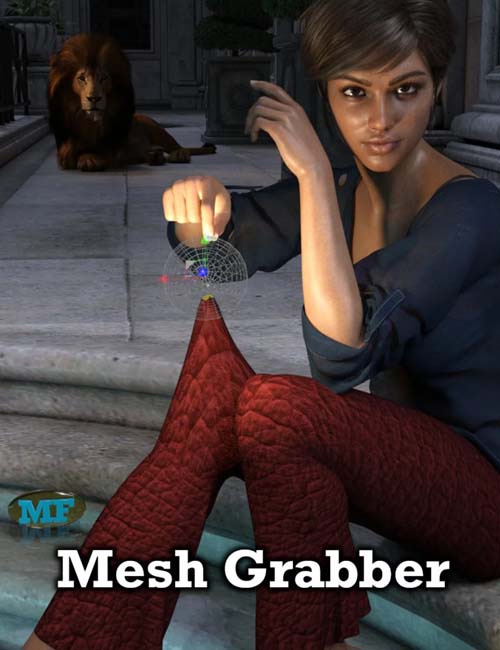
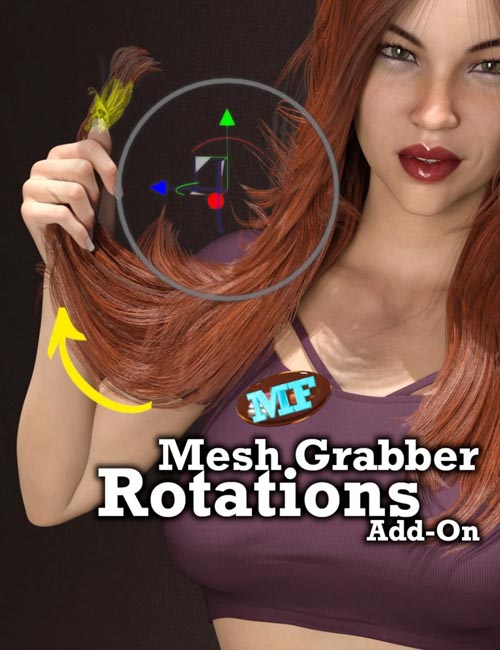
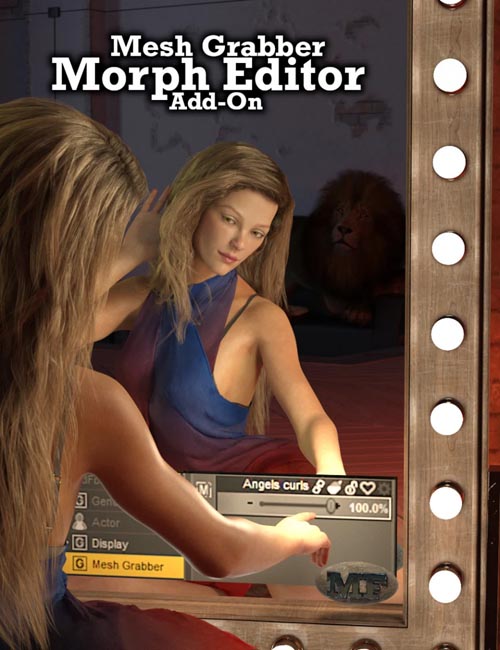
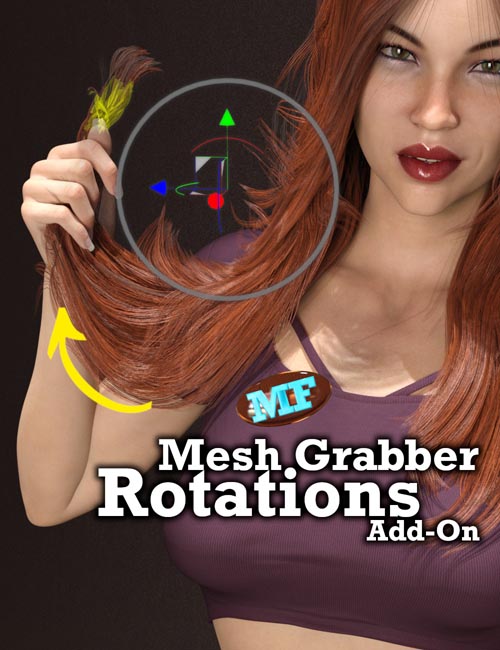
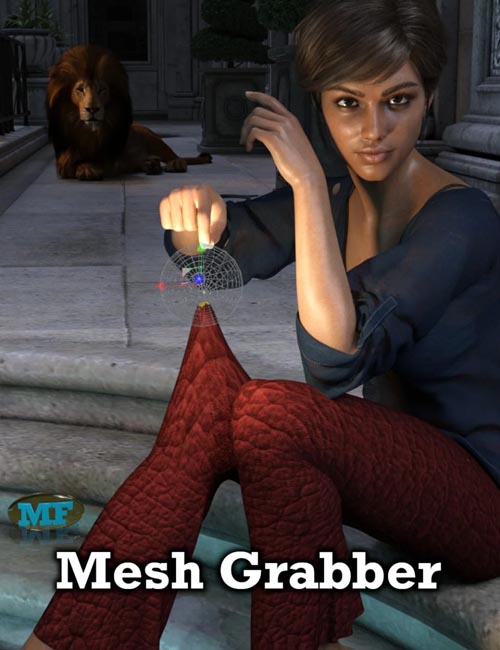
The Mesh Grabber plugin allows you to manipulate any object geometry from within Daz Studio without having to resort to external modeling software.
It provides a new tool in your "Tools" menu which allows you to select and then grab geometry directly in your viewport.
It is much easier to use and control than the D-Formers built into Daz Studio. It has been designed to work like Blender's "Grab" tool. But do not worry if you don't know Blender, the tool is very easy to use.
Your geometry changes are automatically saved with your scene files.
The possibilities for this are endless (see the promo pictures and the video for details):
- You can now quickly fix clothing poke-through without having to search for a morph that might fix it.
- You can change any detail in your favorite characters. Give them bigger noses! Make elf ears!
- You can change any detail in your favorite environment that you would like changed.
- You can create your own terrain from a plane primitive!
Note: This plugin requires 64-bit Windows. It will not run on 32-bit Windows or the Mac; support for those platform might be added at a later time.
SUPPORT LINK
https://www.daz3d.com/catalog/product/view/id/65751DOWNLOAD
https://nfile.cc/***/Update-65751.rar.htmlYou must login to show full link. No account? Create Account