
Mastering Cyberpunk Lighting Environments in Daz Studio and Photoshop
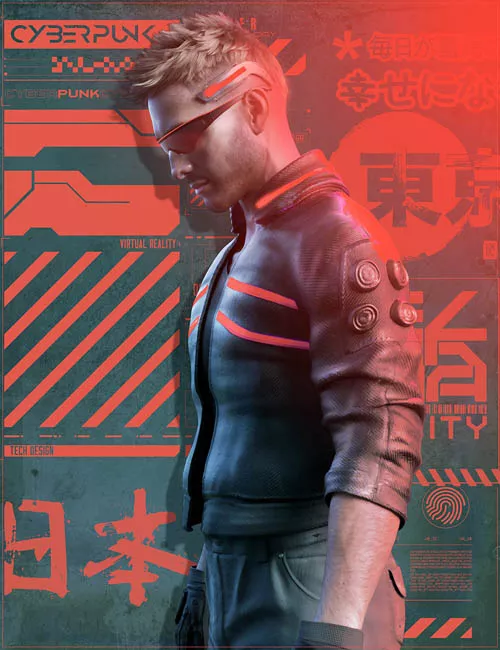
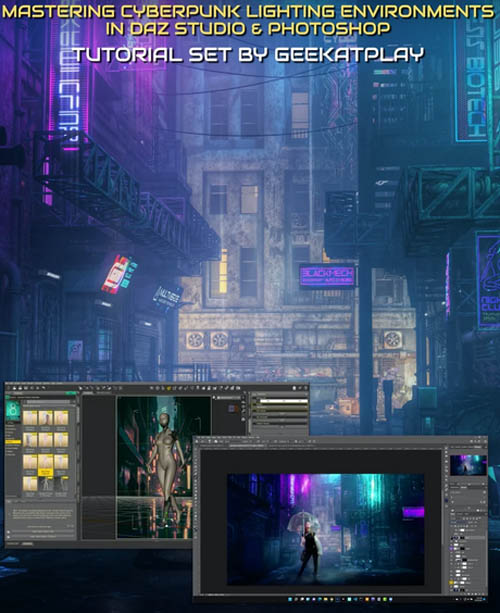
This tutorial set by Vladimir Chopine from GeekAtPlay shows how to set up your own cyberpunk lighting environment in Daz Studio without having to rely on a pre-built set and using less resources for creating the scene and rendering.
Vladimir also goes over a composites cyberpunk project in-depth using a Daz Studio rendered background and photographed model, showing how to do this step by step in Photoshop.
Total tutorial set running time: 1 hour 52 minutes
How to Set up a Cyberpunk Lighting Set in Daz Studio
How to make use of a flat plane background
How to match a 3D model on the horizon line of the background
Benefits of using a steampunk environment map (included in product)
Best way to create steampunk neon lighting
Learning lighting set up both for establishing and portrait shots in the scene
Camera settings for depth of field
Recommended emission settings for a cyberpunk environment
Recommended luminosity levels
Best practice for bloom effects
Resource pack includes 15 high-resolution cyberpunk backgrounds and a cyberpunk light dome.
Cyberpunk Composite Project in Photoshop
Compositing a photographed model onto a Daz rendered background
How to deal with translucent materials when compositing
How to tidy up the original photographed model
The advantages of smart objects in Photoshop for compositing
The importance of color temperatures
Expert masking advice
Step by step shadowing and highlights for the photographed subject
Adding shadows on the model for grounding them into the Daz rendered environment
Reflections
Matching blacks of the elements
Casting environmental colored lighting onto the photographed subject
Resource pack includes PSD file of photographed model, Cyber-alley render, and rendered drone asset to allow follow-on with this tutorial.
Sample Video
SUPPORT LINK
https://www.daz3d.com/mastering-cyberpunk-lighting-environments-in-daz-studio-and-photoshopDOWNLOAD
https://nfile.cc/***/88433-DAZ.rar.htmlYou must login to show full link. No account? Create Account