
Descended Angel Video Course: Digital Compositing with Daz Studio and Photoshop
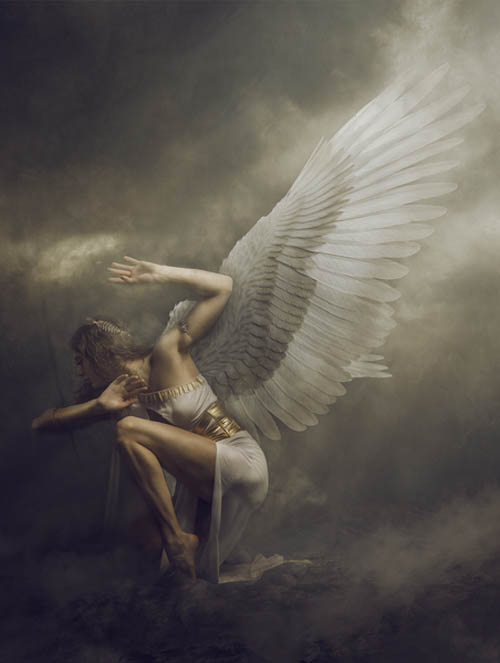
In this course, we will be working with posing, lighting, and rendering digital components inside Daz Studio with references to the model poses, as well as looking for the best way to create digital photos that can be used in our compositing work.
After importing created assets into Photoshop, we will be combining them into the digital artwork by using different techniques with blending modes, overlays, retouching, and more.
This course was created for beginners and intermediate artists, but even advanced users will learn some techniques.
The theme for this art is inspired by classical mythological painting. Techniques and colorization in post-work can be easily applied to many different types of your artwork to help elevate it to the classical look.
The course is split into 7 video parts, plus additional resource files that help you to follow along with the tutorials.
This course includes - 7 videos:
Introduction to the project
Optional - Photography tips for compositing photos and how to set up lighting, select the background, and more
Optional - Getting assets in the Daz store and personal tips
Set up and render compositing assets in Daz Studio, as well as how to use reference images for posing, camera angles, and render settings
Compositing in Photoshop, setting up canvases, importing and blending textures, assets, and backdrops
Lighting adjustments and enhancement
Color overlay to create a classic painting look
SUPPORT LINK
https://www.daz3d.com/descended-angel-video-course-digital-compositing-with-daz-studio-and-photoshopDOWNLOAD
https://nfile.cc/***/85833-DAZ.rar.htmlYou must login to show full link. No account? Create Account