
Brush Brilliance: Mastering Photoshop Brushes with your Renders
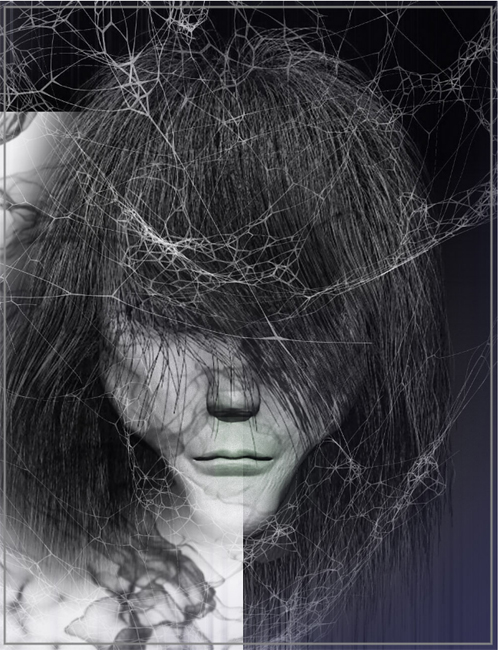
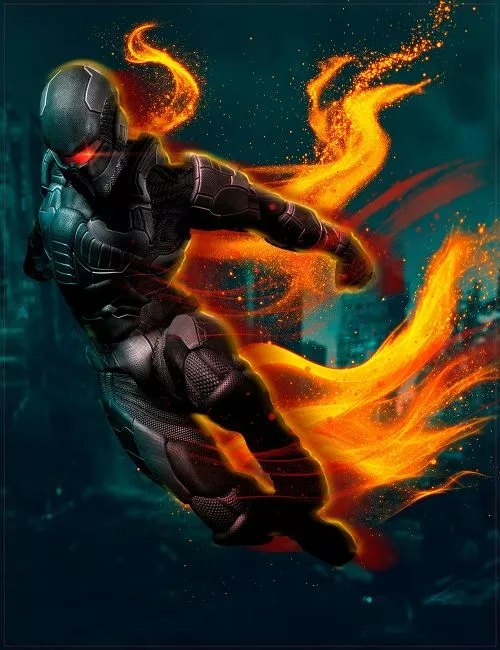
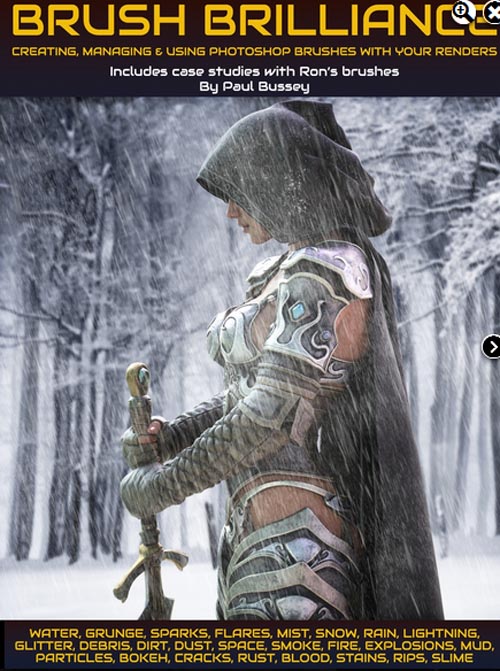
Unlock the Power of Photoshop Brushes: Embark on a transformative journey through this tutorial set to enhance your post-processing workflow. This tutorial set is aimed at artists who are beginning to learn about Photoshop's power to improve their rendered artwork with Photoshop brushwork; it covers creating, managing, and using Photoshop brushes as well as the key advantages of adding final detailing during postwork vs. adding detailing within a 3D scene. We also take a look at some case studies using a variety of Ron's brush products.
Total Running time: 1 hour 58 minutes
Part 1: Illuminates the ways in which Photoshop brushes can elevate your artistry. Drawing inspiration from Ron Devinney's renowned brushes, you'll uncover the purpose and benefits of this tutorial, expanding your skills in creating and utilizing brushes within Photoshop. Gain insight into the efficiency of post work, understand non-destructive editing, and learn to strike the right balance between detailing in 3D environments vs. post work.
Part 2: Effortless Brush Management: Delve into the Brushbox Photoshop Extension to learn more efficient brush organization and management.
Part 3: Brush Creation - Learn to craft your own brushes with three examples. Understand the importance of background and contrast. Navigate through image selection, upscaling, and four-step image preparation within Photoshop. Create your own brush presets, understand size and shape dynamics, and explore scattering effects.
Part 4: introduces you to Ron's Brushes, showcasing several examples of brush sets from Ron's Atmospheric Bundle. See how brush effects can add mystery, magic, and authenticity to your artwork. Learn the art of choosing, mirroring, and adapting brushes to match scenes.
Part 5: Additional Case Studies: Concluding in Part 5, this tutorial product takes you through more case studies that emphasize artistic choices and creative freedom. Examine the adaptability of brushes across various scenarios and purposes, and discover the role of lighting sources and color matching in composited scenes.
This product also includes three PDF guides:-
1. Photoshop Blending Modes Guide
In this guide, we will dive deep into the world of Photoshop Blending Modes, exploring how they work, how to use them effectively, and the different types of Blending Modes available.
2. Ron's products categorized
Ron Deviney has over 130 products - this list categorizes his products into nine different groups, perhaps highlighting a product that you may have missed!
- Artistic and creative
- Backgrounds and overlays
- Elements and particles
- Winged creatures and flight
- Weather and natural phenomena
- Ethereal and Spiritual
- Textural and surface details
- Explosions and fire
- Iray shaders
3. Recommended Photoshop Blend Modes for Certain Brush Strokes and Effects
Certain blend modes in Photoshop may lend better with certain detailing or effects you're adding to your rendered image. This short guide provides recommendations of which blend modes may work better with certain effects.
SUPPORT LINK
https://www.daz3d.com/brush-brilliance-mastering-photoshop-brushes-with-your-rendersDOWNLOAD
https://nfile.cc/***/91635-DAZ.rar.htmlYou must login to show full link. No account? Create Account