
Projection Morph Manager
![Fit Control for Genesis 8 Female(s) [Update 2022 support G8.1F]](https://lazioitaly.com/uploaded/1515335924_2.jpg)
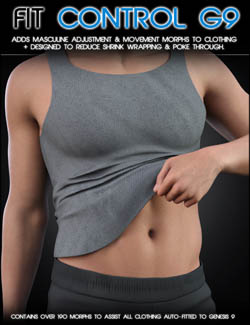
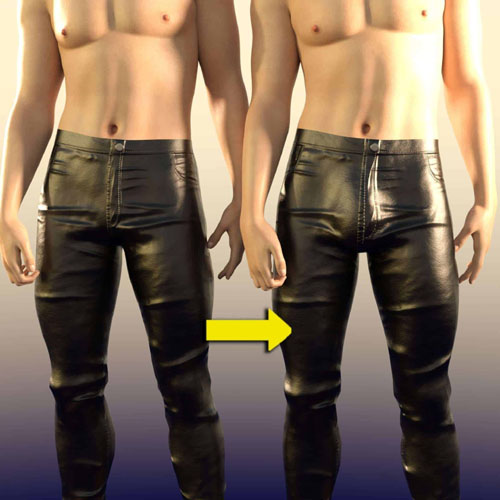
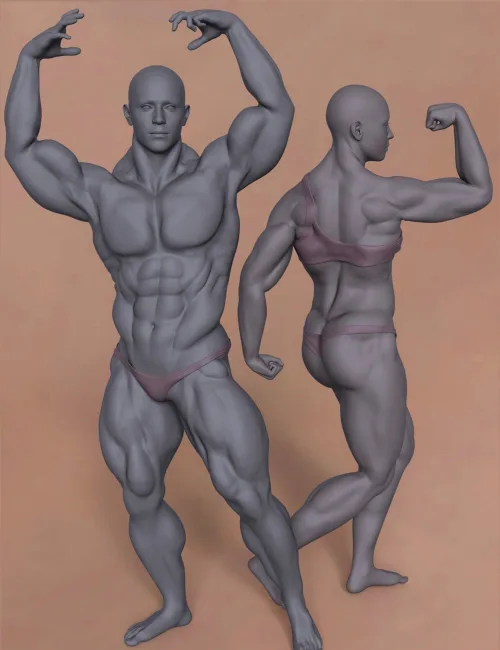
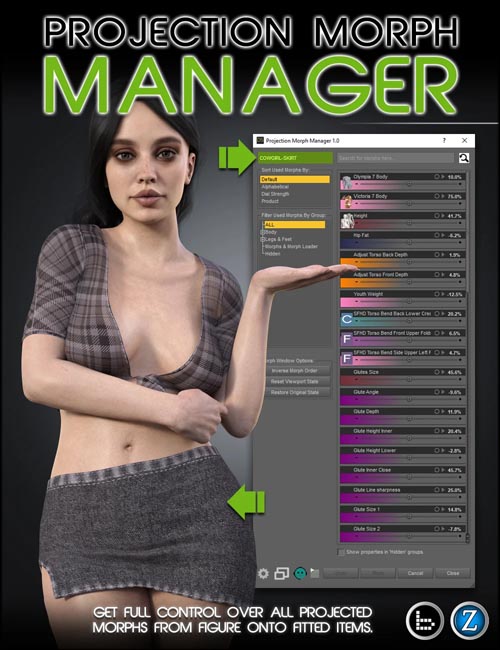
Projection Morph Manager is a utility tool that gives you advanced control over auto-fit projection morphs, allowing more accurate customization and fitting for Genesis clothing, hair, and accessories.
When an item is auto-fitted to a figure, be it hair, clothing, or accessories, all of the figure's active morphs are projected onto the item so that it fits the figure as best as possible. Sometimes the results are acceptable, but sometimes you need more control over these projections.
Projection Morph Manager offers flexibility and control for a fit that suits your needs. Now you can select an item, view all the projection morphs it contains, and modify them to get more customized results or an even better fit. Dial-up the details you want, or dial out the ones you don't, the choice is yours.
Script Features
- Compatible with all Genesis figures.
- Compatible with all items that are auto-fitted to figure.
- Only shows projection morphs that directly affect the selected Item.
- Displays projection morphs on fitted items with matching slider accuracy including thumbnails.
- Projection Morph sliders on items are linked to all of their sub-sliders and behave the same as on figure.
- Ability to restore items' original projections from the figure, or use last modified state from the viewport.
SUPPORT LINK
https://www.daz3d.com/projection-morph-managerDOWNLOAD
https://nfile.cc/***/85139-DAZ.rar.htmlYou must login to show full link. No account? Create Account