
JMR dForce Brenna Sportswear for G8F
by PhuongThao85 | on 01-Dec-23 | 0 comments |
Related Articles
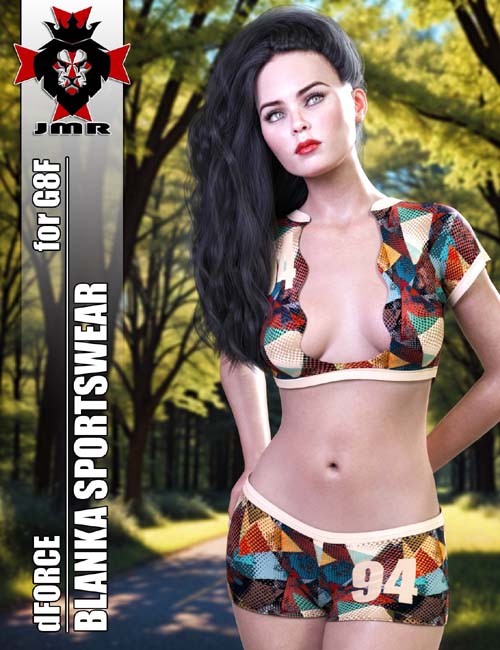
JMR dForce Blanka Sportswear for G8F
Installation & Usage Instructions: To make sure all...
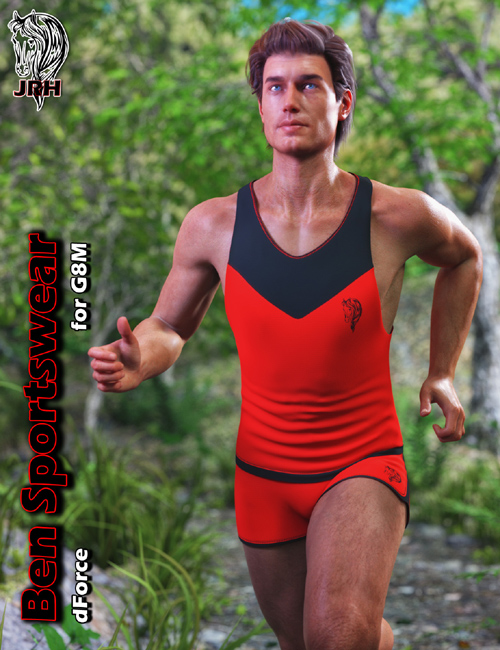
JRH dForce Ben Sportswear for G8M
This is a Sportswear. Outfit includes 2 parts: Top,...
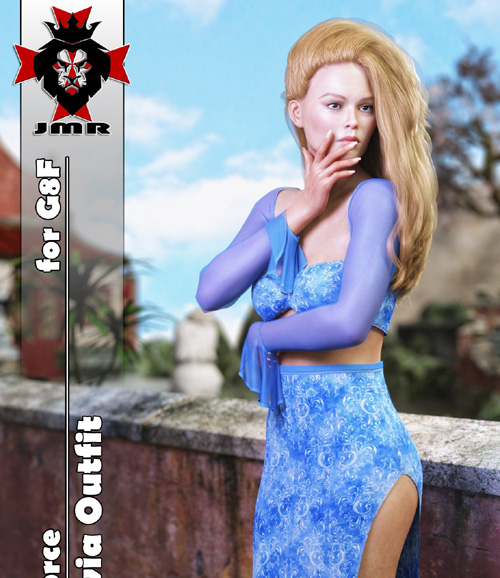
JMR dForce Silvia Outfit for G8F
This is a sexy outfit. Outfit includes 2 parts: Top,...
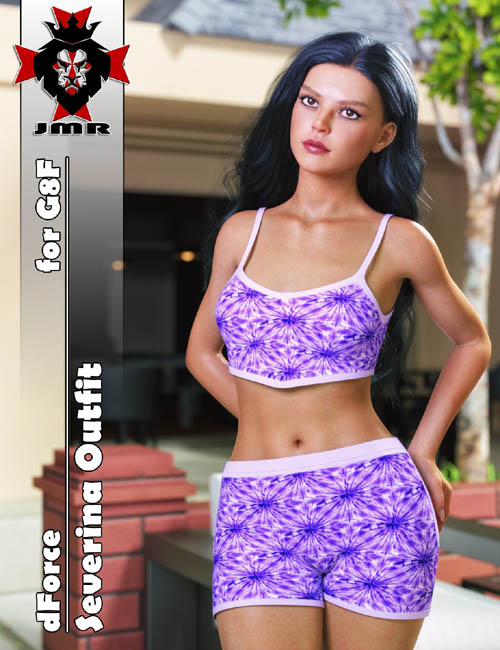
JMR dForce Severina Outfit for G8F
This is a outfit. Outfit includes 2 parts: Top, Shorts....
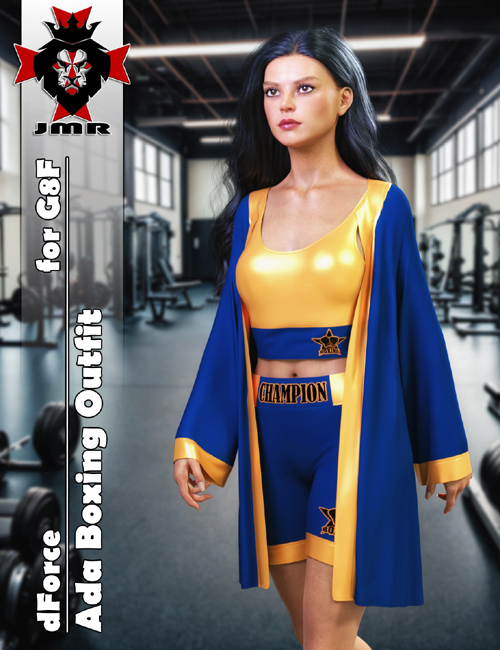
JMR dForce Ada Boxing Outfit for G8F
This is a Boxing Outfit. Outfit includes 3 parts: Top,...
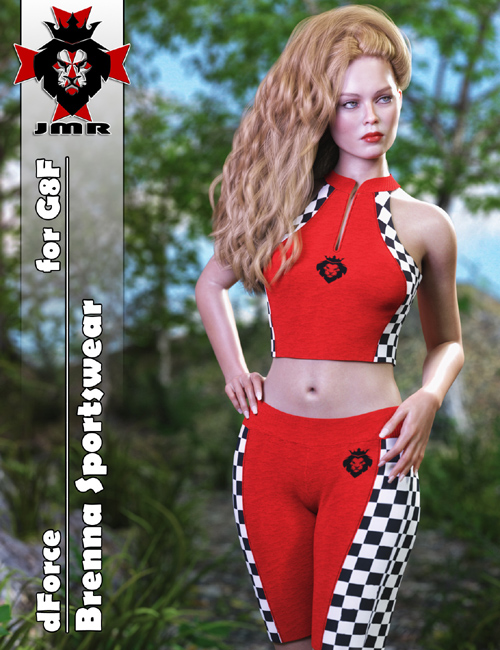
This is a sexy sportswear.
Outfit includes 2 parts: Top, Bottom.
Installation & Usage Instructions:
To make sure all content gets installed properly, unzip the files directly to your DAZ Studio library.
For example: "DAZ Studio/My Library" or "DAZ Studio/Content"
1 Load Genesis 8 Female.
2 Go to People -> Genesis 8 Female-> Clothing -> JMR dForce Brenna Sportswear.
3 Load the clothing by double-clicking on the outfit parts.
4 Material Presets are located in "Iray Materials" within the outfit parent directory.
SUPPORT LINK
https://www.renderosity.com/marketplace/products/158313DOWNLOAD
https://nfile.cc/***/158313-RO.rar.htmlYou must login to show full link. No account? Create Account
Dead link?. Comment bellow to request new link.
Category: Renderosity |
Note: Now support Premium only because I have no more time to update for free users
Related Articles
JMR dForce Blanka Sportswear for G8F
Installation & Usage Instructions: To make sure all...
JRH dForce Ben Sportswear for G8M
This is a Sportswear. Outfit includes 2 parts: Top,...
JMR dForce Silvia Outfit for G8F
This is a sexy outfit. Outfit includes 2 parts: Top,...
JMR dForce Severina Outfit for G8F
This is a outfit. Outfit includes 2 parts: Top, Shorts....
JMR dForce Ada Boxing Outfit for G8F
This is a Boxing Outfit. Outfit includes 3 parts: Top,...
Information
Users of Guests are not allowed to comment this publication.