
JRH dForce Ben Sportswear for G8M
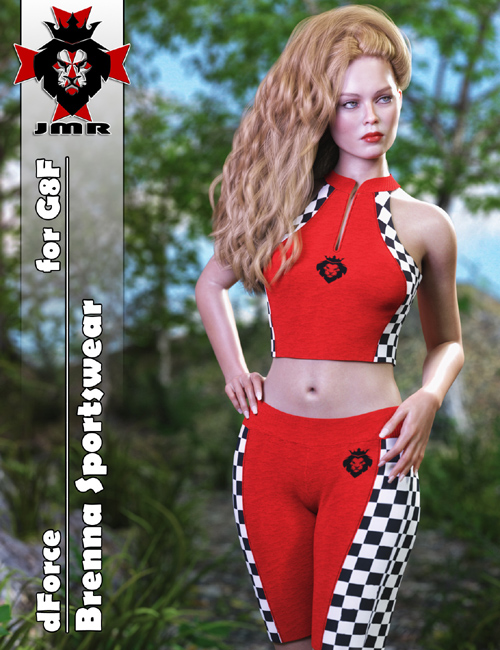
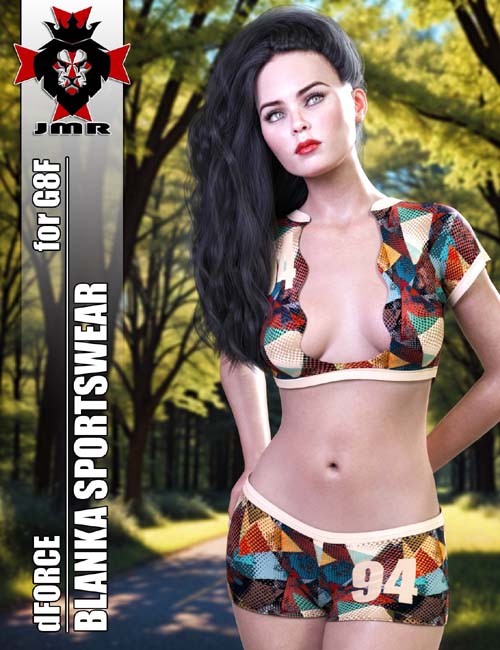
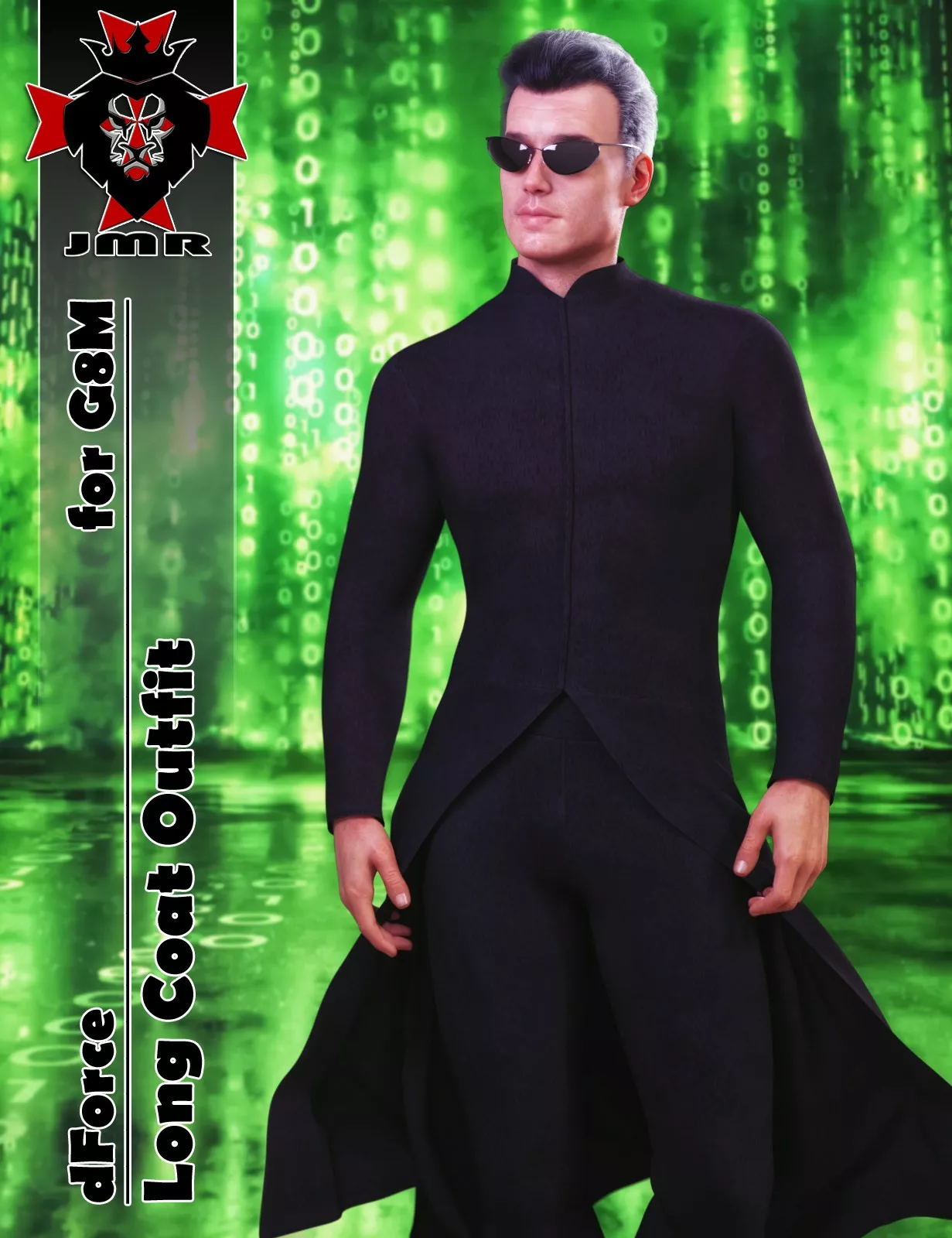
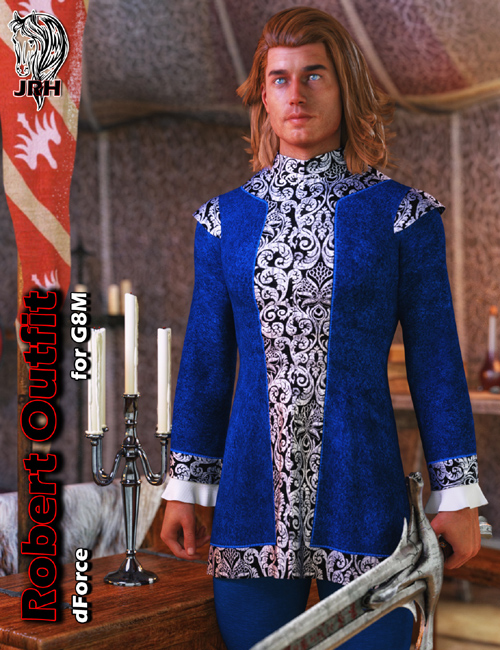
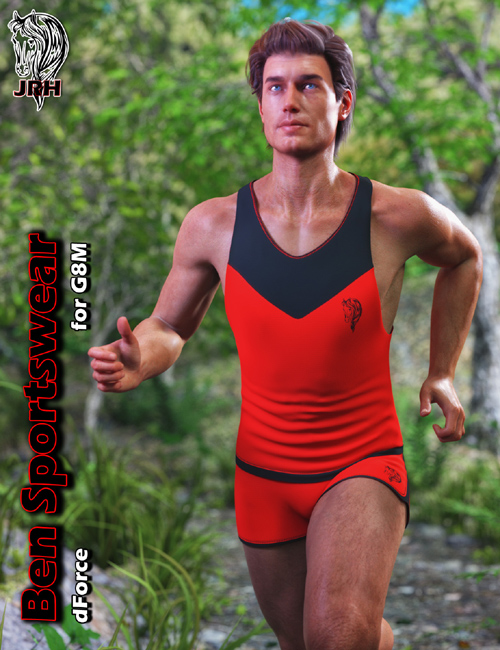
This is a Sportswear.
Outfit includes 2 parts: Top, Shorts.
**********************************************************************************************************
Installation & Usage Instructions:
To make sure all content gets installed properly, unzip the files directly to your DAZ Studio library.
For example: "DAZ Studio/My Library" or "DAZ Studio/Content"
1 Load Genesis 8 Male.
2 Go to People -> Genesis 8 Male-> Clothing -> JRH dForce Ben Sportswear.
3 Load the clothing by double-clicking on the outfit parts.
4 Material Presets are located in "Iray Materials" within the outfit parent directory.
**********************************************************************************************************
Morphs Included:
Bodybuilder Size
Body Size
Emaciated
Fitness Size
Heavy
Thin
Lithe
Portly
Stocky
Darius 8
Edward 8
Lee 8
Lucas 8
Michael 8
Owen 8
Vladimir 8
Scar 8
Other morphs fit automatically through auto-follow in Daz Studio.
SUPPORT LINK
https://www.renderosity.com/marketplace/products/151793/jrh-dforce-ben-sportswear-for-g8mDOWNLOAD
https://nfile.cc/***/151793-RO.rar.htmlYou must login to show full link. No account? Create Account