
Gentle Sin - Collection of Tender Desires
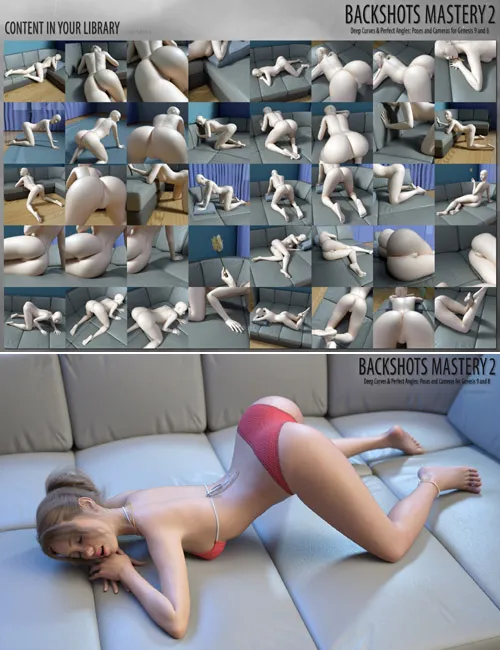
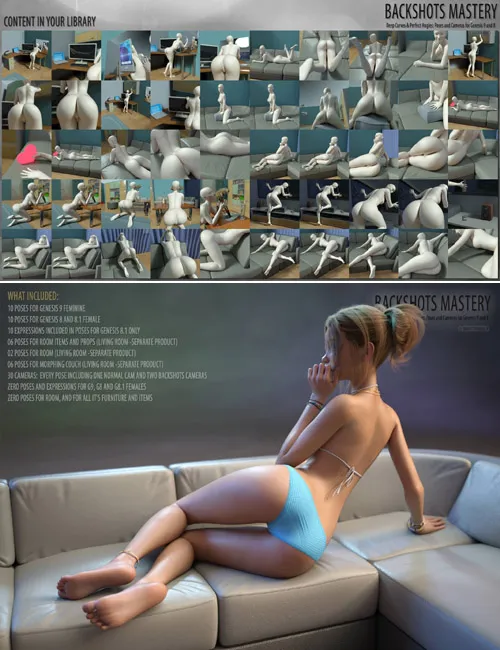
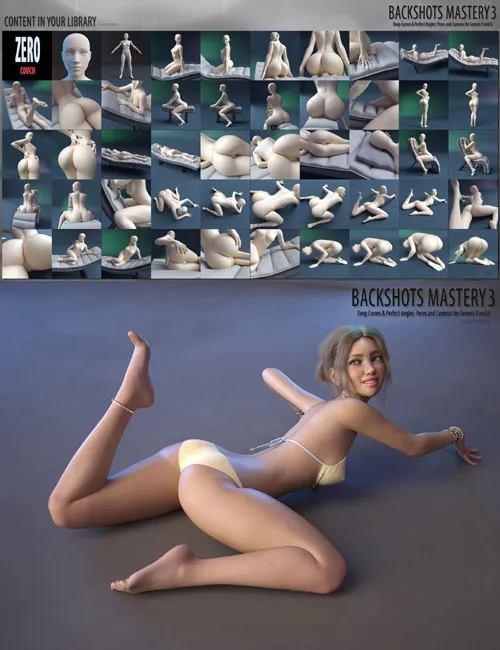
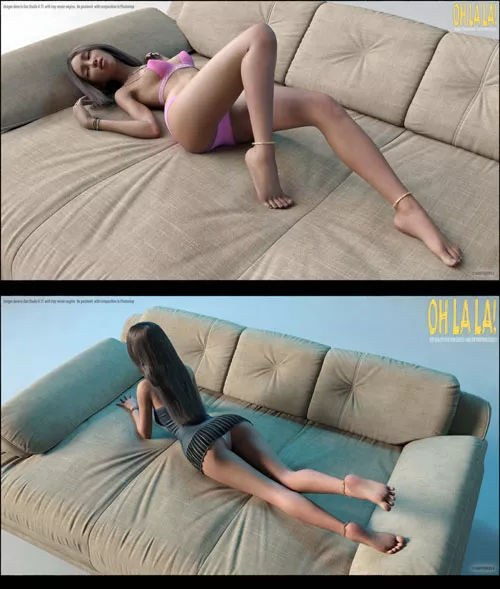


Gentle Sin - Collection Of Tender Desires: Hi quality poses designed for Genesis 9, Genesis 8, Genesis 8.1 and for Living Room furniture!
Included In This Package:
10 POSES FOR GENESIS 8 AND 8.1 FEMALE
10 POSES FOR GENESIS 9 FEMININE
10 EXPRESSIONS INCLUDED IN POSES FOR GENESIS 8.1 ONLY
10 POSES FOR COUCH AND CHAIR (LIVING ROOM -SEPARATE PRODUCT)
ZERO POSES AND EXPRESSIONS FOR G9, G8, G8.1 FEMALES
USAGE:
GENESIS 9 STANDALONE POSES USAGE:
1. Load your Genesis 9 character into scene.
2. Turn limits Off.
3. Go to your library - People\Genesis 9\Poses\sagittarius a\Gentle Sin\ and double click any icons there.
Don't forget clicking "Zero G9 pose", before applying any poses.
GENESIS 9 WITH LIVING ROOM FURNITURE USAGE:
Before usage, you should get and install Living Room for Daz Studio.
1. Load your Genesis 9 character into scene.
2. Turn limits Off.
3. Load Living room with any needful furniture into scene from \Environments\sagittarius a\LivingRoom\
4. Apply poses for Genesis 9 and for furniture. You should apply these poses, as on example below.
Example for pose 01:
Expand poses in your library - People\Genesis 9\Poses\sagittarius a\Gentle Sin\
Select your Genesis 9 character, and double click "01" icon.
Select "Couch" figure, and double click "01-Couch" icon.
GENESIS 8/8.1 STANDALONE POSES USAGE:
1. Load your Genesis 8/8.1 character into scene.
2. Turn limits Off.
3. Go to your library - People\Genesis 8 Female\Poses\sagittarius a\Gentle Sin\ and double click any icons there.
Don't forget clicking "!!Zero G8.1/8 Pose", before applying any poses.
GENESIS 8/8.1 WITH LIVING ROOM FURNITURE USAGE:
Before usage, you should get and install Living Room for Daz Studio.
1. Load your Genesis 8/8,1 character into scene.
2. Turn limits Off.
3. Load Living room with any needful furniture into scene from \Environments\sagittarius a\LivingRoom\
4. Apply poses for Genesis 8/8.1 and for furniture and props. You should apply these poses, as on example below.
Example for pose 01:
Expand poses in your library - People\Genesis 8 Female\Poses\sagittarius a\Gentle Sin\
Select your Genesis 8/8.1 character, and double click "01" icon.
Select "Couch" figure, and double click "01-Couch" icon.
SUPPORT LINK
https://www.renderhub.com/sagittarius-a/gentle-sin-collection-of-tender-desiresDOWNLOAD
https://nfile.cc/***/gentle-sin-collection-of-tender-desires.rar.htmlYou must login to show full link. No account? Create Account