
Modeling with Littlefox Part 2
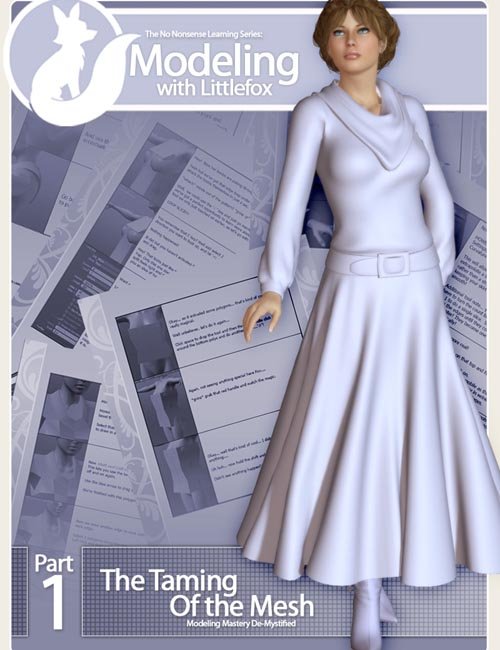
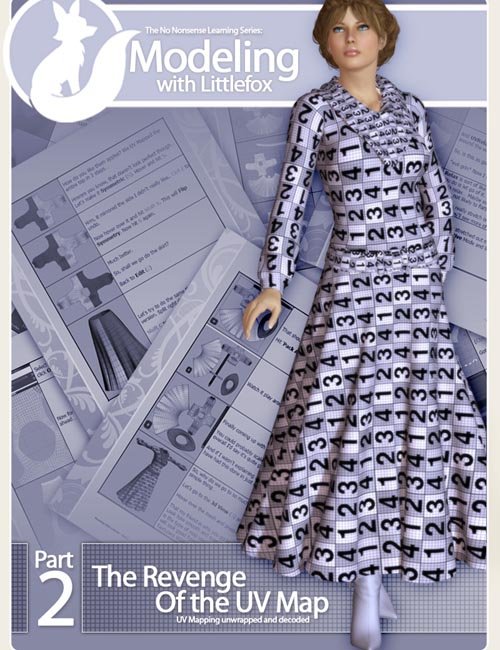
Modeling with Littlefox Part 2 is an instructional eBook for content creators, focused on UV mapping, grouping, and material zone setup for preparing a model for Poser and Daz Studio.
"How do you do that?"
"Where can I learn how to do that?"
"Can you teach me?"
I see these emails pretty often, and I try to help where I can, but teaching the fundamentals of modeling in a new program to a total newbie is a bit more than a one-email job. So I've created this series to help jump-start people into content creation.
With the first eBook, I walked you through making a model completely from scratch.
This installment sees you through UV mapping and setting up the model's grouping and material zones in preparation for the next eBook, which will cover rigging for Poser and DS.
In this product, you'll find a great many things that set it apart from other tutorials on the market.
I don't assume you know how to make a UV map or even entirely what one is.
It would be nice if you knew what a UV map looked like, but it's not entirely necessary. I'll be offering a short explanation that hopefully will make sense to everyone. Newbies especially!
I don't focus on tools, I focus on getting the project going.
In this tutorial, we start off with setting up the model so it has enough resolution for Poser or DS. From there, we go straight into a quick discussion of what UV mapping on a model is, then straight into making a UV map for the dress you created in the previous tutorial.
I do teach tools and technique in action, not in theory.
No encyclopedia of tools!
No tool-by-tool dissection of what every dial does!
As with the first tutorial, I'm going to be teaching you the tools you'll actually use and how to use them without spending time on every single dial, switch, or tool in the toolbox.
I do teach you by doing an actual product-quality dress!
As with the first tutorial, we're continuing on with an actual dress into mapping rather than teaching you how to map boxes and expecting you to make the leap to working on a dress all by yourself.
I do go step-by-step. Every single one of them!
If we use a tool, it's right there what I used and how to get at it.
Not every tool in the book, just the ones you need. And I'm not going to skip steps and just assume you can keep up. Nope, we're going start to finish. Every step I do is illustrated and explained so that you can do it yourself!
Bonus
A step-by-step in UVLayout!
Not only do I walk you through how to UV map in Modo, but I also do it in my preferred mapping tool, UVLayout!
If you have not heard me gushing over this program, you probably haven't been paying attention.
However, I've heard many people have difficulty getting started with it, so I did a second section of the tutorial specializing in UVLayout techniques.
Now it's not everything; heavens, that would take ages, but it is everything you need to do this project and to get yourself started on one of the most powerful UV mapping tools available!
SUPPORT LINK
https://web.archive.org/web/20120116042820/http://www.runtimedna.com/Modeling-with-Littlefox-LF-Part-2.htmlDOWNLOAD
https://nfile.cc/***/LF-124.rar.htmlYou must login to show full link. No account? Create Account