
Backshots Mastery 4 - Deep Curves & Perfect Angles Poses
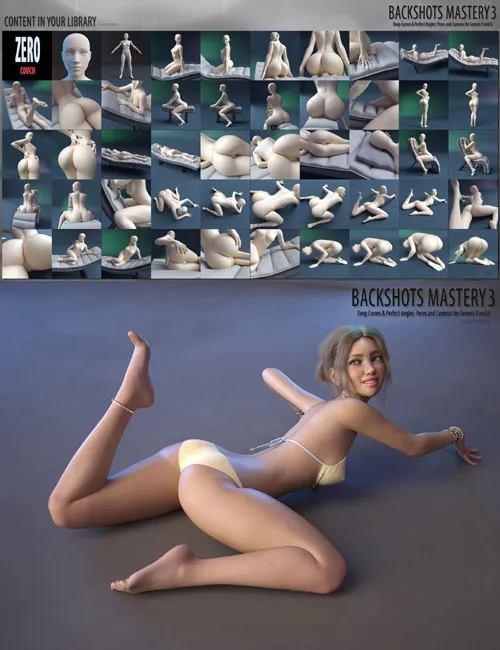
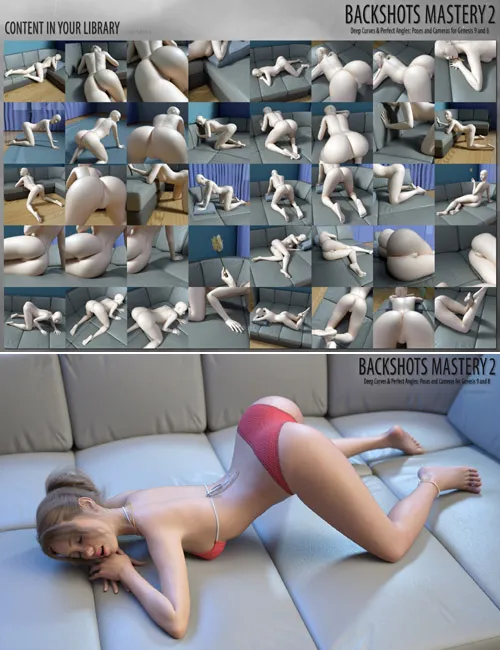
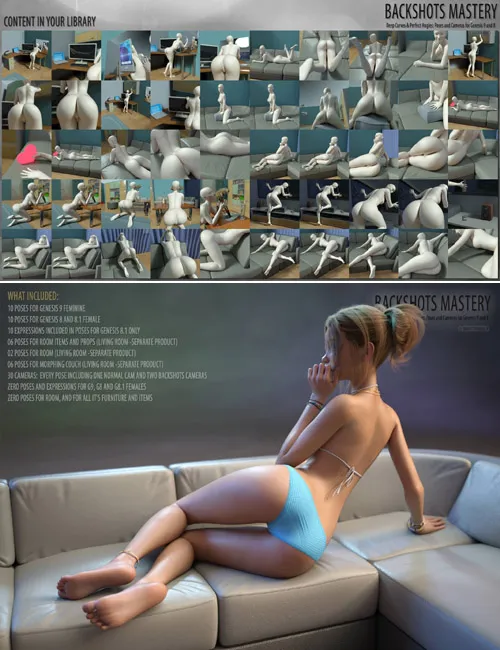
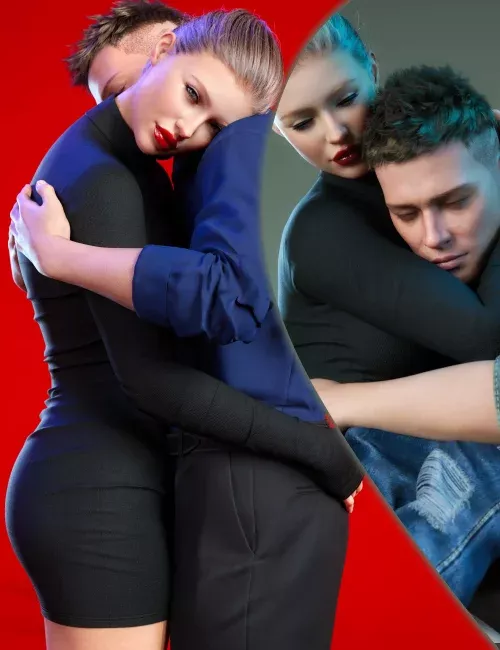
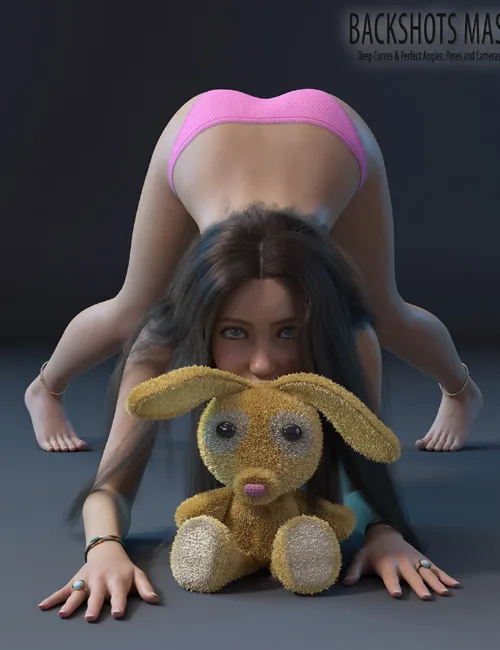
Backshots Mastery 4 - Deep Curves & Perfect Angles:
Hi quality Poses and Camera sets designed for Genesis 9, Genesis 8, Genesis 8.1 and for Happy Bunny Figure!
Is a collection of poses where every single shot is designed with one clear goal — to put her ass in the center of attention.
No random angles. Only deep arches, perfect camera views, and highly provocative poses that celebrate the female backside.
Deep curves, round shapes, teasing positions and powerful backshots — created for those who love the rear view above all else.
Perfect for sexy renders, solo worship, dynamic shots and truly hot content.
Included In This Package:
10 POSES FOR GENESIS 9 FEMININE
10 POSES FOR GENESIS 8 AND 8.1 FEMALE
10 EXPRESSIONS INCLUDED IN POSES FOR GENESIS 8.1 ONLY
09 POSES FOR HAPPY BUNNY (SEPARATE PRODUCT)
30 CAMERAS: EVERY POSE INCLUDING ONE NORMAL CAM AND TWO BACKSHOTS CAMERAS
ZERO POSES AND EXPRESSIONS FOR G9, G8 AND G8.1 FEMALES
ZERO POSE FOR HAPPY BUNNY
INSTALLATION INSTRUCTIONS:
Unzip into your Daz Studio Content directory; make sure "use folder names" option is checked.
I would like to read your reviews!!!
USAGE:
GENESIS 9 STANDALONE POSES USAGE:
1. Load your Genesis 9 character into scene.
2. Turn limits Off.
3. Go to your library - People:Genesis 9:Poses:sagittarius a:Backshots Mastery 4: and double click any icons there.
Don't forget clicking "Zero G9 pose", before applying any poses.
Example usage for pose "03":
Expand your library - People:Genesis 9:Poses:sagittarius a:Backshots Mastery 4:
Select your Genesis 9 and double click "03" icon
Click "03 Camera1". Normal Camera will automatically load into scene with all settings ready for use.
Click "03 Camera2". Backshot Camera will automatically load into scene with all settings ready for use.
Click "03 Camera3". Backshot Camera will automatically load into scene with all settings ready for use.
GENESIS 9 WITH HAPPY BUNNY AND CAMERAS USAGE:
Before usage, you should get and install Happy Bunny Figure for Daz Studio.
1. Load your Genesis 9 character into scene.
2. Turn limits Off.
3. Load Happy Bunny into scene from: Props:Happy Bunny: by double click "Happy Bunny"
4. Apply poses for Genesis 9 and for Happy Bunny and camera settings. You should apply these poses, as on example below.
Example for pose 03:
Load "Pillow" prop into scene from: People:Genesis 9:Poses:sagittarius a:Backshots Mastery 4:Props: by clicking "Pillow" icon.
Expand poses in your library - People:Genesis 9:Poses:sagittarius a:Backshots Mastery 4:
Select your Genesis 9 character, and double click "03" icon.
Select "Happy Bunny" figure, and double click "03 Happy Bunny" icon.
Select "Pillow" prop, and double click "03-Pillow" icon.
Click "03 Camera1". Normal Camera will automatically load into scene with all settings ready for use.
Click "03 Camera2". Backshot Camera will automatically load into scene with all settings ready for use.
Click "03-Camera3". Backshot Camera will automatically load into scene with all settings ready for use.
GENESIS 8/8.1 STANDALONE POSES USAGE:
1. Load your Genesis 8/8.1 character into scene.
2. Turn limits Off.
3. Go to your library - People:Genesis 8 Female:Poses:sagittarius a:Backshots Mastery 4: and double click any icons there.
Don't forget clicking "Zero G8/8.1 pose", before applying any poses.
Example usage for pose "03":
Expand your library - People:Genesis 8 Female:Poses:sagittarius a:Backshots Mastery 4:
Select your Genesis 8/8.1 and double click "03" icon
Click "03 Camera1". Normal Camera will automatically load into scene with all settings ready for use.
Click "03-Camera2". Backshot Camera will automatically load into scene with all settings ready for use.
Click "03-Camera3". Backshot Camera will automatically load into scene with all settings ready for use.
GENESIS 8/8.1 WITH HAPPY BUNNY AND CAMERAS USAGE:
Before usage, you should get and install Happy Bunny Figure for Daz Studio.
1. Load your Genesis 8/8.1 character into scene.
2. Turn limits Off.
3. Load Happy Bunny Figure into scene from: Props:Happy Bunny: by double click "Happy Bunny"
4. Apply poses for Genesis 8/8.1 and for Happy and Pillow and camera settings. You should apply these poses, as on example below.
Example for pose 03:
Load "Pillow" prop into scene from: People:Genesis 8 Female:Poses:sagittarius a:Backshots Mastery 4:Props: by clicking "Pillow" icon.
Expand poses in your library - People:Genesis 8 Female:Poses:sagittarius a:Backshots Mastery 4:
Select your Genesis 8/8.1 character, and double click "03" icon.
Select "Happy Bunny" figure, and double click "03 Happy Bunny" icon.
Select "Pillow" prop, and double click "03-Pillow" icon.
Click "03 Camera1". Normal Camera will automatically load into scene with all settings ready for use.
Click "03-Camera2". Backshot Camera will automatically load into scene with all settings ready for use.
Click "03-Camera3". Backshot Camera will automatically load into scene with all settings ready for use.
SUPPORT LINK
https://www.renderhub.com/sagittarius-a/backshots-mastery-4-deep-curves-perfect-angles-posesDOWNLOAD
https://nfile.cc/***/backshots-mastery-4-deep-curves-perfect-angles-poses.rar.htmlYou must login to show full link. No account? Create Account