
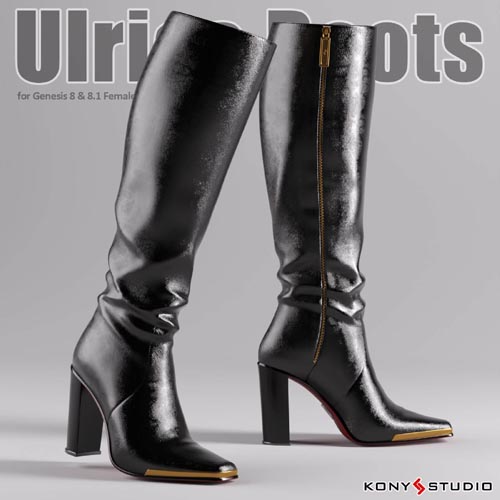
Ulrica Boots For Genesis 8 and 8.1 Female
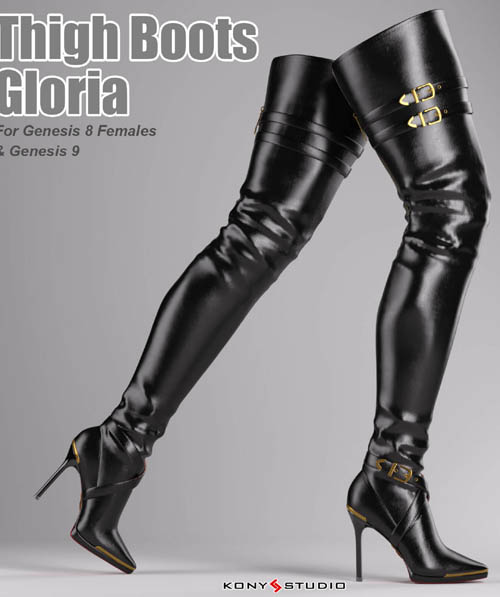

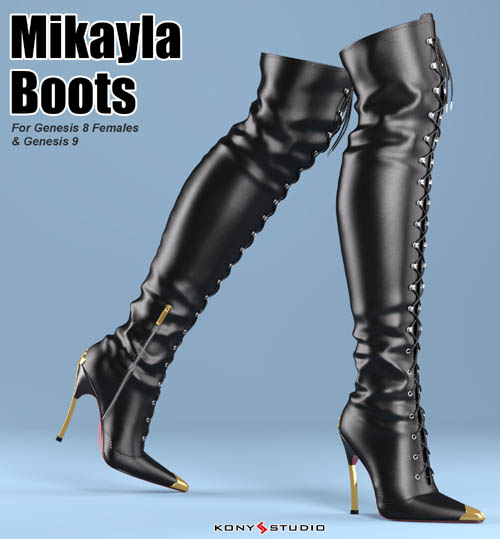
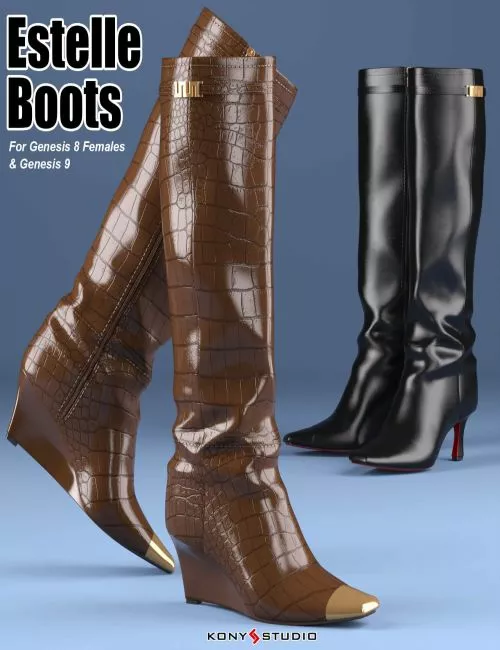

Information:
This product was tested in Daz Studio 4.9 on PC.
This product was not tested on a MAC system.
If you should have any problems to get this package working correctly, please feel free to contact me. (through PM or E-Mail)
System Requirements
This product was created for Daz Studio 4.9.
This product will need Genesis 8 Female at DAZ3d.
Most Gensesis 8 Female characters (including Genesis 8.1 Female) can use this product
Items that include in this product:
Conforming Footwear figure "Ulrica Boots"
G8F Pose "Foot Pose" & "Foot Pose Reset"
18 Shoes Styles,2 zip styles, 6 heel styles, 3 Sole styles, 2 trim styles & 2 logo styles in Iray materials
Contained Genesis 8 Female body shape morphs
Contained G8F Characters Morphs:
Aiko8, Victoria 8, CJ8, Kanade 8, Teen Josie 8, IChigo,
Teen Jane 8, Kala8, Olympia 8, Alexandra 8, Josephene 8
Most other body shape morphs can be fit with
Daz Studio's Auto-follow
"Shin Longer", "Adjust Shin", "Adjust Shin Top", "Adjust Ankle", "Adjust Knee", "Heel Style" & "Toe Styles" morphs can be used to change the shape of the boots or fix some fit problem on the boots.
Texture template JPG file for Ulrica Boots (in textures directory)
This Readme file in Documentation directory
Installation & Usage Hints
To install, unzip all the files to your Daz Studio Library.
To use, just select the G8F/G8.1F figure in your scene, then double click the "Ulrica Boots" figure to apply the boots figure to the G8f figure,and double click the "Foot Pose for Ulrica Boots" to apply the foot pose to the G8f figure.
"Shin Longer", "Adjust Shin", "Adjust Shin Top", "Adjust Ankle", "Adjust Knee", "Heel Style" & "Toe Styles" morphs can be used to change the shape of the boots or fix some fit problem on the boots.
If your want to remove the Ulrica Boots figure, select the boots figure in your scene and right click to delete it, and select the G8f figure, double click the "Foot Pose Reset" in Ulrica Boots library directory to reset the G8f figure foot pose.
SUPPORT LINK
https://www.renderhub.com/kony-studio/ulrica-boots-for-genesis-88-1-femaleDOWNLOAD
https://nfile.cc/***/renderhub-Ulrica-Boots-G8-8.1F.rar.htmlYou must login to show full link. No account? Create Account