
DA Iray Fabric Shaders Leather and Cloth
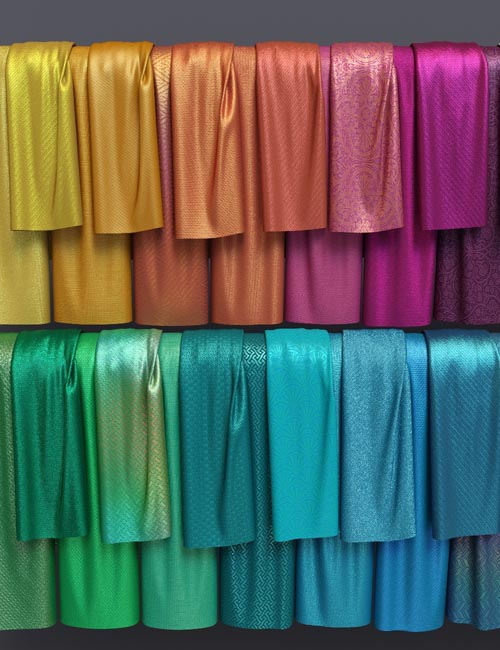
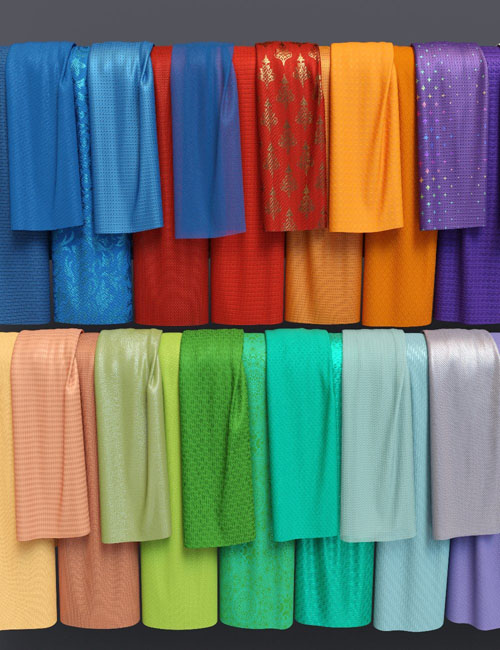
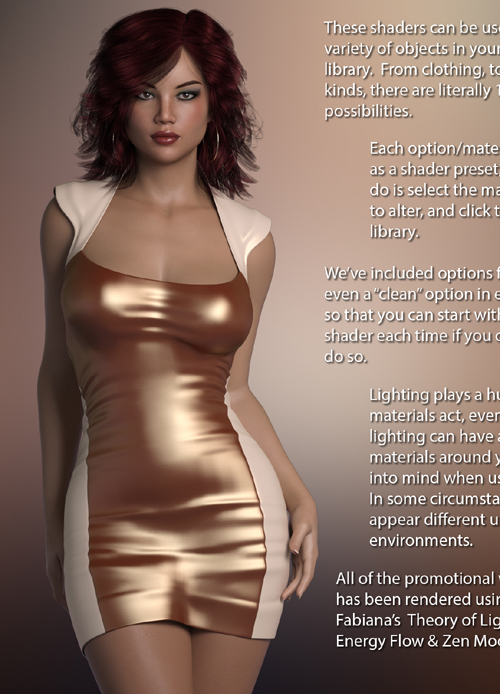
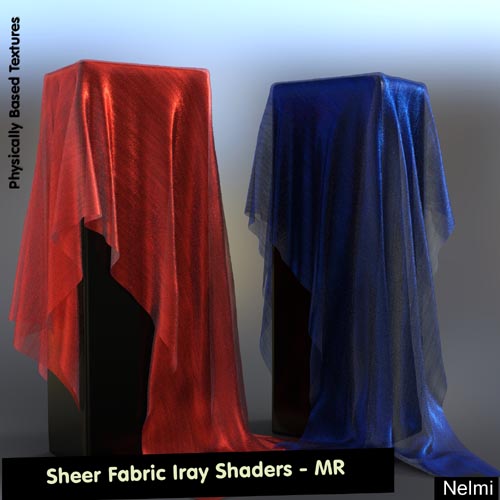
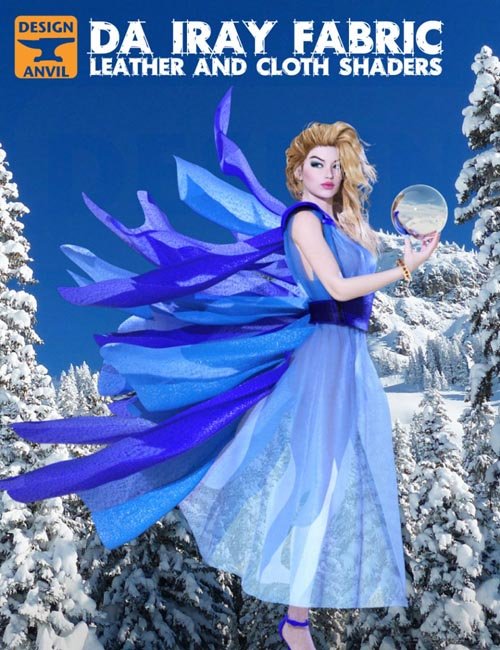
This Design Anvil Fabric pack contains easy too use cloth and leather shaders for use on any surface or clothing item in your content library.
Each shader has two versions for both the leather and cloth base the first type (Base Shader) applies the base surface shader removing the existing surface settings. The second type (Converter) applies the surface shader but preserves any existing diffuse, bump, displacement or opacity maps. Creating a conversion of the existing surface.
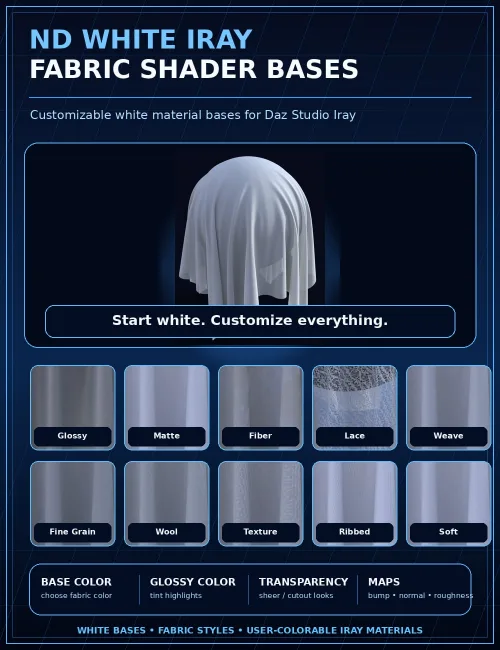
Each shader is customizable by a set of partial shader modifiers which work with any of the shaders. The partial shader modifiers let you modify aspects of the newly applied fabric shader adding Glossiness, Translucency, Transparency or Softness.
Also included are a set of Scale Presets which adjust the tightness of the fabric a low scale will make the textural qualities larger and a higher scale will tighten the weave for very fine fabric types. Using the modifiers it's possible to create a diverse range of fabric types like Glossy leather, Matte leather, Gossamer, Cotton, Canvas, Linen, Primitive weaves, Felt, etc. and many more. Scale presets are included in two types the first multiplies all Horizontal and vertical channels of surface for use with the Base shaders and the second multiplies only the fabric Horizontal and vertical tile channels leaving Diffuse and Opacity set at 1to1.
The shaders utilize detailed normal maps to add details to the fabrics. Individual Tilers for Diffuse, Fabric and Opacity have been added to the shader to give more control and allow the converter to maintain a 1 to 1 texture for Diffuse and opacity, but allow the fabric to scale individually letting the partial shader modifiers work correctly even with a converted surface.
A sample work flow would be to select the surface of the required item, apply the Cloth shader base, use the modifiers to alter the look to the desired fabric type. Then choose from over 130 included colours or simply use the colour channels to dial your own. Or even add your own tileable texture map.
SUPPORT LINK
https://daz3d.com/catalog/product/view/id/22780DOWNLOAD
https://nfile.cc/***/22780.rar.htmlYou must login to show full link. No account? Create Account