
Texture Transformer Male Add-on Pack
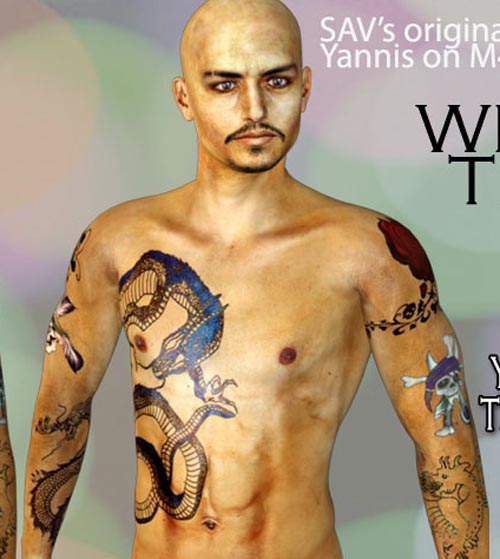
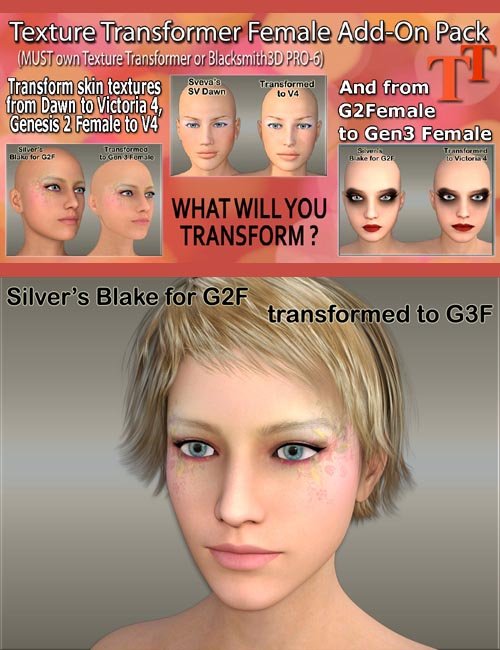
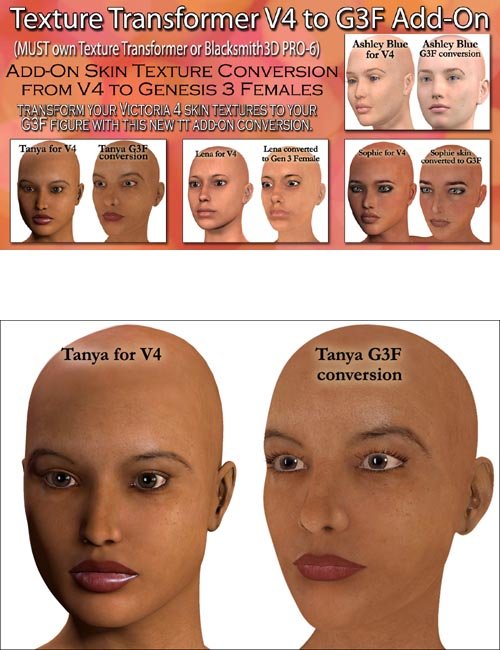
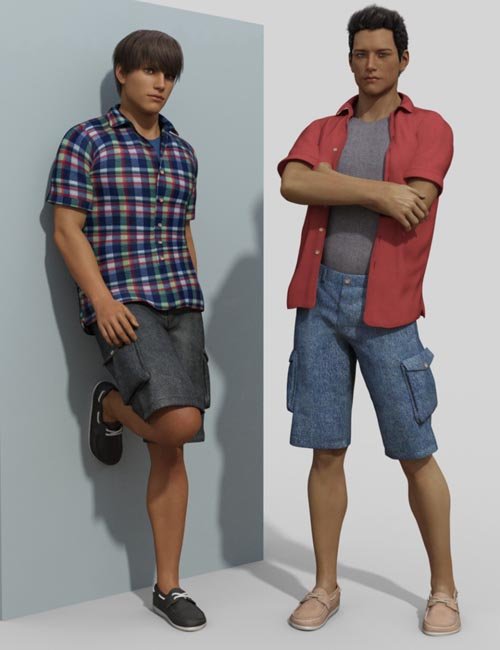

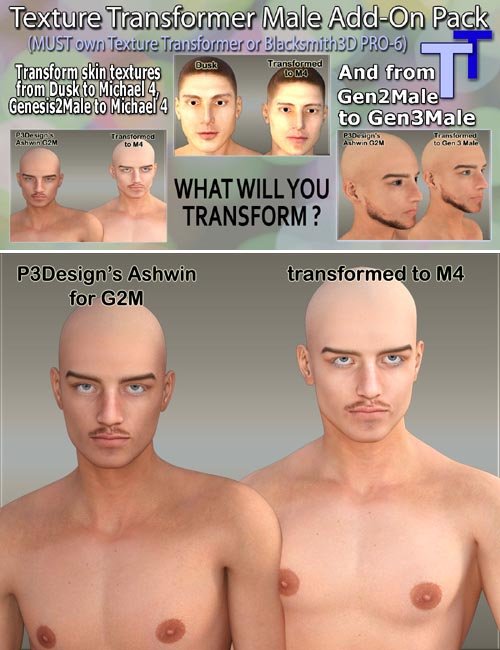
This Male Add-on Pack for Texture Transformer version 1 and version 2
This pack includes new conversions for:
- Dusk to Michael 4,
- Genesis 2 Male to Michael 4
- & Genesis 2 Male to Genesis 3 Male
**PLEASE NOTE: the Gen2 Male CR2 files must be exported from DAZ Studio or Poser using the base resolution (no subdivisions) AND must use the default UVs created in Daz Studio. The UVs have to be the original DS set and the polygon count has to be the original as well. If the character has a different UV set, then that will generate an obj with a different OBJ file name, in which case Texture Transformer may not recognize the source file or be able to make a proper texture transformation.
An update to Blacksmith3D (B3D) and Texture Transformer (TT) is needed before Dusk cr2 files exported from Daz Studio will work. This update is scheduled to come out in about a month.
Please also note that if you have already bought any of the add-on packs, you do not need to buy new add-on packs. The add-on packs already in our store have the new TT v2 packs on them. Please be careful to get only the ones that start with ' TTv2 ' since the old packs are also there (for the people who may not upgrade).
The files within this zip are an 'Add-On' support for the existing Texture Transformer stand alone software and our Blacksmith3D PRO-6 software. You will need to have purchased a license for either Blacksmith3D PRO-6 or
Texture Transformer in order to use these files.
You may use this conversion in the trial/demo mode, but the transformed skin textures will have watermarks on them so that this will not be useful without owning a license for the software.
Please note that file paths are be different depending on whether you are using TT or B3D.
Basically, there needs to be a folder called M4_To_Gen3Male in your TextureTransformerData folder to drop the
files in the zip into.
The files in the zip already have the path folder M4_To_Gen3Male, so you should simply extract them to your
TextureTransformerData folder and use the file paths option when extracting. Below are some examples of you
should find the folder.
For Texture Transformer users, you will most likely see something like this:
C:TextureTransformerTextureTransformerData
For Blacksmith3D users, you will most likely see something like this:
C:Blacksmith3D-v6.1.2.0-WinTextureTransformerData
Please watch our YouTube video tutorial at https://youtu.be/3NgSj5gj-Is for how to use Texture Transformer.
SUPPORT LINK
https://www.renderosity.com/mod/bcs/index.php?ViewProduct=114373DOWNLOAD
https://nfile.cc/***/114373.rar.htmlYou must login to show full link. No account? Create Account