
dforce - Black Widow - Genesis 8
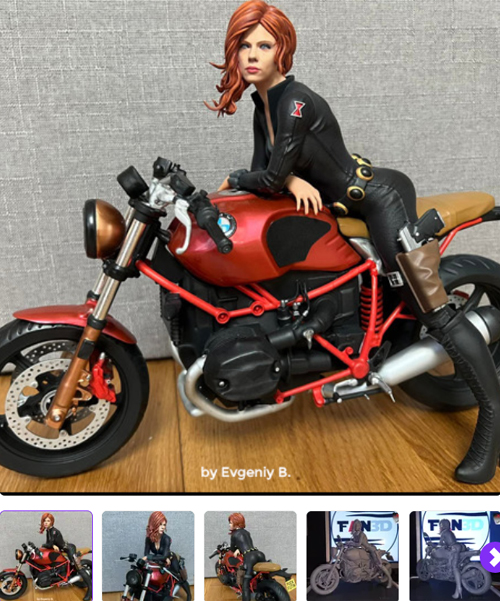
![MCU Black Widow for G8F [Guhzcoituz]](https://lazioitaly.com/2023/240308224729wfCBF.jpg)
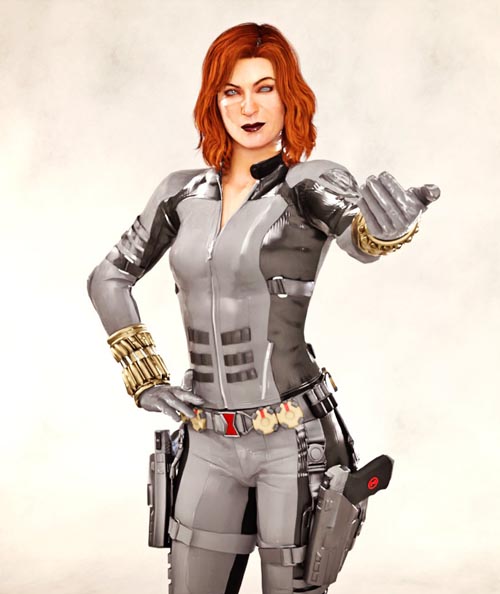
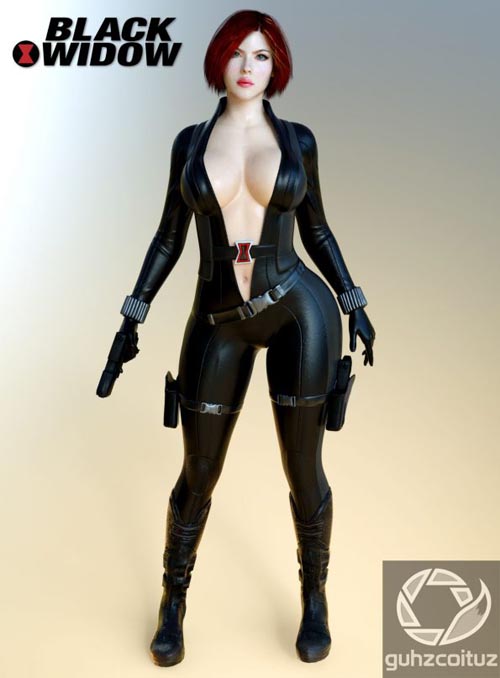
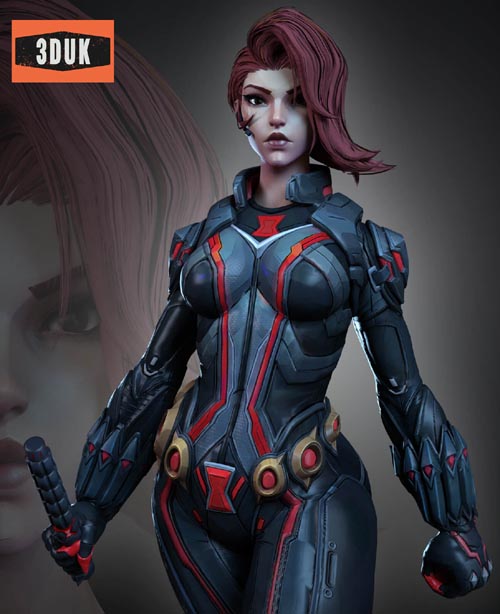
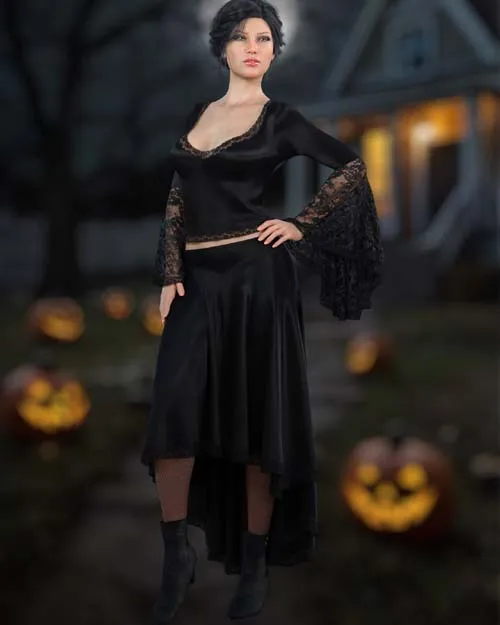
Embrace the darkness in this classic gothic inspired outfit for Genesis 8. dforce is required.
Black Widow includes:
1 Shirt for Genesis 8/8.1
1 Skirt for Genesis 8/8.1
1 Leggings for Genesis 8/8.1
1 Boots for Genesis 8/8.1
Detailed Textures
Bump and Transparency Maps
Materials:
7 Material Presets for each piece
2 Simulation Presets for the Shirt
1 Simulation Preset for the Skirt
A Variety of Adjustment morphs are included to add to ease of use.
----------------------------------------------------------------
dforce is required.
Simulations should be done using the following method:
1. Load the clothing item.
2. At frame 1 apply any style adjustments.
3. Move your timeline slider to frame 15 and apply any body shapes.
4. Move your timeline slider to frame 20 and apply your pose. Simulate using at least 60 frames for best results. More frames will allow your clothes more time to settle.
5. Animated simulation should be used with larger or more busty characters for best results. Current Frame with Shirt Tight setting is best for smaller characters.
For best results apply the foot pose after posing your character if needed.
Always apply the default simulation setting before using one of the additional simulation presets as they are only partial presets and only affect a specific surface.
Please note that when using material presets from addons by other vendors they may alter the simulation settings. For this reason it is recommended that you apply the default simulation settings preset after applying any materials from addon packages.
Clothing loads with dforce settings already applied. You can adapt them to your liking by changing them in the surfaces tab.Most body Morphs will work using autofollow technology. Some adjustment may be necessary in extreme poses or with extreme body shapes. Adjustment morphs are included to help with these situations as well as with posing. Autofollow morph results vary.
SUPPORT LINK
https://www.renderosity.com/marketplace/products/166127DOWNLOAD
https://nfile.cc/***/166127-RO.rar.htmlYou must login to show full link. No account? Create Account