
Eye lights - HDRI set 2
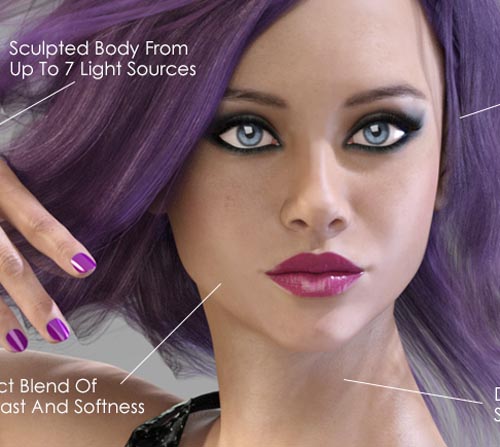
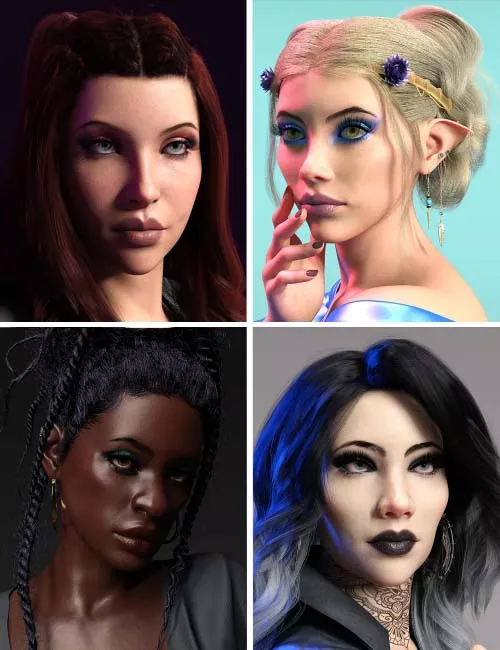

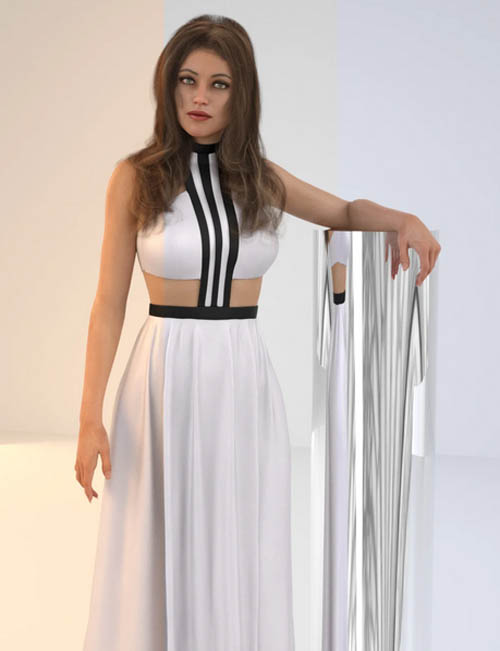
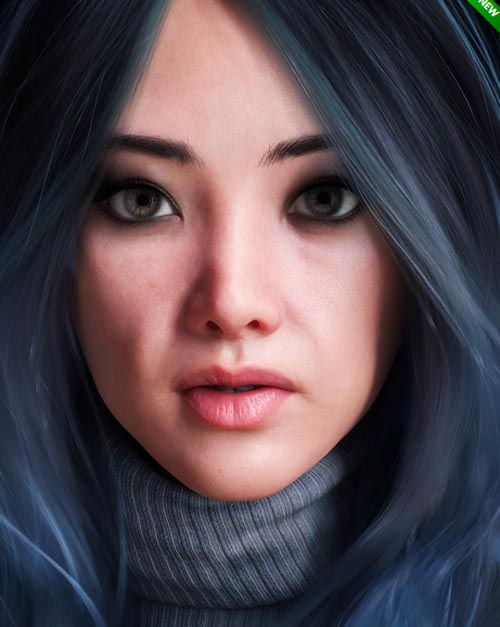
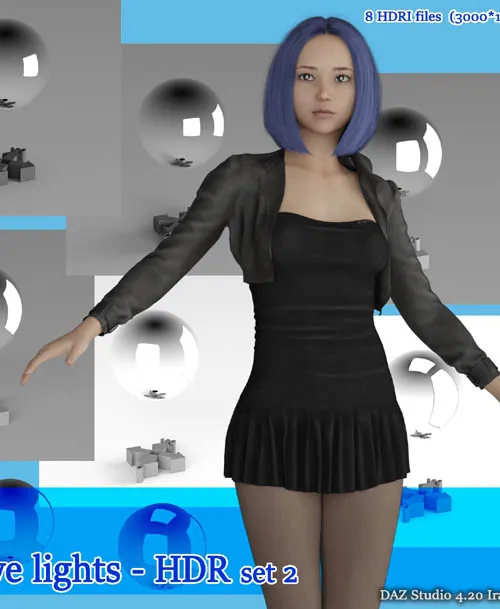
A series of HDRI files designed to reflect light into the eyes of the character when you making portrait images.
By loading these HDRI files into your rendering software (Daz Studio, Poser etc...), you can easily make reflect the light and create a catch light in your character's eyes.
The HDRI files included in this set are effective enough, but very small.
The light is all white and does not affect the color of the rendered image.
System Requirements:
Any program that can open .hdr files
Daz Studio with Iray
Poser 11 or Higher etc..
Installation Instructions:
Unzip the files.
Save the 8 * .hdr files in any folder on any drive.
Load the saved file with your rendering software.
Even if you use it in daz studio, you don't need to save the file in the daz studio library.Usage - Daz Studio:
Go The environment tab in Daz studio settings.
Click the thumbnail button for environment map, Load the HDRI (* .hdr) file.
To adjust the render brightness, adjust Environmen Intensity or the exposure in the Tonemapping tab under the render settings.
You'll need to adjust Dome Rotation to match the orientation of your figure.
Check One of the two views ( Filament Preview or Iray Preview ).
Look at the character's eyes and adjust Dome Rotation .
SUPPORT LINK
https://www.renderosity.com/marketplace/products/153927DOWNLOAD
https://nfile.cc/***/153927-RO.rar.htmlYou must login to show full link. No account? Create Account