
AJ Modern Photo Gallery
![[Blender] BlenderKit scenes pack #6](https://img.lazioitaly.com/PZNW/2025/1-198.webp)
![[Blender] BlenderKit robots pack 21](https://img.lazioitaly.com/PZNW/2026/6-13.webp)
![[Blender] BlenderKit Humanoids Pack 38](https://img.lazioitaly.com/PZNW/2026/7-30.webp)
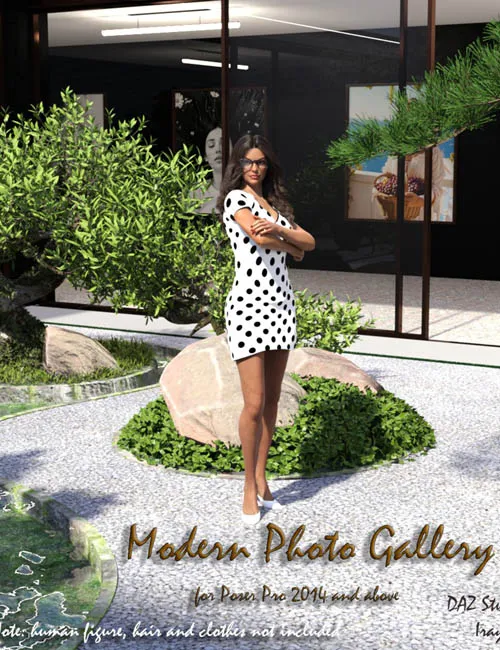
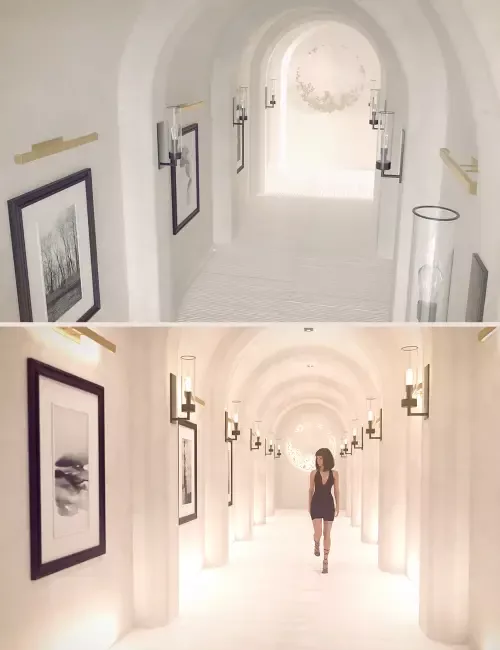
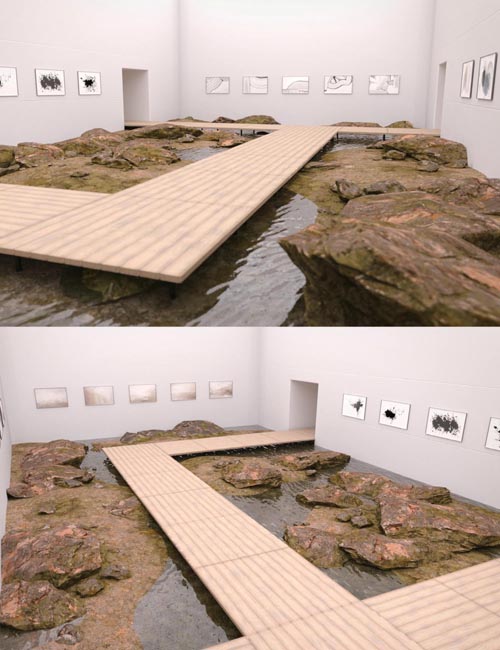
The product contains 1 figure consisting of 3 parts(base and 2 sliding doors), 5 props (3 bonsai trees, backwall and rocks with grass) and 4 mat-poses. Pose marked with "SuperFly Render" created in Poser 12 contains emissive shader and can be used in Poser 12 and Poser 13. You can open and close sliding doors of the figure using corresponding slider.
You can create your own Gallery and replace the installed pictures (photos in the gallery) with any others at your discretion. To do this, you need to replace the pictures in the texture folder «PHOTOS» with the desired ones.
(Path: Runtime>Textures>AppleJack>AJ_Modern_Photo_Gallery>PHOTOS> )
Please note that your installed images must have the same name as the ones installed in the gallery initially (mpg_photo1_BaseColor.jpg, mpg_photo2_baseColor.jpg, .....mpg_photo16_BaseColor.jpg). Your pictures (photos) must be in jpg format.and have a size of 2048x2048 or proportional to the specified dimensions. I advise you to first copy the existing folder to another location so that you can undo the changes made.
Also package contains material presets for DAZ Studio for the figure and props for using NVIDIA Iray render.
Product created for Poser Pro 2014 and above. Can be used in DAZ Studio (needs some Surfaces material tuning)
This package will be an excellent basis for your pictures and I hope that you will be able to realize your ideas and fantasies using this product and I sincerely wish you this. So - it all depends on your imagination :-) Use Image Based Lighting ( IBL ) and increase Shadow Blur Radius,
Shadow Samples and Shadow Min Bias in light Properties tab of Poser application for other
non-IBL lights. Combine this parameters to achieve best rendering results.
Before using this product in your scenes, please, disable from Poser menu: Display-Ground Shadows and Display-Guides-Ground Plane.Also disable the "Smooth polygons" checkbox before render in Render Settings!
Product includes geometry (*.obj) file in Geometries folder.
Use Poser Pro 2014 or above version of Poser application.
SUPPORT LINK
https://www.renderosity.com/marketplace/products/166333DOWNLOAD
https://nfile.cc/***/166333-RO.rar.htmlYou must login to show full link. No account? Create Account