
dforce - Split Second - Genesis 8
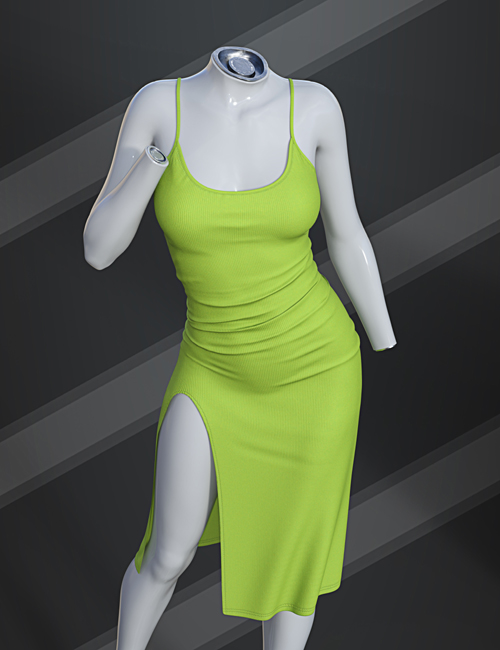
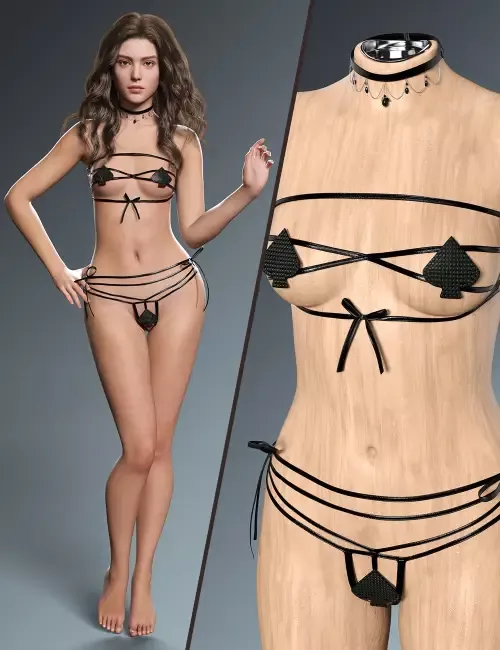
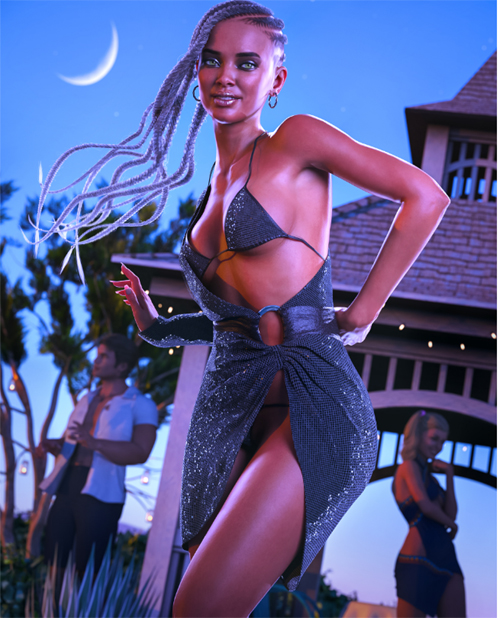
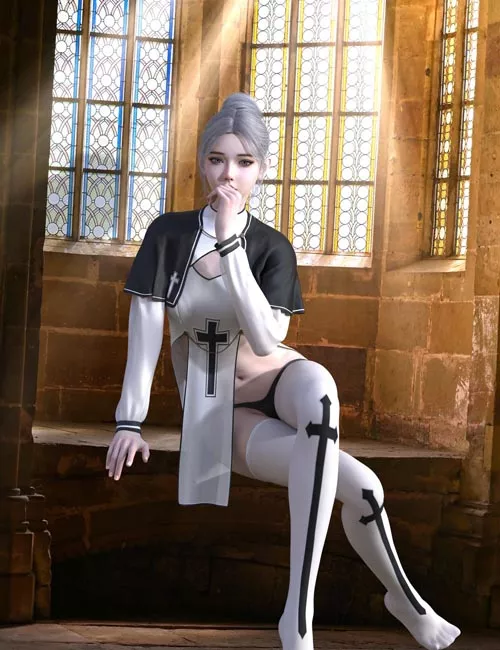
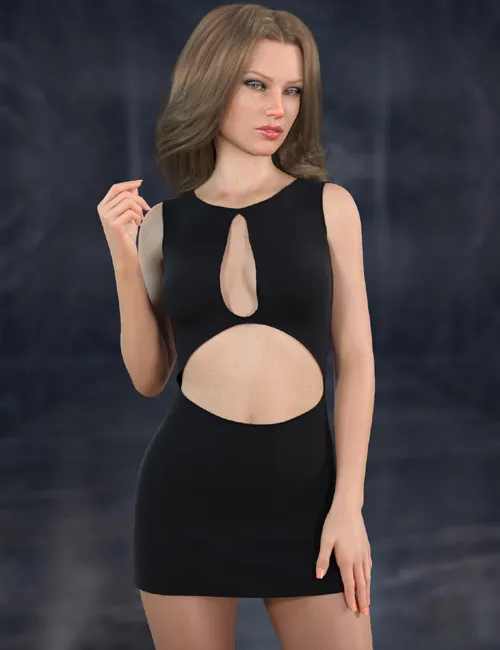
Make every entrance count with Split Second for Genesis 8. This daring,mini dress is designed for characters who command attention.
The dress features a sophisticated, streamlined silhouette that contrasts perfectly with bold, circular cutouts, one highlighting the neckline and chest, and a larger one on the midriff. This creates a powerful look of modern confidence.dforce is required.
Split Second include:
1 Dress for Genesis 8/8.1
Detailed Textures
Bump and Transparency Maps
Materials:
11 Material presets for the Dress
Simulation Settings
1 Simulation Setting for the Dress
A Variety of Adjustment morphs are included to add to ease of use. Dynamic morphs are also included. Including morphs to decrease or increase the size of the front cutout.
dForce is required.
Simulations should be done using the following method:
1. Load the clothing item.
2. At frame 1 apply any style adjustments.
3. Move your timeline slider to frame 15 and apply any body shapes.
4. Move your timeline slider to frame 20 and apply your pose. Simulate using at least 60 frames for best results. More frames will allow your clothes more time to settle.
5. Animated simulation should be used with larger or more busty characters for best results. Current frame animation is best for thin and small characters.
Please note that when using material presets from addons by other vendors they may alter the simulation settings. For this reason it is recommended that you apply the default simulation settings preset after applying any materials from addon packages.
Most body Morphs will work using autofollow technology. Some adjustment may be necessary in extreme poses or with extreme body shapes. Adjustment morphs are included to help with these situations as well as with posing. Autofollow morph results vary.
SUPPORT LINK
https://www.renderosity.com/marketplace/products/172740DOWNLOAD
https://nfile.cc/***/172740-RO.rar.htmlYou must login to show full link. No account? Create Account