
Face Mask Patterns G8 Female
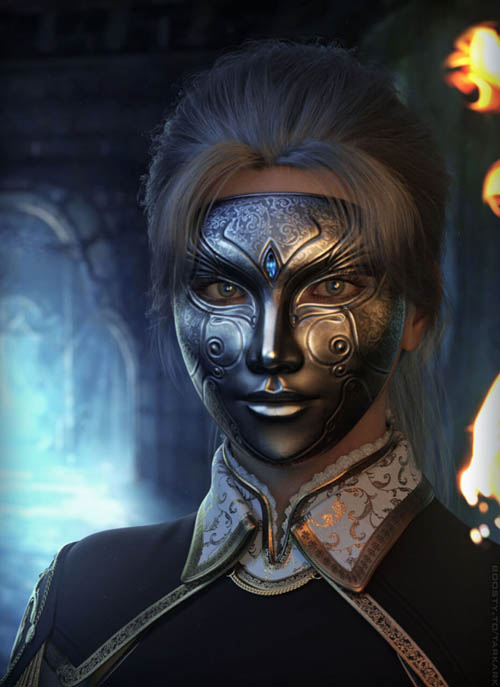
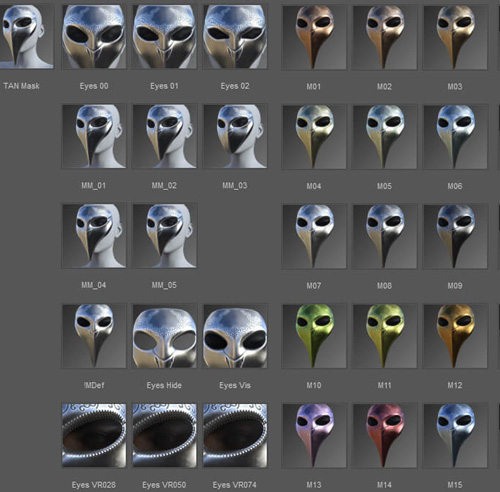
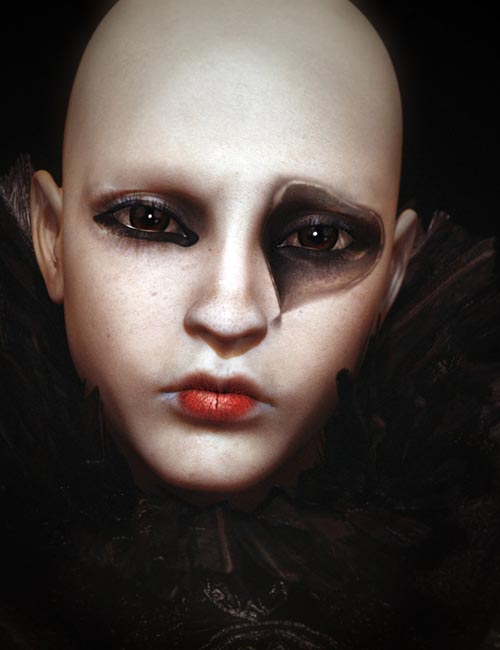
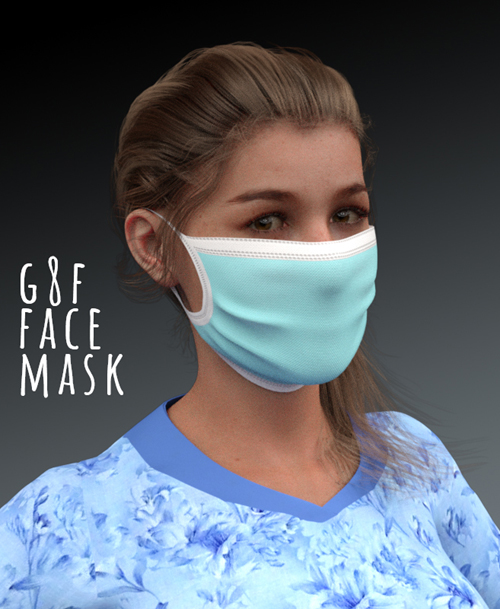
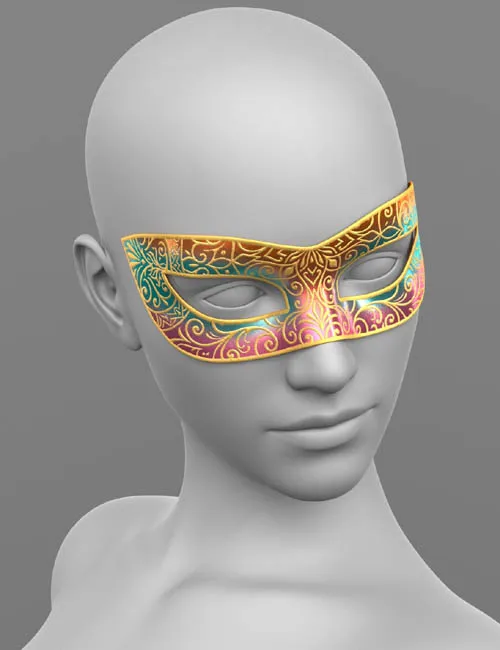
THE PRODUCT CONTAINS:
- Face_Mask_Patterns for Genesis 8
ARCHIVE CONTAINS FORMATS:
\People\Genesis 8 Female\Clothing\Elena_Shvets\Face_Mask_Patterns
- Face_Mask.duf
\People\Genesis 8 Female\Clothing\Elena_Shvets\Face_Mask_Patterns\Iray Materials
- Face_Mask_Patterns_MAT_ORANGE.duf (material)
- Face_Mask_Patterns_MAT_RED.duf (material)
\Runtime\Textures\Elena_Shvets\Face_Mask_Patterns
- Face_Mask_Patterns_AO.png (textures)
- Face_Mask_Patterns_BaseColor_ORANGE.png (textures)
- Face_Mask_Patterns_Height_ORANGE.png (textures)
- Face_Mask_Patterns_Metallic_ORANGE.png (textures)
- Face_Mask_Patterns_Normal_ORANGE.png (textures)
- Face_Mask_Patterns_Roughness_ORANGE.png (textures)
- Face_Mask_Patterns_BaseColor_RED.png (textures)
- Face_Mask_Patterns_Height_RED.png (textures)
- Face_Mask_Patterns_Metallic_RED.png (textures)
- Face_Mask_Patterns_Normal_RED.png (textures)
- Face_Mask_Patterns_Roughness_RED.png (textures)
TEXTURES (4096 x 4096 .png):
- Set textures PBR (_AO, _BaseColor, _Height, _Metallic, _Normal, _Roughness)
COLOR VARIATIONS:
The archive contains 2 color variations of the textures. All of them are presented in the preview.
- Orange
- Red
If necessary, you can easily change the color of the model by changing it in the textures _BaseColor or apply a shade to the _BaseColor texture in the DAZ program settings.
INSTALLATION INSTRUCTIONS:
- Download the Genesis 8 avatar and upload model (Face_Mask_Patterns.duf) to the scene.
- Apply the desired color of the material.
- Morphs have been added to the cheekbones and forehead for the correct fit of the mask during the application of facial morphs.
Creative success to you!
The set provides the prop dress with Mask!
SUPPORT LINK
https://www.renderosity.com/marketplace/products/170362DOWNLOAD
https://nfile.cc/***/170362-RO.rar.htmlYou must login to show full link. No account? Create Account