
dforce - Ruffle Halter Top - Genesis 9
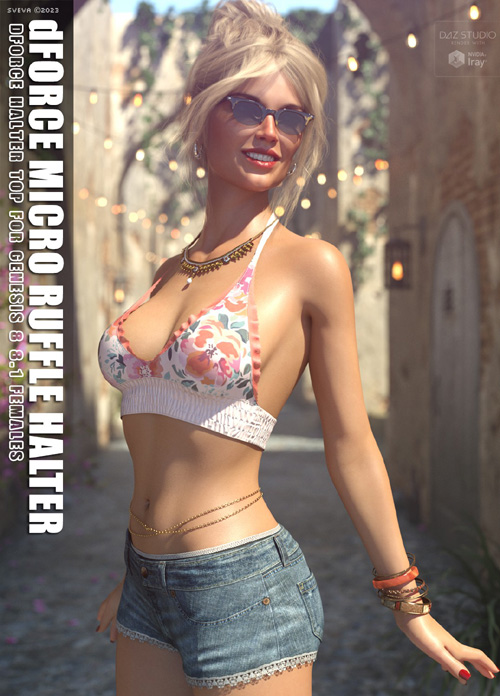
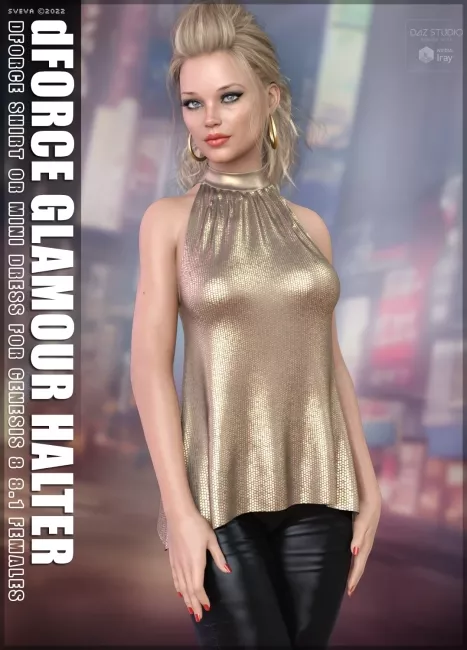
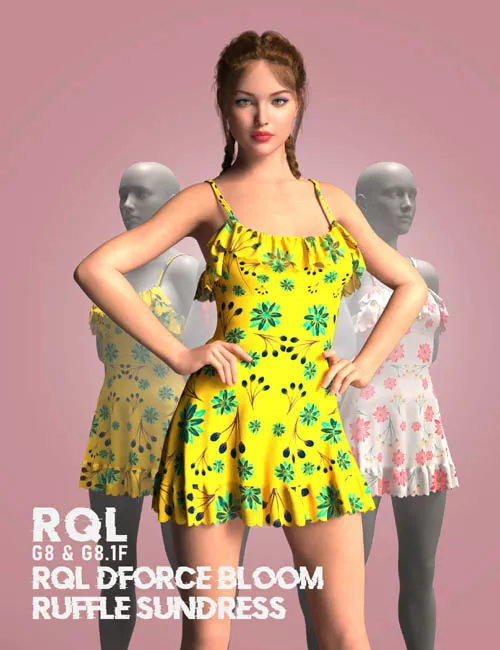
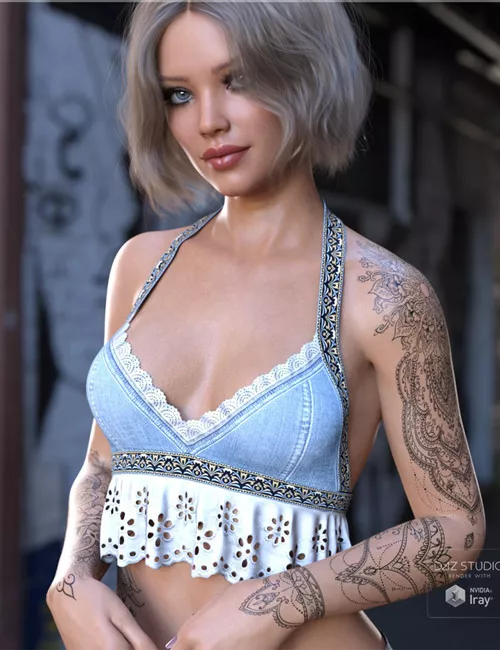
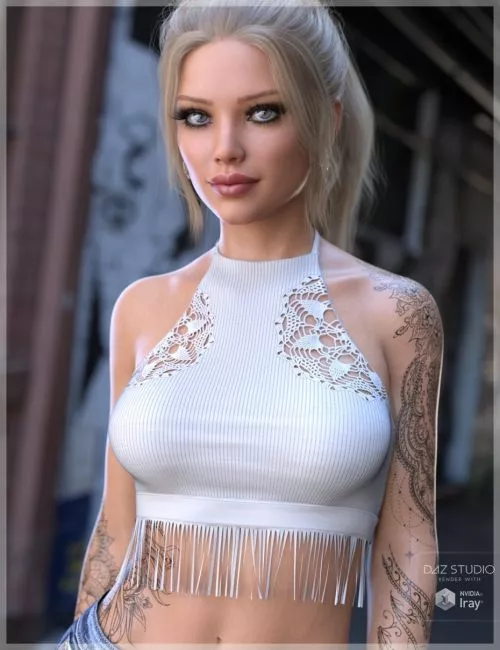
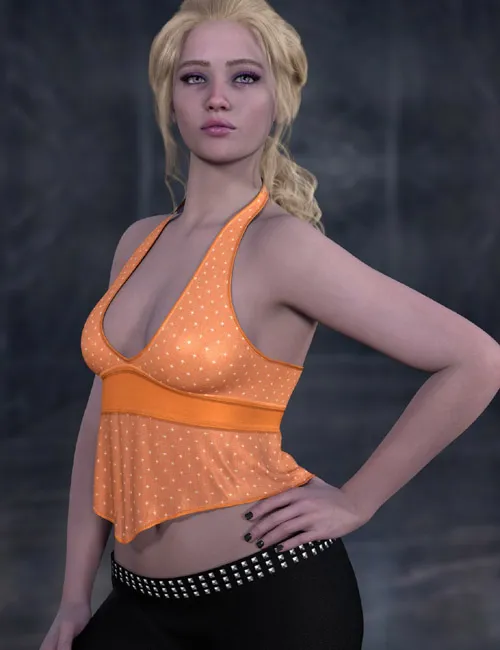
Add a touch of playful elegance and inspired charm to your digital wardrobe with the Ruffle Halter. This stylish halter-neck top features a plunging neckline, a flattering fitted midsection band, and a beautiful handkerchief-style asymmetric hemline that brings effortless movement to any render.
Whether your character is heading to a music festival, a magical night out, or a casual summer day, this versatile top transitions seamlessly between everyday chic and ethereal fantasy. dForce is included but not strictly required. Flounce looks best when simulated
Ruffle Halter include:
1 Top for Genesis 9
Detailed Textures
Bump and Transparency Maps
Materials:
14 Material presets for the Top
Simulation Settings
3 Simulation Settings for the Top
A Variety of Adjustment morphs are included to add to ease of use. Dynamic morphs are also included.
dForce is included but optional.
Simulations should be done using the following method:
1. Load the clothing item.
2. At frame 1 apply any style adjustments.
3. Move your timeline slider to frame 15 and apply any body shapes.
4. Move your timeline slider to frame 20 and apply your pose. Simulate using at least 60 frames for best results. More frames will allow your clothes more time to settle.
5. Animated simulation should be used with larger or more busty characters for best results. Current frame animation is best for thin and small characters
Please note that when using material presets from addons by other vendors they may alter the simulation settings. For this reason it is recommended that you apply the default simulation settings preset after applying any materials from addon packages.
SUPPORT LINK
https://www.renderosity.com/marketplace/products/171835DOWNLOAD
https://nfile.cc/***/171835-RO.rar.htmlYou must login to show full link. No account? Create Account