
Beguile - Genesis 8
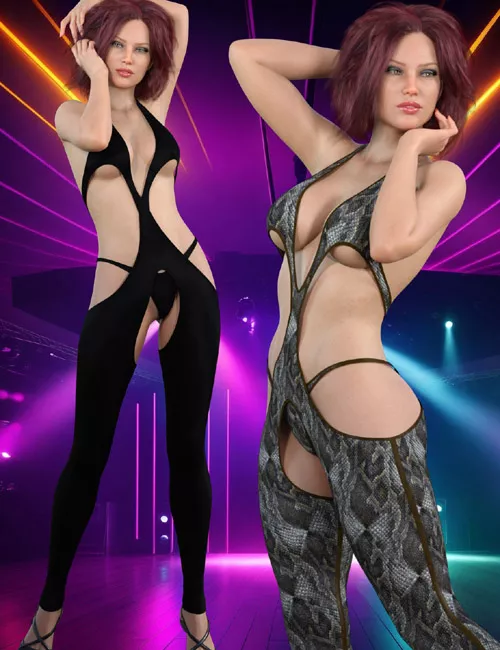
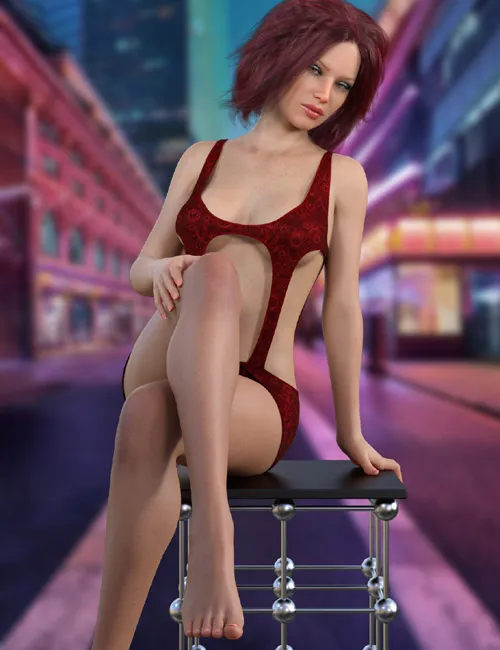
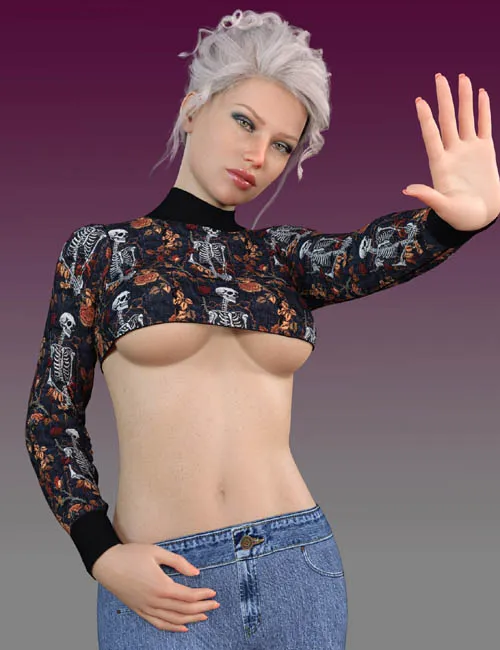
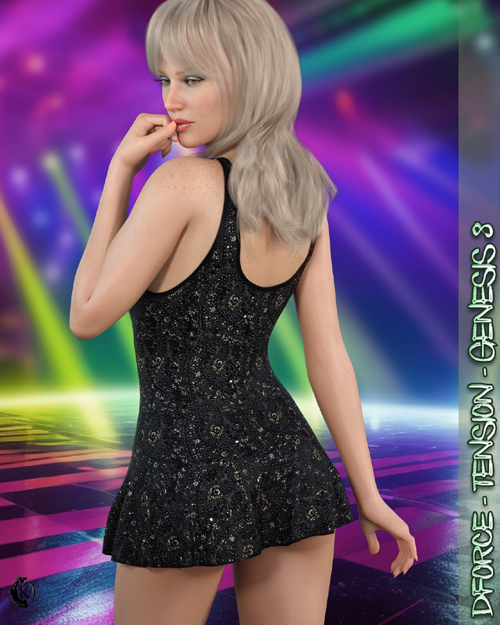
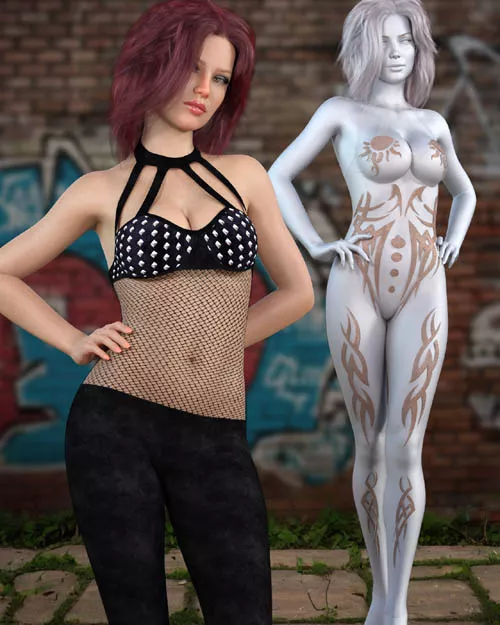
Beguile - Genesis 8 is a stylish and daring bodysuit outfit for Genesis 8 and 8.1 Female, featuring detailed materials, dForce support, and multiple customization options for fashion and character renders.
Daring and sexy, this bodysuit is perfect for your favorite pop star or exhibitionist character. You can also layer your favorite t-shirt and skirt over the sheer styles for a more modest look.
dForce is included but not required.
Beguile Includes
- 1 Bodysuit for Genesis 8/8.1
- Detailed textures
- Bump and transparency maps
Materials
- 11 material presets for the bodysuit
Simulation Settings
- 2 simulation setting presets (On and Off)
A variety of body and adjustment morphs are included for easier fitting and customization. Dynamic morphs are also included.
Simulation Instructions
- Load the clothing item.
- At frame 1, apply any style adjustments.
- Move the timeline slider to frame 15 and apply any body shapes.
- Move the timeline slider to frame 20 and apply your pose. Simulate using at least 60 frames for best results. More frames allow the clothing more time to settle.
- Animated simulation is recommended for larger or bustier characters. Current frame animation works best for thinner and smaller characters.
- Loose Simulation should be used for the expose morphs.
Please note that material presets from addon packages by other vendors may alter the simulation settings. It is recommended to reapply the default simulation settings preset after using addon materials.
SUPPORT LINK
https://www.renderosity.com/marketplace/products/169734/beguile-genesis-8DOWNLOAD
https://nfile.cc/***/169734-RO.rar.htmlYou must login to show full link. No account? Create Account