
Exnem dForce Karate Gi Outfit for Genesis 8 Female
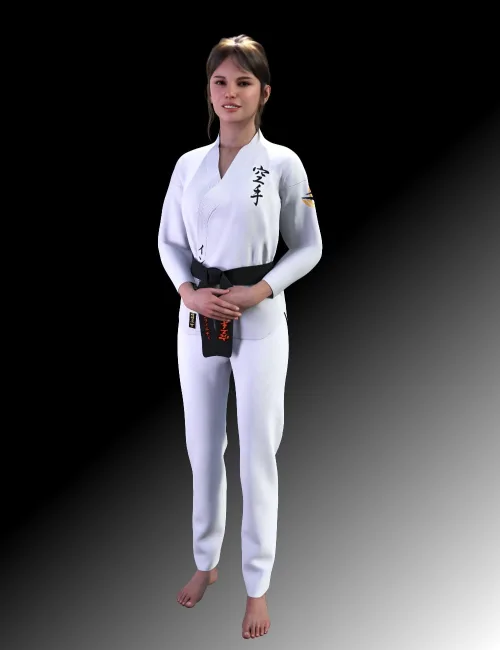
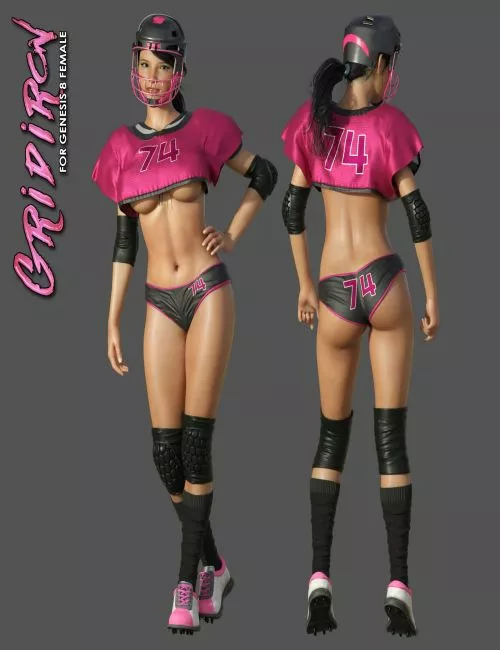
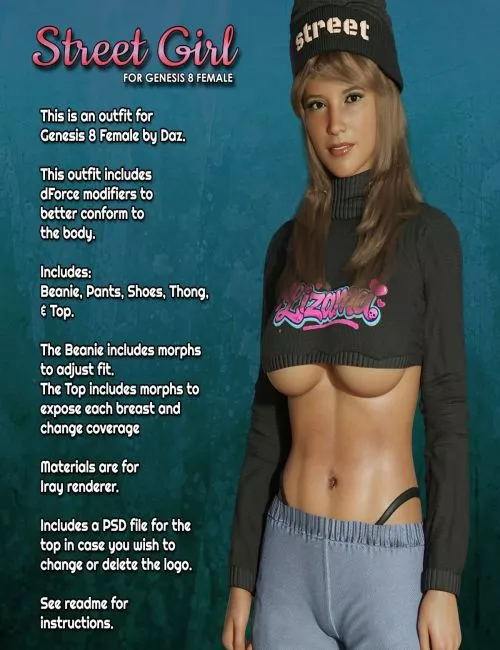
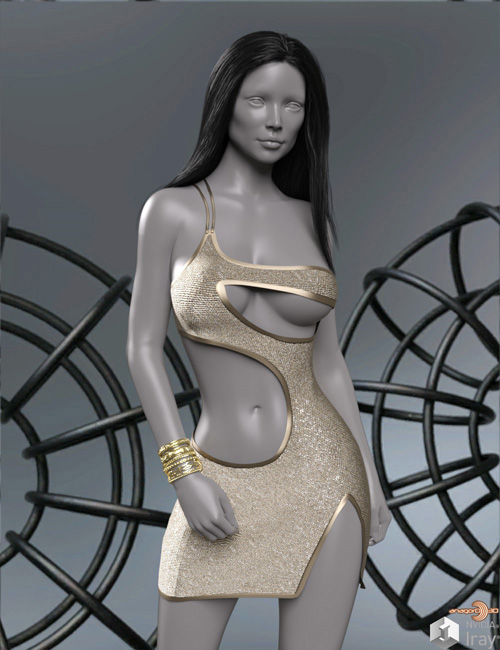
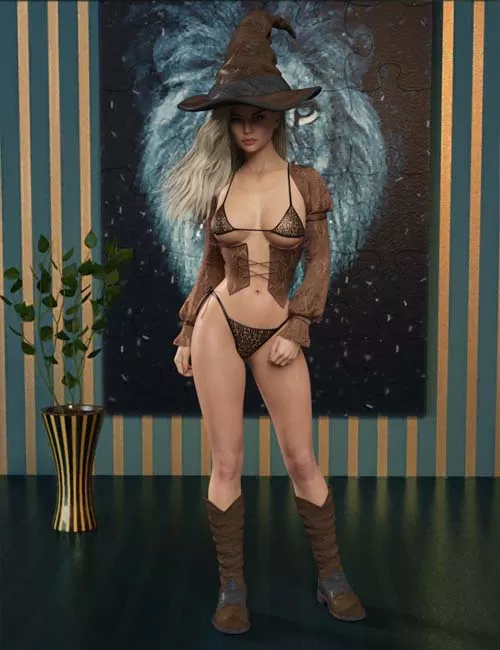
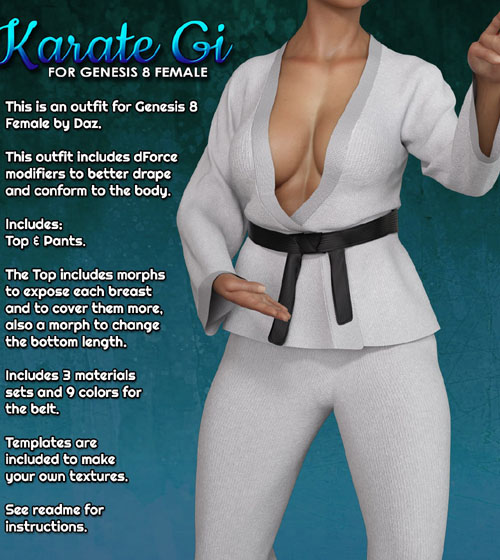
This Package contains the "Karate Gi" meshes for Daz Studio and Iray, for use with Genesis 8 Female. Each part has dForce modifiers to better conform and drape over the body.
Included are:
Karate Pants
Karate Top
Each part loads separately so you can mix and match with other sets or just load the parts you want.
The Top includes morphs to expose each breast and to cover them more, also to change the length of the bottom.
There are 3 material sets in the materials folder and 9 materials for the belt.
Included are templates so you can create your own textures.
System Requirements:
DAZ Studio 4.10+
Ownership Statement:
All of this product's content was created by Exnem
Needed Files:
Genesis 8 Female
Installation Instructions:
Extract the zip-archive with your unzip program:
- Open your unzip program and press the button -Extract To-
- Select the folder with you DAZ Studio libraries (e.g.: C:\Users\Public\Documents\My DAZ 3D Library)
- Make sure that an option to extract full paths is selected to make sure you keep the right folder structures within your DAZ folder.
Usage Tips or Limitations:
To use correctly you have to follow this steps for each part:
1) Load your Genesis 8 figure (it may be already morphed if you wish)
2) Load the outfit part by double clicking while the G8 Figure is selected.
3) Apply the materials you want from the Materials folder.
4) Simulate at your pose's frame and give extra 30 or 60 frames to settle.
SUPPORT LINK
https://www.renderosity.com/marketplace/products/165425DOWNLOAD
https://nfile.cc/***/165425-RO.rar.htmlYou must login to show full link. No account? Create Account