
Aegis Sword II for Genesis 3 & 8 Females
by BBlK | on 28-Feb-24 | 0 comments |
Related Articles
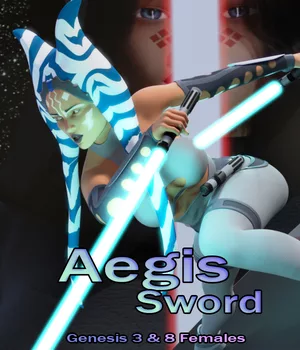
Aegis Sword for Genesis 3 & 8 Females 3D Figure Assets TheNextLevel01
Aegis Sword for Genesis 3 & 8 Females is the ultimate...
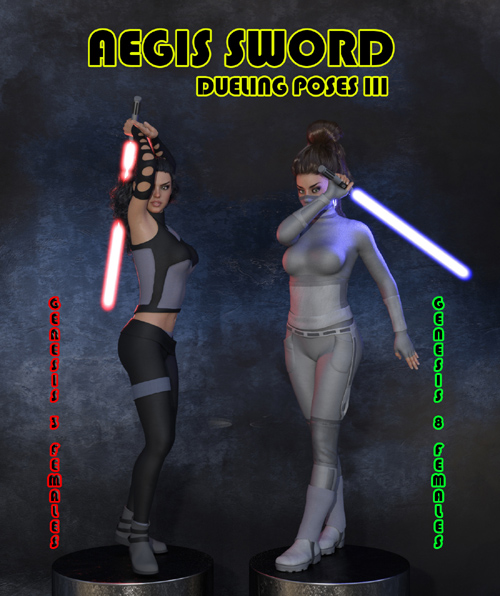
Aegis Sword: Dueling Poses III for Genesis 3 & 8 Females
Aegis Sword: Dueling Poses III for Genesis 3 & 8...
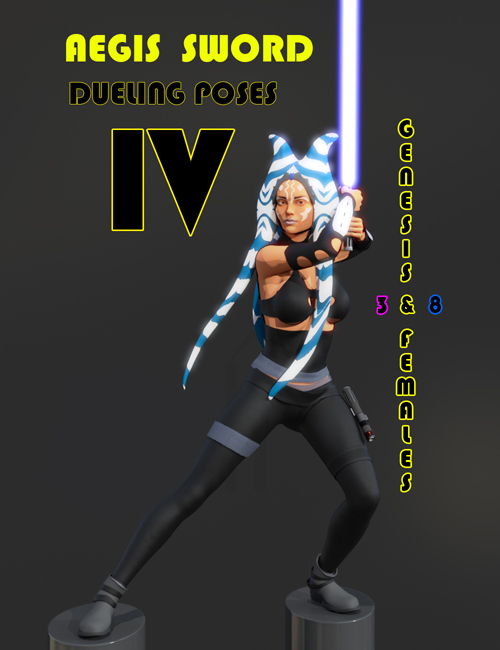
Aegis Sword: Dueling Poses IV for Genesis 3 & 8 Females
Aegis Sword: Dueling Poses IV for Genesis 3 & 8...
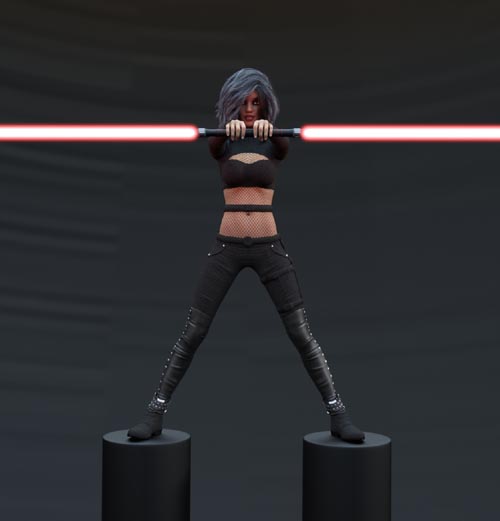
Aegis Sword: Dueling Poses II for Genesis 3 & 8 Females
Aegis Sword: Dueling Poses II for Genesis 3 & 8...
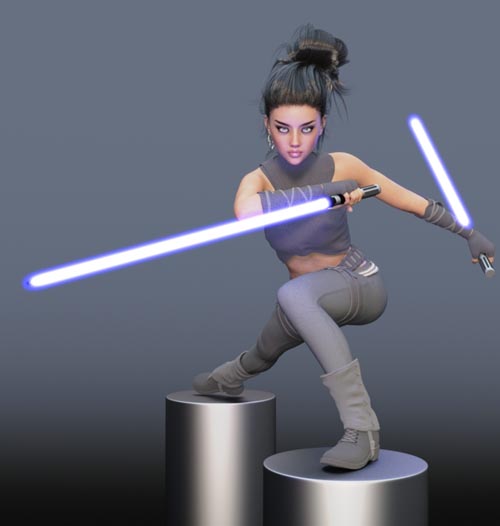
Aegis Sword: Dueling Poses I for Genesis 3 and 8 Females
Aegis Sword: Dueling Poses I for Genesis 3 and 8 Females...
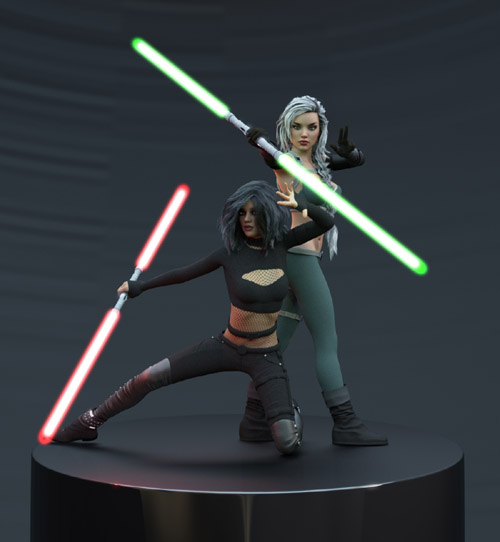
Aegis Sword II for Genesis 3 & 8 Females
Detail link: https://www.renderosity.com/marketplace/products/142837/aegis-sword-ii-for-genesis-3-8-females
Expand your SCI-FI collection with the amazing Aegis Sword II, and create stunningly vivid renders. Aegis Sword II for Genesis 3 & 8 Females is a continuation of the NextLevel Aegis Sword product series.
Complete with 5 unique props (G8F right hand/left hand, G3F right hand/left hand, and individual prop) that will fit to either base Genesis 3 or 8 Female with a simple click. Hand poses are also included, along with 30 shader presets, and 30 material presets.
Unique shader/material presets can be applied to each blade - giving the user numerous colorful and creative options. Material presets are divided into three groups:
-Blade Group 1
-Blade Group 2
-Handle
Each prop has adjustable blade group lengths, allowing the user to have total control over the prop's versatility. Blades expand ANYWHERE from 0% to 100% with a simple movement of morph slider under the parameters tab.
Three render setting presets are also included. One of these render settings MUST be applied with a solid background in order to achieve the awesome halo glow for the prop. Within DAZ Studio, navigate to My Library > Presets > Render Settings > NextLevel > Aegis Sword II, double-click the desired glow preset, and then render! Ensure that any background is present to create the desired bloom effect!
Enjoy!!
Warning! You are not allowed to view this text.
DOWNLOAD
https://nfile.cc/***/.rar.htmlYou must login to show full link. No account? Create Account
Dead link?. Comment bellow to request new link.
Category: Renderosity |
Note: Now support Premium only because I have no more time to update for free users
Related Articles
Aegis Sword for Genesis 3 & 8 Females 3D Figure Assets TheNextLevel01
Aegis Sword for Genesis 3 & 8 Females is the ultimate...
Aegis Sword: Dueling Poses III for Genesis 3 & 8 Females
Aegis Sword: Dueling Poses III for Genesis 3 & 8...
Aegis Sword: Dueling Poses IV for Genesis 3 & 8 Females
Aegis Sword: Dueling Poses IV for Genesis 3 & 8...
Aegis Sword: Dueling Poses II for Genesis 3 & 8 Females
Aegis Sword: Dueling Poses II for Genesis 3 & 8...
Aegis Sword: Dueling Poses I for Genesis 3 and 8 Females
Aegis Sword: Dueling Poses I for Genesis 3 and 8 Females...
Information
Users of Guests are not allowed to comment this publication.