
dforce - Club Dress - Genesis 8
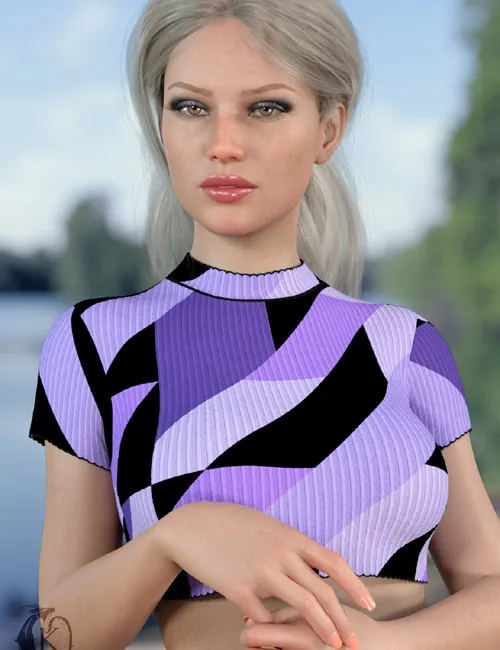
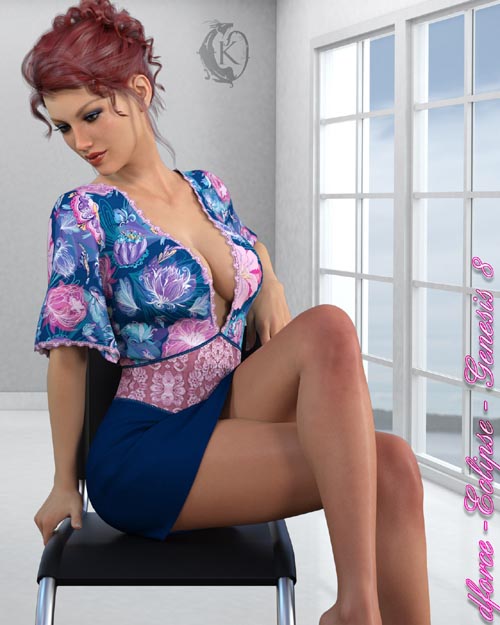
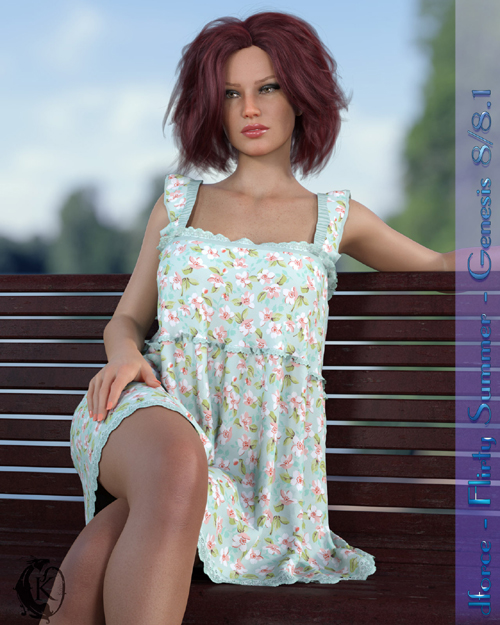
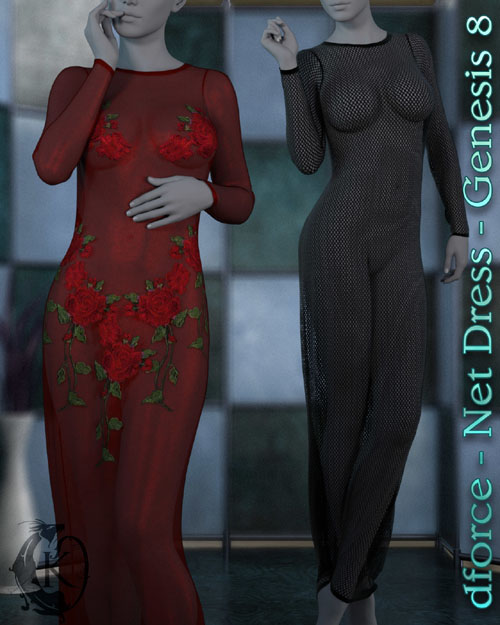
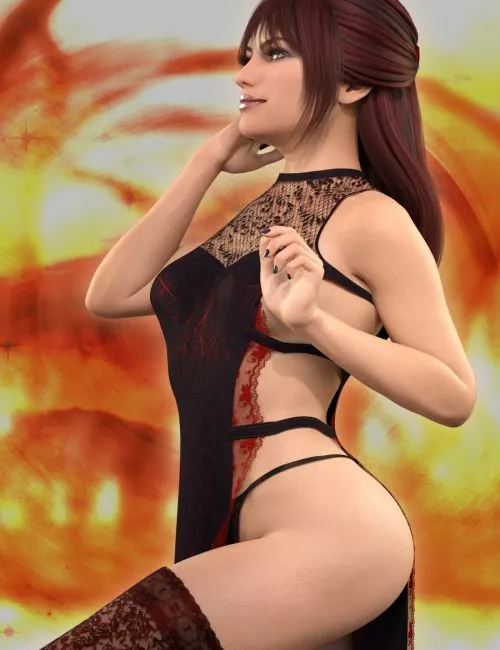
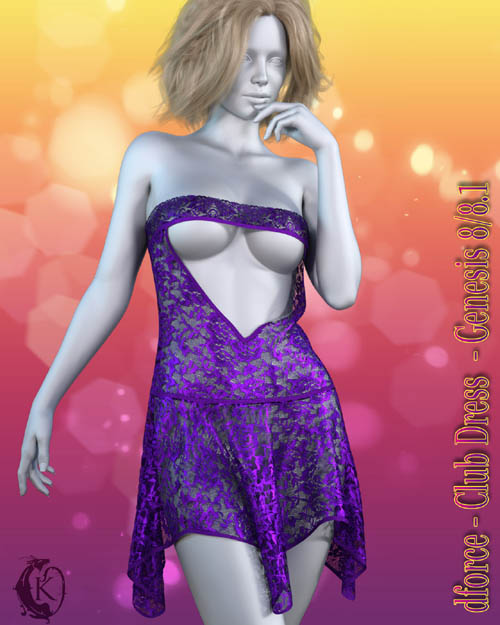
Dress up for a night out in this sexy little club inspired dance dress for genesis 8.
Club Dress includes:
1 Dress for Genesis 8/8.1
Detailed Textures
Bump and Transparency Maps
Materials:
10 Iray Materials for the Dress
Club Dress Morphs:
AdjustBreasts
AdjustButtocks
AdjustHips
CTRLBreastsImplants
CTRLBreastsNatural
FBM Karyssa 8 Body
FBM Kaylee 8 Body
FBM Mika 8 Body
FBMAiko8
FBMCharlotte8
FBMCoral8_1
FBMEva8
FBMFitnessDetails
FBMFitnessSize
FBMGirl8
FBMHonni8
FBMJacqueline8_1
FBMLatonya8
FBMMonique8
FBMOlympia8
FBMSahira8
FBMTasha8
FBMThin
FBMVictoria8
FBMVictoria8_1
FBMVoluptuous
FBMZelara8
PBMBreastsCleavage
PBMBreastsDiameter
PBMBreastsDownwardSlope
PBMBreastsGone
PBMBreastsHeavy
PBMBreastsPerkSide
PBMBreastsShape01
PBMBreastsShape02
PBMBreastsShape03
PBMBreastsShape04
PBMBreastsShape05
PBMBreastsShape06
PBMBreastsShape07
PBMBreastsShape08
PBMBreastsSize
PBMBreastsSmall
PBMBreastsUnderCurve
PBMBreastsUpwardSlope
PBMGlutesSize
PBMHipSize
dforce is required. when using dforce I recommend applying your body shapes at frame 15 to allow the outfit time to settle around the morphs this is especially useful when using unsupported shapes. Ideally adjustment morphs should be applied at frame 1. Ideally you should apply your pose at frame 30, in some cases you may want to add extra frames after 30 to allow the cloth more time to settle. Some poses may require adjustment. Should you experience mesh explosions check for any parts of the G8 figure intersecting with itself during the animation. This is the most common cause of exploding mesh.
If you have any issues with pokethroughs or strange behavior use Animated instead of Current Frame in your simulation Settings.
Clothing loads with dforce settings already applied. You can adapt them to your liking by changing them in the surfaces tab. Other body Morphs will work using autofollow technology. Smoothing can be increased to improve the look of autofollow on more extreme body shapes. Some adjustment may be necessary in extreme poses or with extreme body shapes. Adjustment morphs are included to help with these situations as well as with posing. Autofollow morph results vary.
SUPPORT LINK
https://www.renderosity.com/marketplace/products/153040DOWNLOAD
https://nfile.cc/***/153040-RO.rar.htmlYou must login to show full link. No account? Create Account