
The Machine Misc for DS

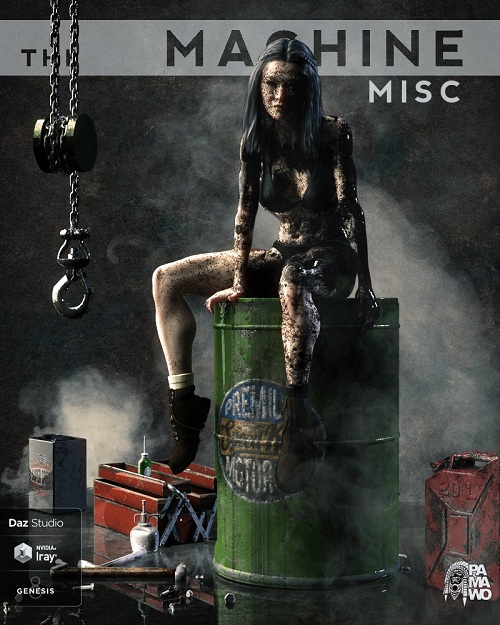
The Machine Misc for DAZ Studio
Tools Set For "The Machine" (35 Props)
Pose Driver For Genesis 8 Female
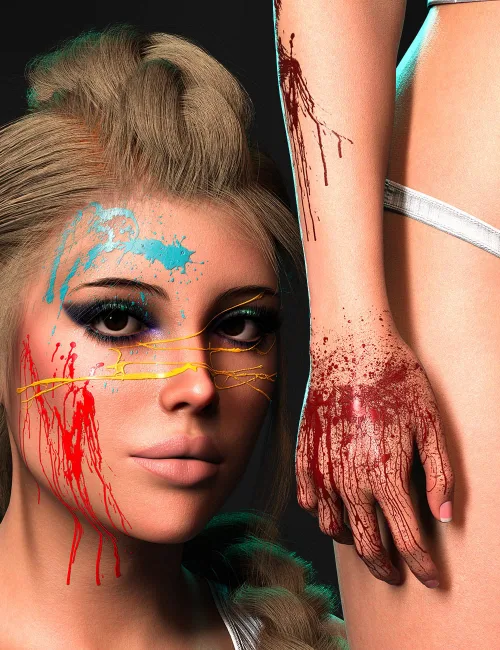
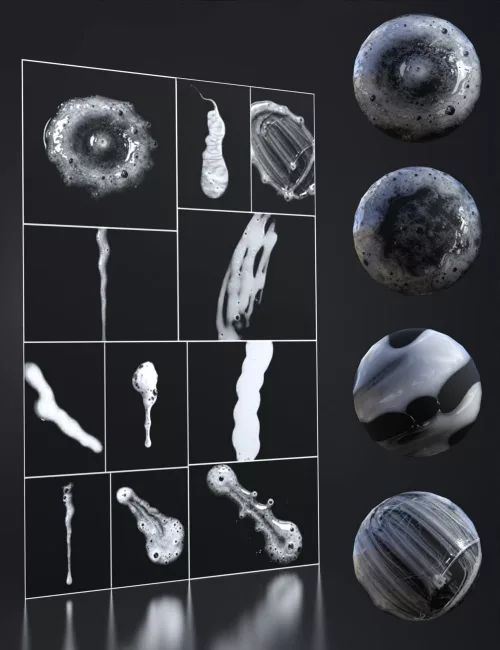
Shader preset: Iray Decal Node Wearable Splatter Oil + 15 textures.
15 Splatter Oil Preset For Genesis 8 Female.
Full Scene Preset For "The Machine"
Required products not included:
The Machine For DS.
Genesis 8 Female.
FULL SCENE PRESET
Instructions For Shader preset: Iray Decal Node Wearable Splatter Oil :
1 - Load your figure or Props.
2 - Either select the figure or Props and apply the "Iray Decal Node Wearable Splatter Oil".
3 - Choose the «Splatter Oil texture»that suits you. Delete and start again if you want another.
4 - Use the Parameter Scale Settings & Parameter Transformation Settings to position «Iray Decal Node Wearable Splatter Oil»if you want to improve.
5 - Pose the Props or Character, and render.
NOTA / Turn on the Iray preview for see it.
Instructions for Splatter Oil Preset For Genesis 8 Female.
Simple to use.
1 - Load your figure.
2 - Either select the figure and apply the Iray decal «Splatter Oil Preset».
3 - Choose the «Splatter Oil Preset»that suits you.
4 - Be careful, you must use one preset at a time because they accumulate.
Delete the presets and try again if you want another.
5 - Use the Parameter Scale Settings & Parameter Transformation Settings to position «Splatter Oil Preset»if you want to improve.
6 - Pose the character, dress the character, and render.
SUPPORT LINK
https://www.renderosity.com/rr/mod/bcs/index.php?ViewProduct=140768DOWNLOAD
https://nfile.cc/***/3dcu.com-140768-RO.rar.htmlYou must login to show full link. No account? Create Account