
Handy Weight Edit



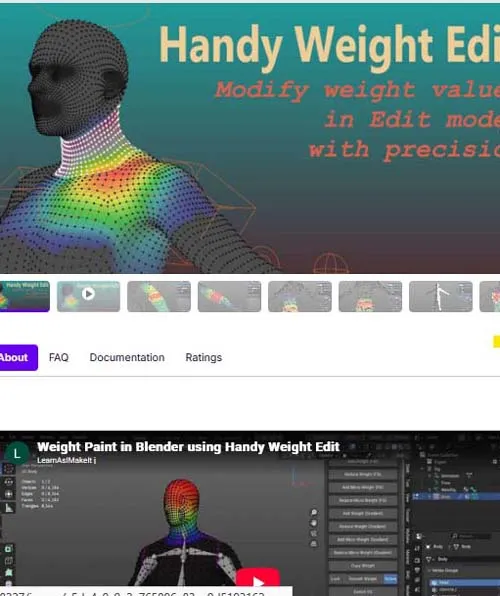
Handy Weight Edit is an alternative weight painting method in Edit mode.
It offers precise control where and how weight is distributed. Instead of painting in hard to get areas with brushes, you can now select individual vertex and adjust the weight value. Along with all the familiar tools in edit mode like loop select, xray, lasso select, hide/unhide elements, it is never easier to modify weight values during character skinning process.
Increase or Decrease Weight value with mouse wheel on selected vertices (hotkeys can be customized)
method one: uniformly modify weight value to selected vertices. useful to fill large portion of area with same value.
method two: vertex weight value is modified on a per vertex level, in a gradient manner. useful to fine tune borders where multiple bone influence groups meet.
Smooth Weight on selected vertices. please note, if you have symmetry turn on, it will affect the symmetric part on the other side, which usually is not intended.
Copy Weight value as last selected vertex.
Mirror Weight (symmetric): mirror the weight of selected vertices from relevant mirrored bone. proper bone suffix naming is recommended. or mirror the weight value of selected vertices of the same bone as shown below. only works on symmetrical mesh part.
SUPPORT LINK
https://superhivemarket.com/products/handy-weight-editDOWNLOAD
https://nfile.cc/***/handy-weight-edit.rar.htmlYou must login to show full link. No account? Create Account