
Pose Save Utility



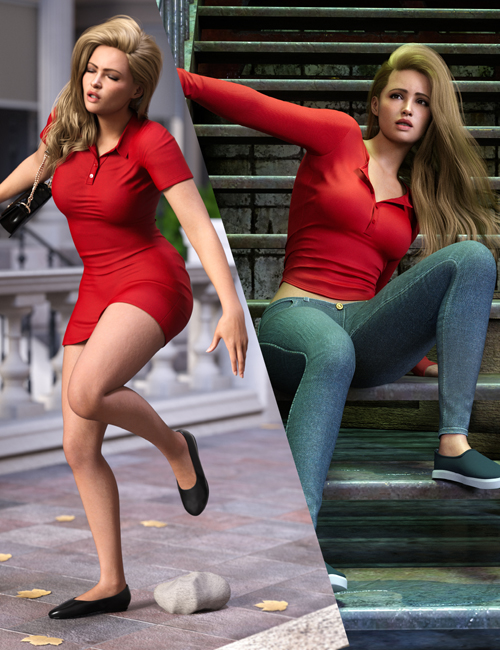

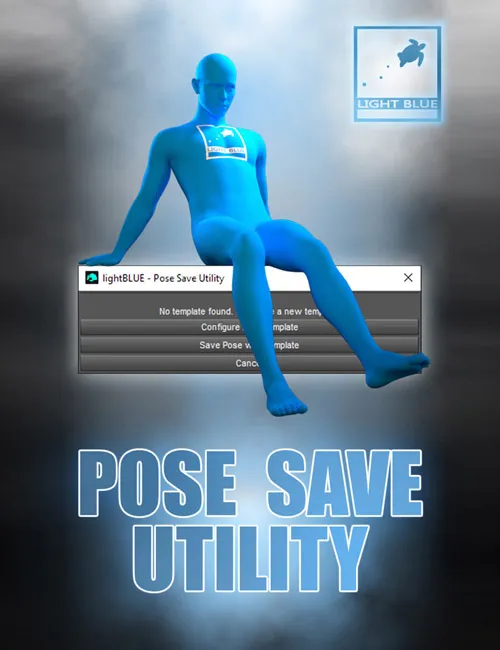
"Pose Save Utility" is a very simple and useful DazStudio tool for pose creators.
The tool allows you to create a pose preset saving template, and then use the template to save the next pose with the same pose saving settings without the need to open the hierarchy and check and uncheck the boxes again. When you create your template, you can save the next pose with two clicks, no need to go through the pose saving settings again. Just select the figure, run the script, and click save.
The tool will remember the directory where you saved your last pose preset and offer that location first, you just need to choose a name for your pose preset, and you are good to go. Since different figures have different structures and names, you will still have to create a new template for a different figure.
This tool is very simple, its purpose is to speed up the process of saving the pose presets for pose creators who create a large number of poses and save them with the same pose saving settings.
It is designed for all DazStudio users, it's very easy to use, even if you don't have too much experience!
SUPPORT LINK
https://www.renderhub.com/lightblue/pose-save-utilityDOWNLOAD
https://nfile.cc/***/pose-save-utility.rar.htmlYou must login to show full link. No account? Create Account