
JiggleGen
by BBlK | on 26-Aug-25 | 0 comments |
Related Articles
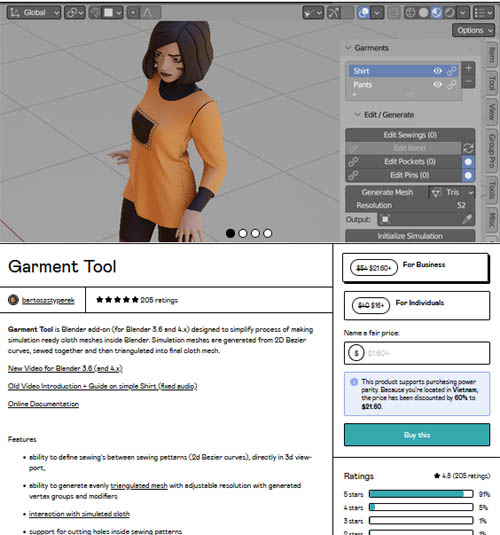
Garment Tool for Blender v2.0.2
Garment Tool for Blender v2.0.2 Garment Tool is Blender...
Zen Sets V2.3.1
Zen Sets V2.3.1 Zen Sets is an add-on for creating,...
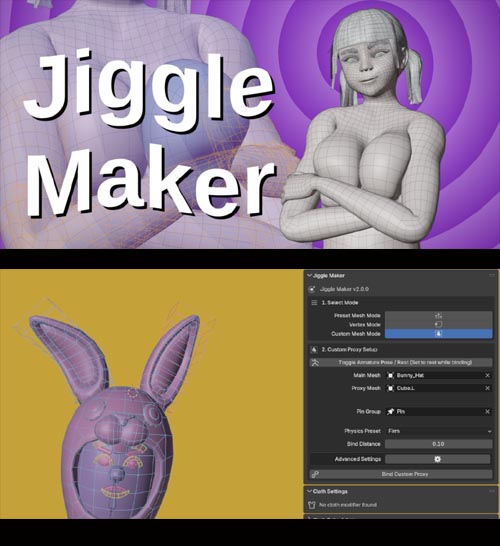
Jiggle Maker v2.0
Jiggle Maker v2.0 Why JiggleMaker exists You know the...
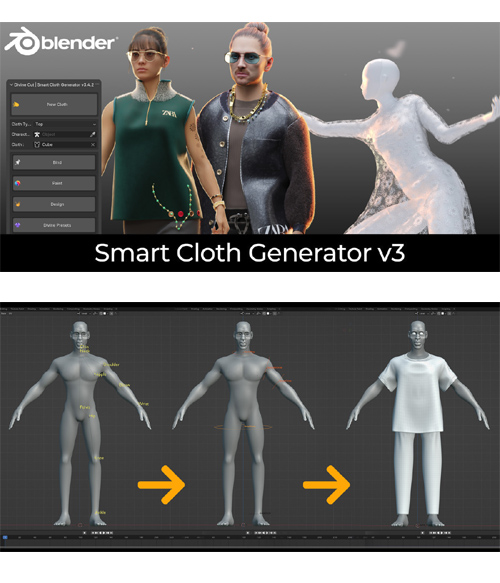
Divine Cut | Smart Cloth Generator V3
Divine Cut | Smart Cloth Generator V3 DivineCut™ is a...
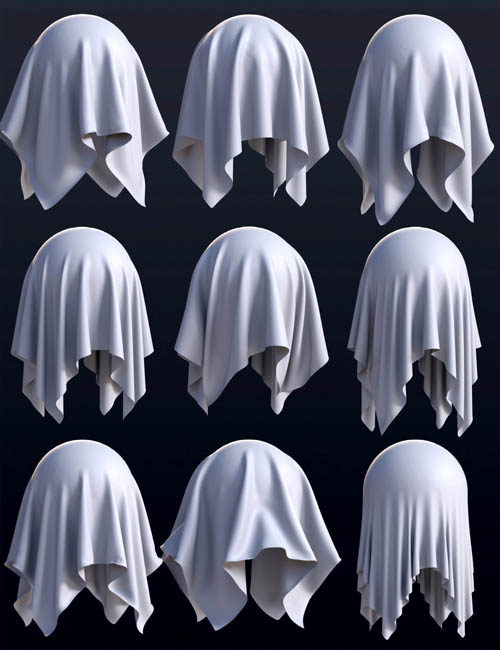
BS dForce Cloth Simulation Shaders
BS dForce Cloth Simulation Shaders Detail link: Using the...
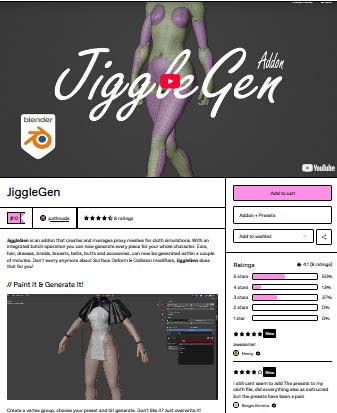
JiggleGen
Create a vertex group, choose your preset and hit generate. Don't like it? Just overwrite it! Everything gets well organized in a seperated collection.
// Save & Load Presets!
Save your favorite cloth settings for later. You never know when you need "Funny Ears" again.
// Batch operation
No matter how many clothes your character have to carry, each piece gets its own Simulation Mesh.
Core Features
Cloth & Collision Mesh from Vertex Groups: Quickly generate simulation-ready cloth and collision geometry from any vertex group.
Automatic Target Attachment: Attaches the target mesh to the generated cloth via a Surface Deform modifier.
Editable Pre-Generation: Cloth SettingsAdjust cloth simulation parameters before mesh generation for total control and flexibility.
Integrated Preset Library: Save, load, and reuse cloth setups using Blender’s native preset system—no custom file management needed.
Overwrite Existing Meshes: Regenerate cloth/collision meshes without manual cleanup—perfect for fast iterations and testing.
Structured Naming Convention: Auto-generates meaningful names for all objects and modifiers, based on origin mesh, vertex group, and preset.
Optional Modifiers During Generation
Decimate Modifier: Automatically reduce vertex count for performance.
Smooth Modifier: Add surface smoothing for cleaner cloth deformation.
Auto Parenting: Generated cloth mesh can automatically be parented to the target object.
Compact Utility Panel with Smart Shortcuts: A small, efficient UI panel with handy tools:
Bake All Simulations
Set Target Frame Range
Toggle JiggleGen Sim Visibility
Switch Between Pose & Rest Mode
Copy Cloth Settings to Active Object
Batch & Automation Features
Batch Cloth & Collision Generation: Process multiple objects in a single batch—perfect for characters with multiple dynamic areas.
Per-Vertex Group Preset Application: Assign unique cloth presets to each selected vertex group for full customization.
Batch Management Panel: Easily review, modify, or regenerate all components of your model through an organized batch queue.
Smart Collision Exclusion: Create a collision Mesh, which is the opposite of all selected vertex group mesh data—great for characters with both jiggly and rigid areas.
blender, jiggle
https://pathnode.gumroad.com/l/jigglegen?layout=profile
Warning! You are not allowed to view this text.
DOWNLOAD
https://nfile.cc/***/.rar.htmlYou must login to show full link. No account? Create Account
Dead link?. Comment bellow to request new link.
Category: Other Vendors |
Note: Now support Premium only because I have no more time to update for free users
Related Articles
Garment Tool for Blender v2.0.2
Garment Tool for Blender v2.0.2 Garment Tool is Blender...
Zen Sets V2.3.1
Zen Sets V2.3.1 Zen Sets is an add-on for creating,...
Jiggle Maker v2.0
Jiggle Maker v2.0 Why JiggleMaker exists You know the...
Divine Cut | Smart Cloth Generator V3
Divine Cut | Smart Cloth Generator V3 DivineCut™ is a...
BS dForce Cloth Simulation Shaders
BS dForce Cloth Simulation Shaders Detail link: Using the...
Information
Users of Guests are not allowed to comment this publication.