
Gopnik Hair for Genesis 9
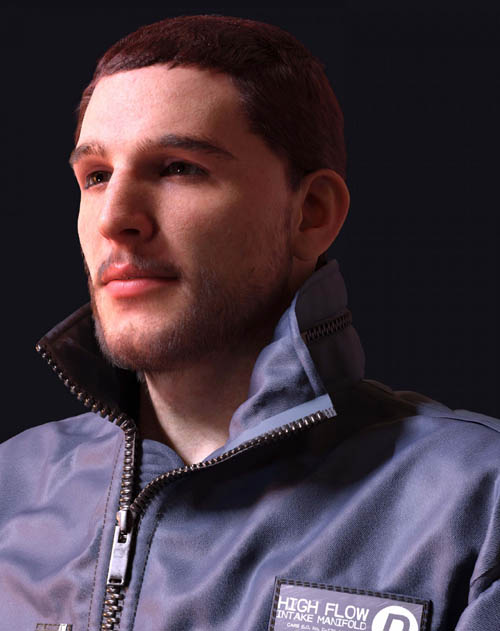
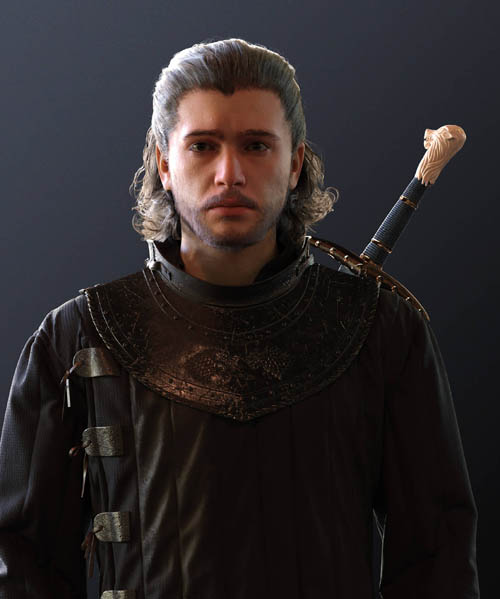
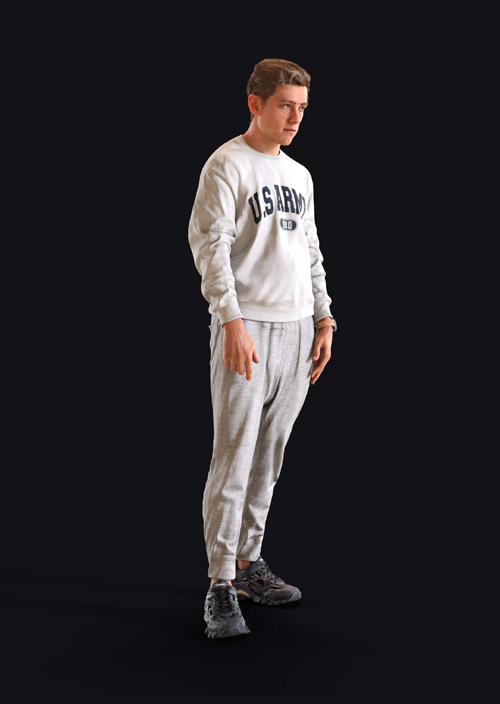

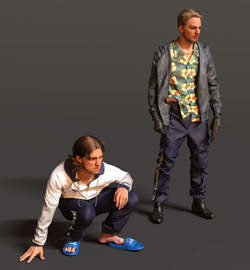
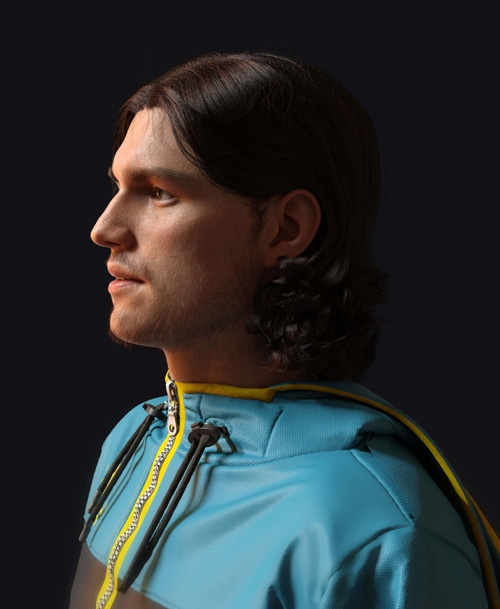
NOTE: Clothing, Characters, and Accessories showcased in promos are not included with product. See the 'WHAT'S INCLUDED AND FEATURES' section below for full itemization.
DETAILS
-------------
Gopnik Hair contains two original hairstyles for the Genesis 9 base figure (for Daz Studio). The hairstyles utilize the new iray fibers for realistic strand based hair.
WHAT'S INCLUDED AND FEATURES
-------------------------------------------------
Gopnik Hair for Genesis 9 (.DUF):
Hair
* Alexei Hair
* Gregor Hair
Materials
* 10 Hair Colors
Shader Presets
* 10 Hair Colors
Textures Include:
* 6 Texture Maps (1124 x 1240 pixels): Root and Tip Color Maps
HOW TO INSTALL
------------------------
Download the .zip file(s).
Unpack the .zip file(s) and transfer the three folders (/data, /people, and /runtime) into your Daz Studio content directory such that they merge with your existing content library folder structure.
For more detailed instructions, please refer to various tutorials online relating to the manual installation of third party Daz Studio content.
HOW TO USE
------------------
Within Daz Studio, you will find the content at the following locations within the Content Library browser:
Hair: People > Genesis 9 > Hair > UncannyValet > Gopnik Hair
Materials: People > Genesis 9 > Hair > UncannyValet > Gopnik Hair > Materials > Iray
IMPORTANT
-----------------
This character uses iray fibers for Strand Based Hair (SBH). You will need Daz Studio 4.20.1.19 or higher to render hair at the default setting used in this product (Tessellation Sides = 1). With older version of Daz Studio, and other render engines, you will need to increase Tessellation Sides parameter to at least 3 for good results.
PRODUCT UPDATES
----------------------------
Version 1.0 (27/03/2023): Original version
To install updates, you should be able to add the new folder structure to your existing directory, this will merge and overwrite any existing old files with the new version files, while also adding any new files to the directory.
CONTACT
-------------
For any queries or support, please use the Contact feature on Renderhub via my Profile
SUPPORT LINK
https://www.renderhub.com/uncanny-valet/gopnik-hair-for-genesis-9DOWNLOAD
https://nfile.cc/***/renderhub-gopnik-hair-for-genesis-9.rar.htmlYou must login to show full link. No account? Create Account