
Camera based Post Process Effect
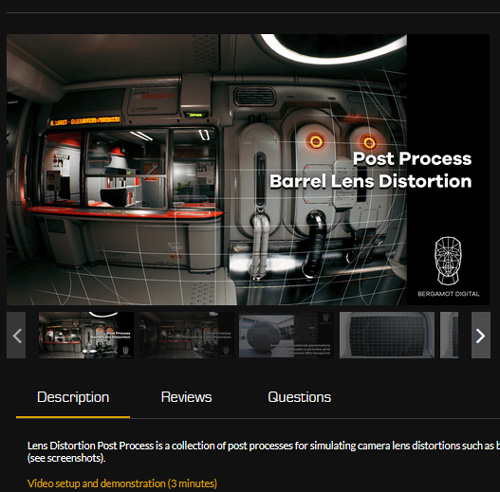
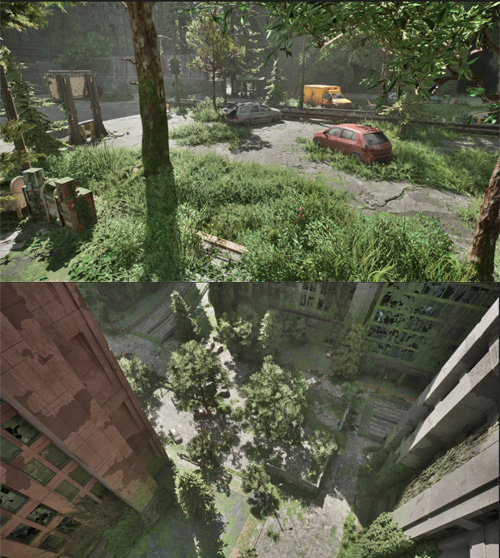
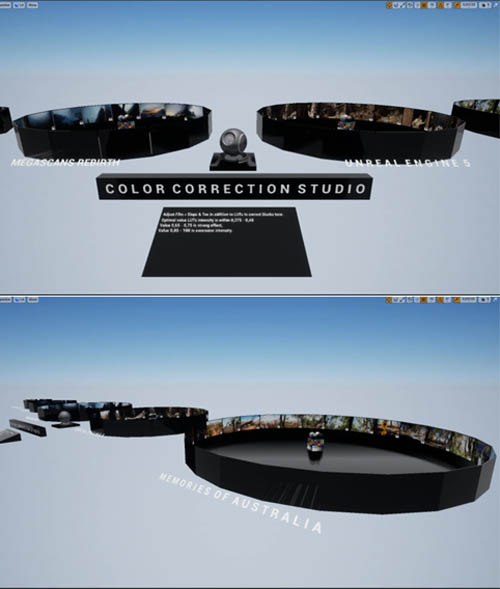
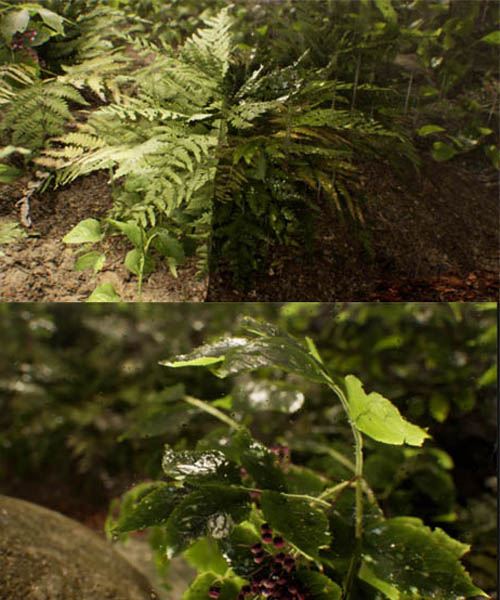
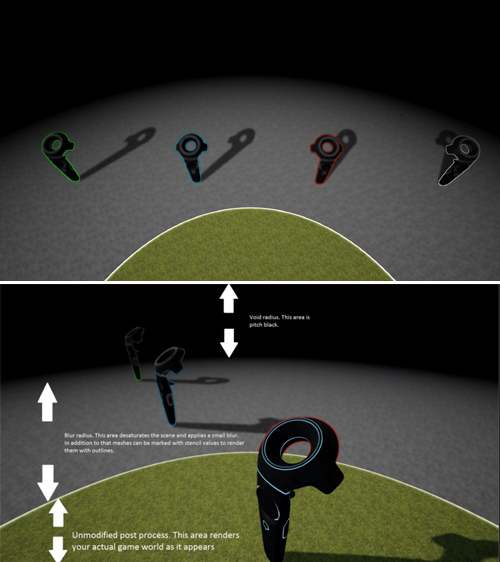
This post process material works based on the camera location of the player and 'feels' like the effect sticks to the player camera. Also included in this pack is a Material Function that you can use to dynamically collapse or expand vertices of any mesh in conjunction with this post process material giving the illusion of dynamically constructing or deconstructing the asset. By default the effect uses the player camera location but you can change it to any other character in-game and use their location to drive the effect.
For example, if you have an RTS game (Non-VR or VR) with a main player in game then you can use the location of that hero character as the location of this effect.
Since all parameters are driven through Material Parameter Collection, its very easy to customize the material in- editor or even at runtime via Blueprints or C++!
SUPPORT LINK
https://www.unrealengine.com/marketplace/en-US/product/camera-based-post-process-effectDOWNLOAD
https://nfile.cc/***/unrealengine-camera-based-post-process-effect.rar.htmlYou must login to show full link. No account? Create Account