
RSSY Clothing Converter from Genesis 2 Male to Genesis 8 Male
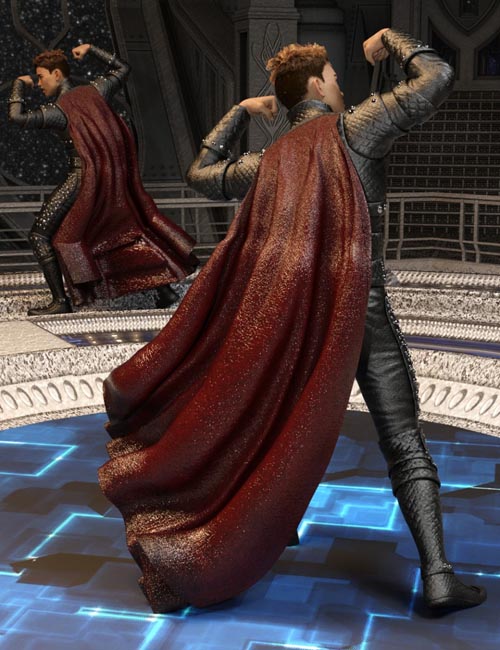
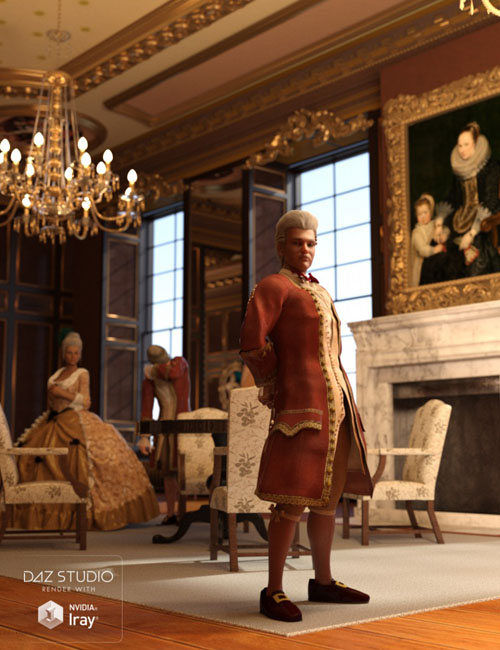

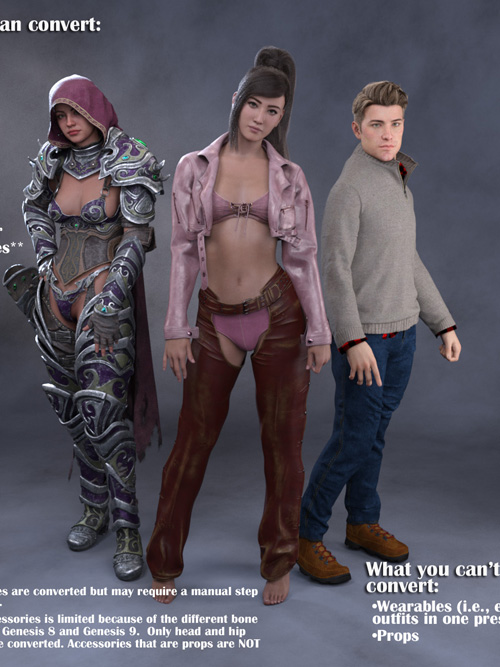

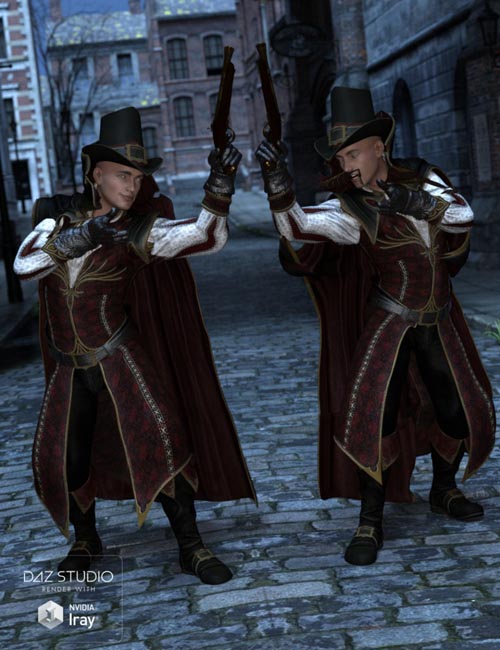
RiverSoft Art and Sickleyield are proud to present the RSSY Clothing Converter from Genesis 2 Male to Genesis 8 Male! Finally, use your Genesis 2 Male clothing with your Genesis 8 Male characters! Automatically convert your entire wardrobe of clothes, including high-heels, using the new RSSY Clothing Converter script! The RSSY Clothing Converter from Genesis 2 Male to Genesis 8 Male has been carefully crafted to handle the different rigging and shapes between Genesis 2 Male and Genesis 8 Male, even adding special rigs for loincloths, capes and a special dress/tunic rig that adds pose bones to avoid that "sticking to the legs" effect.
The Clothing Converter script provides batch execution for automatically converting your Genesis 2 Male clothing to Genesis 8 Male clothing in your Library. Easily select the wardrobe items in your Library, select an output directory and execute the script. Even better, icons and categories are copied from your Genesis 2 Male clothing to the new Genesis 8 Male clothing items.
Your new Genesis 8 Male wardrobe is completely Smart Content aware! They will show up when you select a Genesis 8 Male. Plus, all materials shown in Smart Content for your Genesis 2 Male item will show for your converted Genesis 8 Male item. Converted clothing, instead of using Auto-Fit, produces vastly less distorted results, especially with high-heels!
The Clothing Converter script does not work with accessories or wearables (e.g., outfits). High-heeled shoes may require a manual step during conversion if the original shoes do not include a foot pose.
The script may not be able to convert all clothing items without issues. Converted items may exhibit poke through. Usually, this can be fixed by adding a smoothing modifier or a push modifier.
- Convert Genesis 2 Male Clothing items for use by Genesis 8 Male.
- Convert Dresses/Tunics, Pants, Shirts, Skirts, Shoes, Loincloths, Capes, Coats etc.
- Copies icons from Genesis 2 clothing to Genesis 8 clothing for a professional look
- Automatically convert your entire wardrobe with one operation!
SUPPORT LINK
https://daz3d.com/catalog/product/view/id/56469DOWNLOAD
https://nfile.cc/***/56469-DAZ.rar.htmlYou must login to show full link. No account? Create Account