
Build, Combine, Create: Modular Set Magic in DAZ Studio
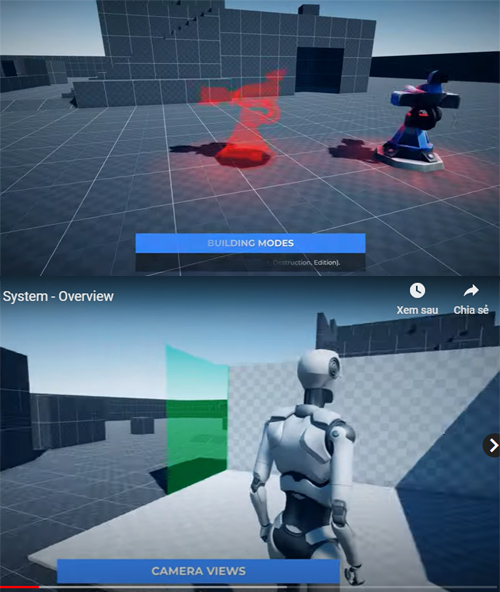
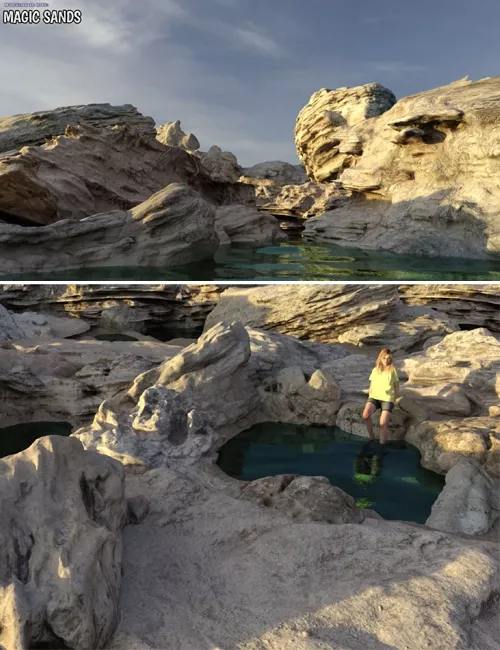
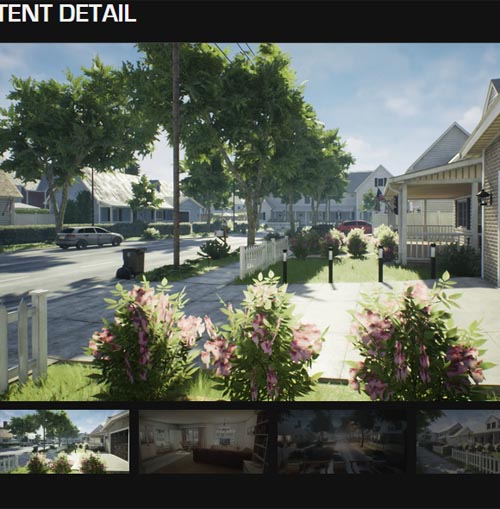
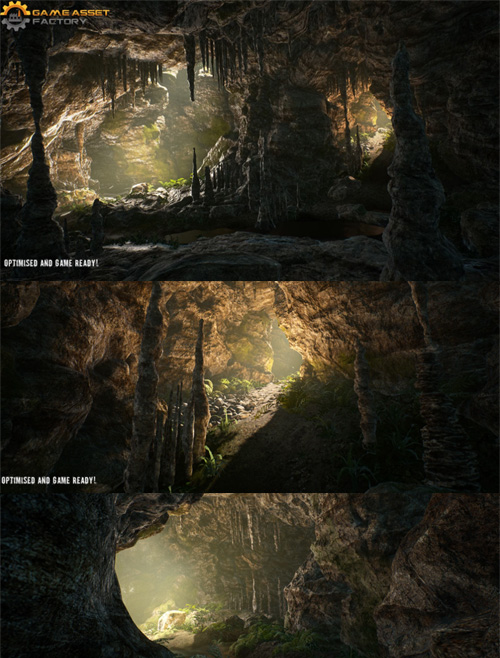
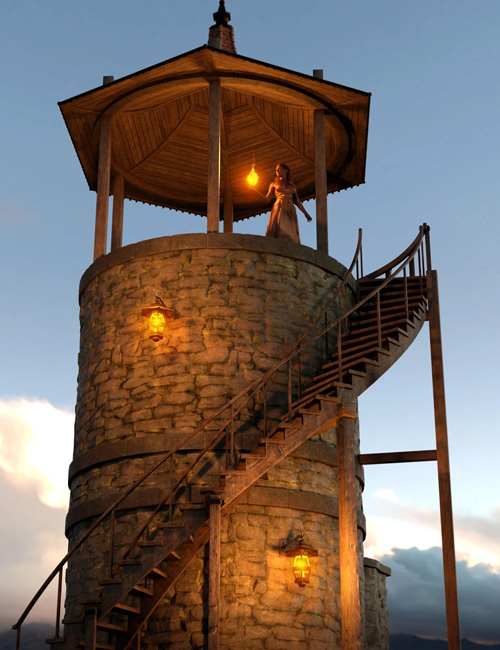
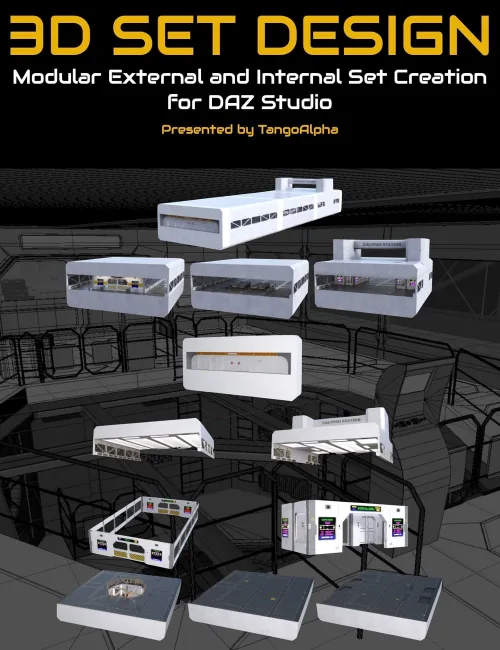
How to design modular sets for DAZ Studio is a tutorial set by Tim Arnot (TangoAlpha) showing you how he designed and created his popular DAZ 3D sets of “Gate 43” and “The Railway Cutting”.
Starting with “Gate 43“, Tim will provide insights into designing a sci-fi themed modular environment, commencing from the conceptual stage to the creation of a functional airlock, passenger/cargo waiting area, and elevators (It’s actually three sets in one!). He'll talk about the nuances of sci-fi design, including realistic physics and interactivity within the space station setting. He will also cover strategies for texturing and lighting this kind of set with DAZ Studio in mind, focusing on creating engaging, storytelling-driven scenes with practical and emissive lighting techniques.
The next focus will be “The Railway Cutting,” a perfect story telling set with multiple levels, gantries, and bridges! Here, Tim will explore the conceptualization process, drawing inspiration from real-world references to design a versatile, modular environment. This will include aspects of using Blender to create the set, showcasing techniques for creating natural elements such as the modular railway sections as well as the foliage. The final composition and optimization of the landscape will be demonstrated in DAZ Studio, ensuring a practical understanding of camera setups and render settings, showing off the best aspects of the set.
Whether you’re looking to create natural landscapes or futuristic interiors, this tutorial set will improve your skills and insights needed to excel in modular set design for DAZ Studio.
Tutorial Set Total Running time:
- 2 hours and 42 minutes
Video Format
- 3 x MP4 videos at over HD quality : 2560 x 1440
This tutorial set is for you if...
- You’re looking to branch out into modular design but don’t know where to start.
- You want to integrate organic and architectural elements into your 3D art seamlessly.
- You’re aiming to improve the commercial appeal and functionality of your 3D sets.
This is for you if you want to accomplish...
- Building expansive, interactive 3D environments that captivate and tell a story.
- Mastering the balance between high-quality visuals and render efficiency for both landscapes and interiors.
What you Will Learn
Modular Design Fundamentals:
- Concepting and initial ideas for a set
- Approaches to designing modular sets, focusing on flexibility and playability.
- Understanding angles, radiuses, and distances for modular design.
- Creating engaging products using minimal components for maximum effect.
- Practical tips for enhancing playability with various modular elements and design features.
Vendor Considerations:
- How far should the design of the set go?
- How many props should I end up creating?
- Tips for using 3rd party tools to populate a set with just a few props
Scene Composition and Lighting:
- Techniques for adding depth to modular designs with multiple levels and features.
- DAZ Studio lighting considerations for a set.
- Creative processes around scene setting, interaction, and storytelling through design.
Realism and Functionality in Design:
- Physics and design philosophy behind creating functional modular sets like “Gate 43.
- Practical considerations influencing the logistics of space station design.
- Strategies for balancing realism and creativity, especially in sci-fi sets.
Organic Elements and Texturing:
- Creating trees and vegetation using specialized Blender tools.
- Technical considerations for incorporating complex organic elements like ivy.
- Advanced texturing processes tailored to both organic landscapes and hard-bodied sci-fi sets.
Technical Modeling and Detailing:
- Balancing realism with polygon count for detailed environmental sets.
- Techniques like instances and ultra scatter to enhance environmental detail.
- Specific design and functionality aspects of set elements such as doors and bridges.
- Considering the end user for their uses of the set.
Blender to DAZ Studio:
- Considerations from exporting from Blender into DAZ Studio
- Scaling considerations for characters
Narratives and Commercial Aspects:
- The concept and importance of storytelling in set design for narratives.
- Commercial considerations for DAZ Studio designs, particularly for promo renders.
About the presenter TangoAlpha
Tim is a DAZ PA living in the UK. He studied electronics way back in the late 70s/early 80s, but the discovery of a lab full of Commodore PETs in college meant that ultimately, he pursued a career in software engineering and programming. He was part of the dev team for several large and small apps for Windows and Mac (and earlier systems), eventually moving into programming specialist ticketing systems.
Tim has been a long-term aviation enthusiast, gaining a Private Pilot Licence in 2005, and has owned almost every release of Microsoft (and formerly SubLogic) Flight Sim. That interest in flight simming led him into scenery creation and an introduction to 3D modelling, with GMax.
Eventually Tim got hold of a copy of Carrara, and making airports for Flight Sim transitioned into making environments for Daz Studio. Currently Tim’s main tools are Blender and Substance Painter. The flying influence is still present, since TangoAlpha is simply Tim’s initials in the aviation phonetic alphabet.
Tim also maintains his interest in old computers and electronics, and in his spare time runs a retro themed YouTube channel – Tim’s Retro Corner.
SUPPORT LINK
https://www.daz3d.com/build-combine-create-modular-set-magic-in-daz-studioDOWNLOAD
https://nfile.cc/***/93641-DAZ.rar.htmlYou must login to show full link. No account? Create Account