
Tenebroso Lighting 2
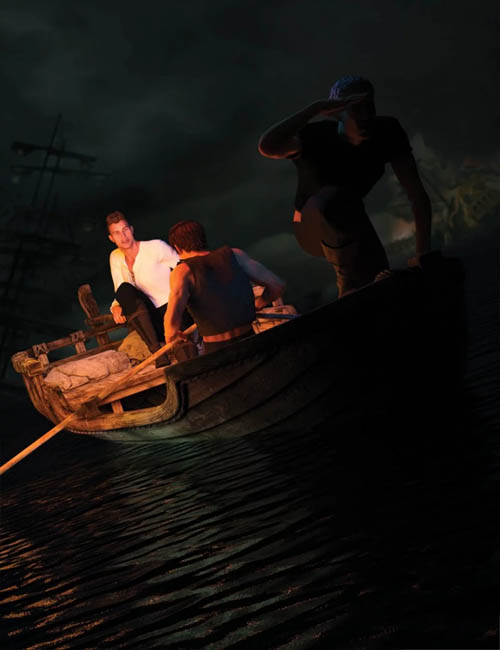
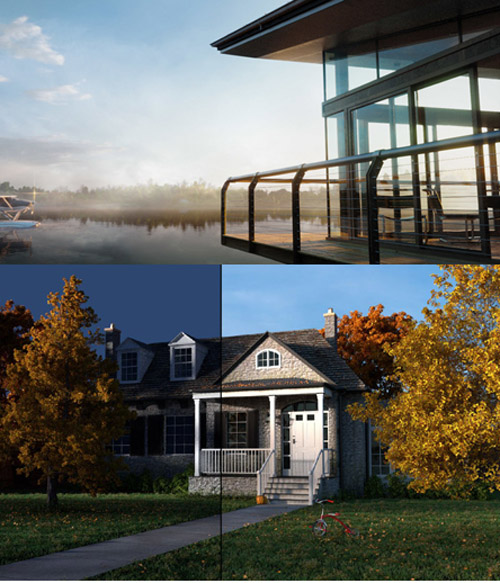
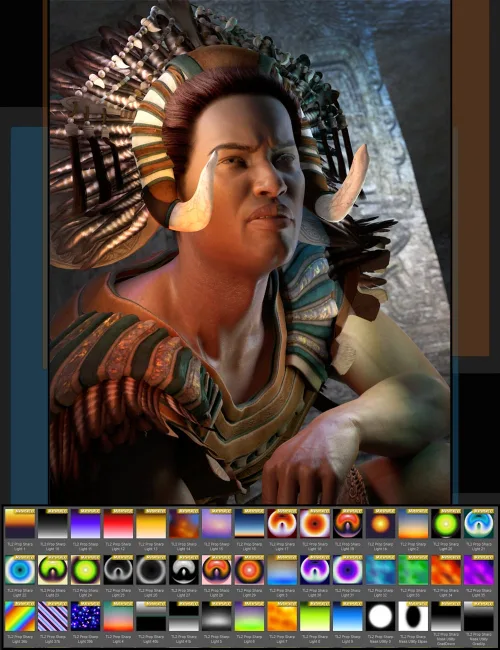
Tenebrism (Tenebroso), meaning dark, gloomy, or mysterious in Italian, is a style of painting using dramatic chiaroscuro, where there are extreme contrasts of light and dark, and where darkness becomes a predominant feature of the image. The artist Caravaggio is generally credited with the invention of the style during the Baroque period. Now, you can render as the masters painted.
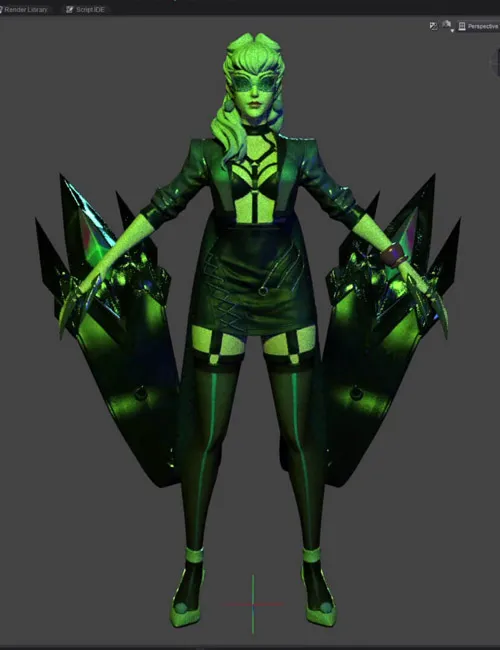
This light set includes 37 presets (2 are new to this set) that cast soft, subtle gradients of colorful light, where the prop itself does not render or cast reflections. These lights have a non-rendering rig parented to them so you can select or scale them in the scene easily. Additionally, for contrast, 44 presets (9 are new) cast sharp vibrant patterns of color, where the prop renders as a large crystal. There are 19 utilities (10 are new) that mask the light, allowing it to be directional, change brightness, and create patterns through tiling or refraction.
There are material settings for all the lights. Be sure to match the material preset with the Soft or Sharp light prop selected in the scene. The brightness of the Tenebroso Sharp Light prop is controlled through utility presets or luminance channel, while the cast light is controlled by the point light inside the prop. The brightness of the Tenebroso Soft Light is controlled through the luminance channel.
SUPPORT LINK
https://www.daz3d.com/tenebroso-lighting-2DOWNLOAD
https://nfile.cc/***/87773-DAZ.rar.htmlYou must login to show full link. No account? Create Account