
Daz Studio Training Advanced 02 - Rigging Shoes

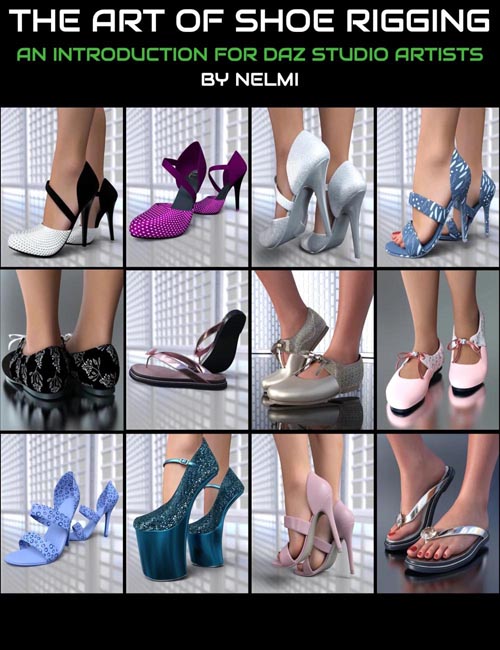
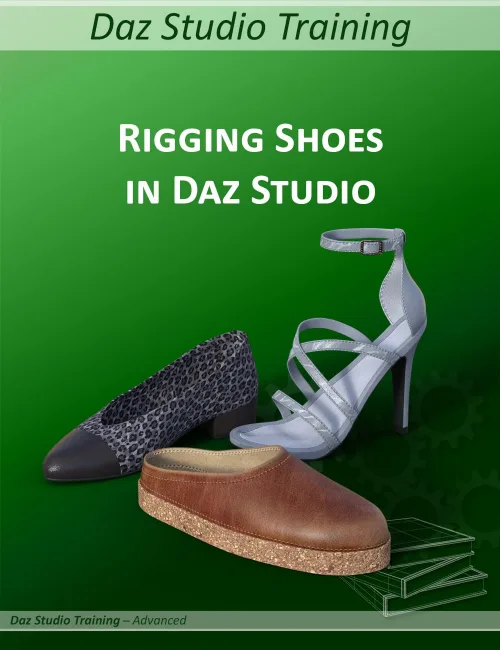
Are you struggling with rigging shoes in Daz Studio?
The tutorial Daz Studio Training Advanced 02 - Rigging Shoes in Daz Studio will show you step by step how to get good results.
In almost three hours of video lessons, you will discover three different rigging methods: for flat shoes, for low heels, and for high heels. Separate chapters go into how to support different figure shapes, how to handle problems with the smoothing modifier, and how to keep sharp creases and edges when applying SubD. You will also find some useful tips for troubleshooting.
This tutorial pack also includes the rigged shoes that are created during this training session, so you can examine them and analyze their rigging.
It also includes the base shape for these shoes, the matching corrective files (so you can follow this tutorial without having to create your own), foot pose presets, and material preset.
You also get a preset for the interface settings, so you can have exactly the same layout as used in the tutorial (optional).
This training series goes beyond a traditional tutorial. It consists of two parts:
- The Videos: Focus on the topic. No lengthy introductions, no background music, no fuss. You don't need to watch me setting up a scene because you're perfectly capable of doing that on your own. The videos concentrate on the interesting parts. Each video has an index with markers that allow you to jump between subtopics.
- The PDF Companion File: Serves as a cheat sheet and reference guide. Looking something up in print is often quicker than re-watching a video. The PDF will help you to refresh your memory, giving short instructions for each topic. The time codes next to each step will help you to find the relevant place in the video if you want to review that portion.
This session is focusing on rigging shoes. It is NOT a modeling tutorial and also does not cover how to create adjustments in Zbrush, Blender, or any other modeling software. This tutorial assumes that, when you are able to model your own shoes, you will also know how to move polygons around, so these techniques are not covered. The main focus is on how to make shoes work with a figure in Daz Studio.
This tutorial was recorded in Daz Studio 4.22 using Genesis 9, but the information will also work for other versions of Daz Studio and for other figures.
Note: These shoes are the same shoes as in my Round The Clock Shoe Pack, but they only have one material each. If you only want the shoes and don't need the tutorial, better get the Round The Clock set.
SUPPORT LINK
https://www.daz3d.com/daz-studio-training-advanced-02--rigging-shoesDOWNLOAD
https://nfile.cc/***/98366-DAZ.rar.htmlYou must login to show full link. No account? Create Account