
Bone Visibility

What is Bone Visibility?
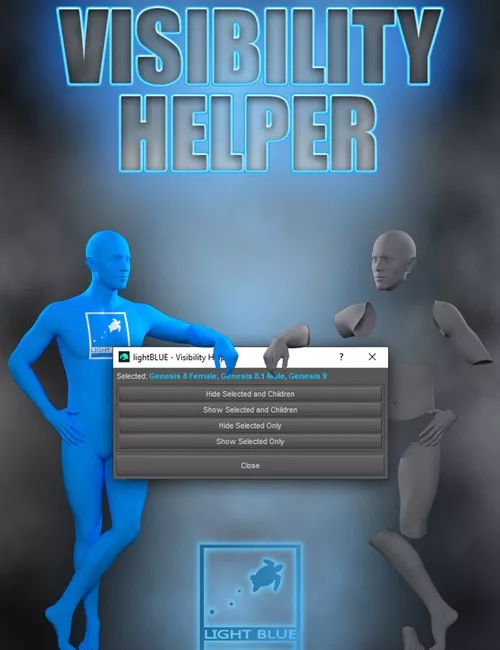
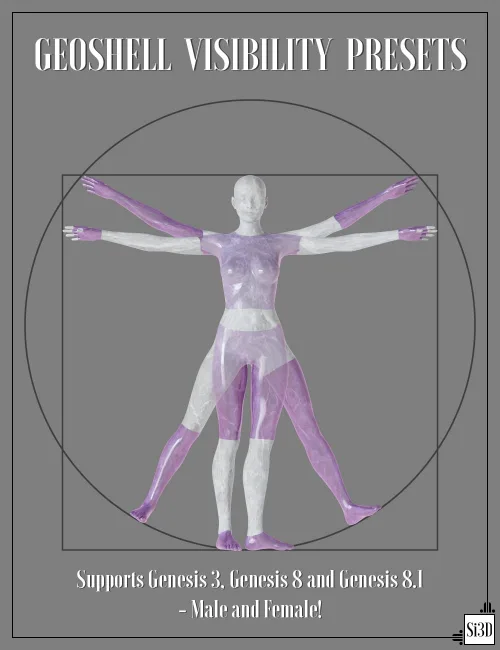
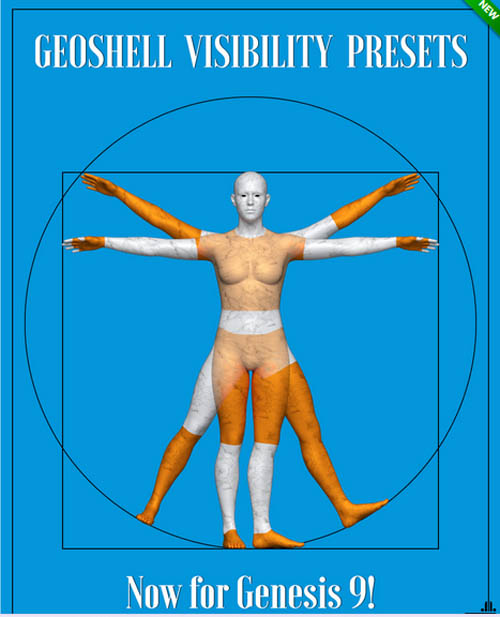
Bone Visibility consists of 782 presets to hide and show any of the supported figure bones. The presets include groups and single bones.
This is very handy if you have a persistent clothing poke through, just hide the problematic bone.
It can also speed up your renders, by hiding the bones not visible in the render. Perhaps the character is wearing an evening gown, and the pelvis, abdomen, shoulders, maybe thighs, are not visible. Hide them quickly with a few presets and speed up the rendering. Sure, you could select each bone in the Scene pane and hide it manually. Bone Visibility includes groups, where e.g. the whole leg can be hidden with a single double-click.
It can also hide clothing parts! If the clothing uses the same bones as the figure, then that can be hidden as well. If you are doing a portrait render, then you can hide all the figure and clothing bones not visible in the render.
Genesis 8 and 9 ships with wearables; Eyelashes (8 & 9), Tear (9), Eyes (9), Mouth (9) and Eyebrows (9). They also have presets to hide and show them.
Not intended for use with Genesis 9 Anime Character
SUPPORT LINK
https://www.daz3d.com/bone-visibilityDOWNLOAD
https://nfile.cc/***/105423-DAZ.rar.htmlYou must login to show full link. No account? Create Account