
Render Throttle for DAZ Studio
by QTV | on 13-Jun-15 | 3 comments |
Related Articles
rdaughter Render Settings Presets for Daz3d
rdaughter Render Settings Presets for Daz3d daughter...
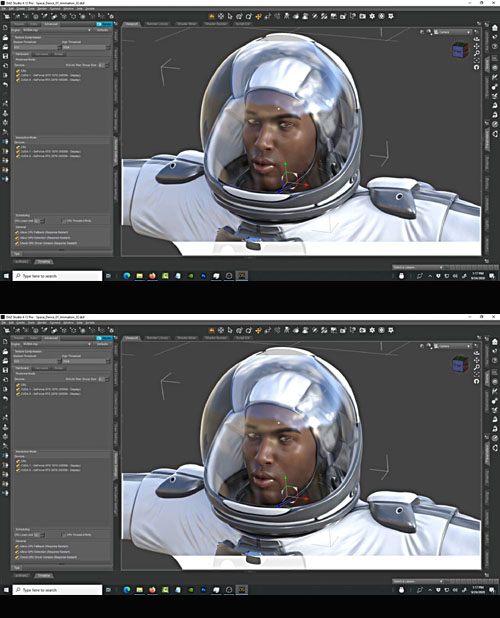
DAZ 3D – Render Time Hack
Ever tried to do a cool DAZ render like the pros out there...
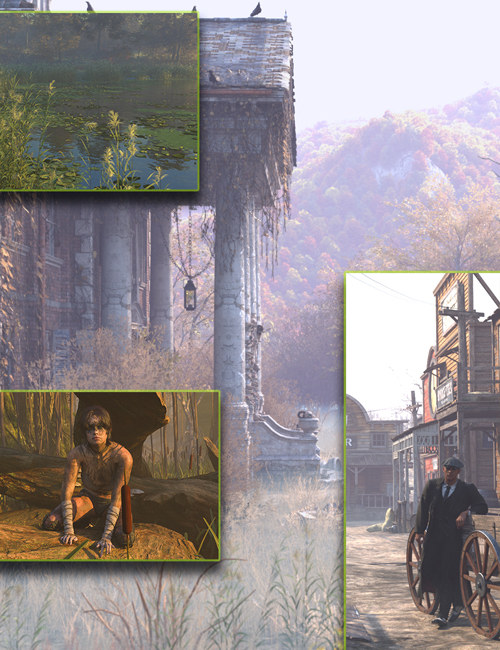
Atmosphere Volume 2 - Mysterious Render Settings
Add some Mystery ( or should I say M-Istery! ) to your...
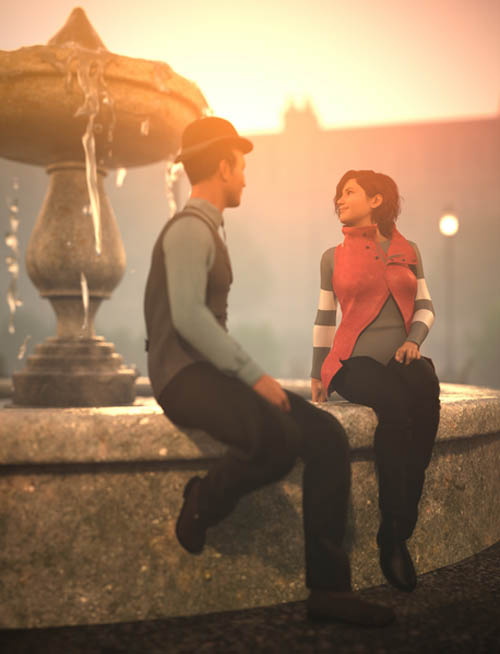
Cinematics for Grovebrook Park
Give your Grovebrook Park set new life with the Cinematics...
Hot Bedroom
Something special for your Valentine's renders... A...
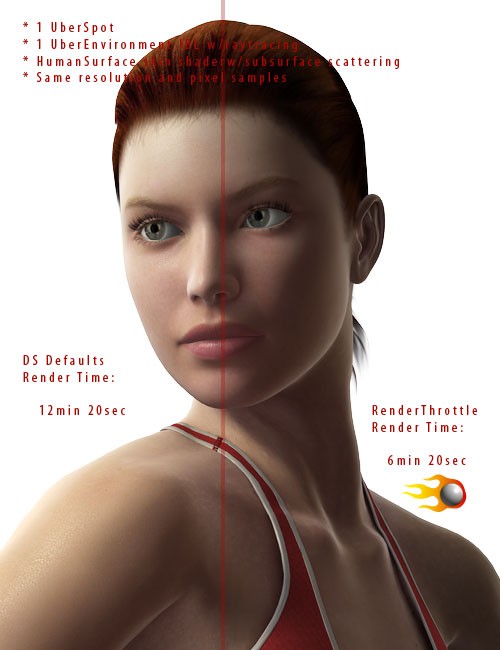
RenderThrottle is a render optimization preset manager add-on for DAZ Studio.The RenderThrottle UI gives you access to critical render settings as well as UberEnvironment settings in a single place. You can control these settings with four customizable, and sharable render quality presets presets--XLo, Lo, Med and Hi. The Render presets can quickly be accessed under the Render menu and can be assigned to hotkeys in order to quickly switch from blazing fast test renders to final renders with a simple key stroke. Settings controlled by RenderThrottle:
- Globals:
- Resolution Multiplier (scale the size of the render. Fewer pixels is always faster)
- Pixel Samples
- Shadow SamplesShading Rate
- UberEnvironment:
- Occlusion Samples
- Shading Rate
- Max Error
Stop wasting your time waiting for renders and messing with render controls--get more done with RenderThrottle
SUPPORT LINK
https://web.archive.org/web/20140729152717/http://www.daz3d.com/catalog/product/view/id/8263DOWNLOAD
https://nfile.cc/***/8263.rar.htmlYou must login to show full link. No account? Create Account
Dead link?. Comment bellow to request new link.
Category: Daz3D |
Note: Now support Premium only because I have no more time to update for free users
Related Articles
rdaughter Render Settings Presets for Daz3d
rdaughter Render Settings Presets for Daz3d daughter...
DAZ 3D – Render Time Hack
Ever tried to do a cool DAZ render like the pros out there...
Atmosphere Volume 2 - Mysterious Render Settings
Add some Mystery ( or should I say M-Istery! ) to your...
Cinematics for Grovebrook Park
Give your Grovebrook Park set new life with the Cinematics...
Hot Bedroom
Something special for your Valentine's renders... A...
Comments (3)
Information
Users of Guests are not allowed to comment this publication.