
MMX VDB Smoke Trails
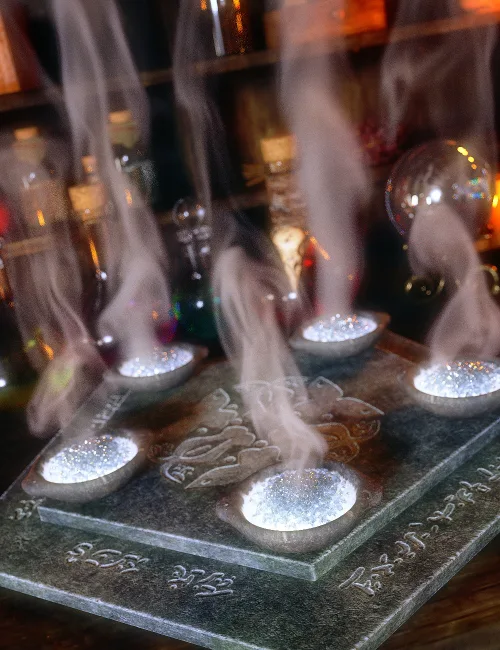
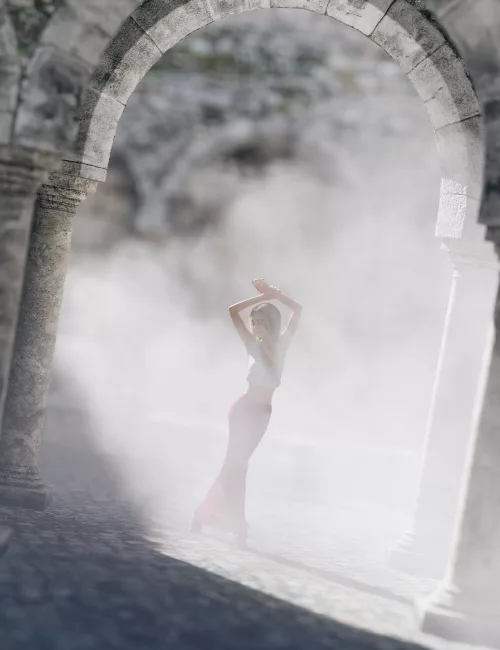
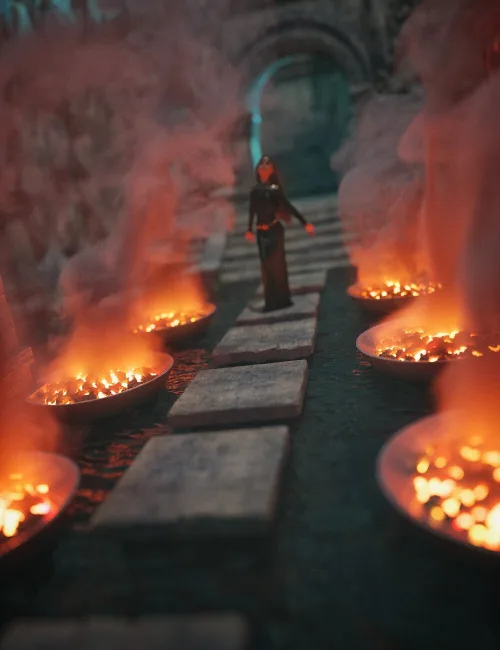
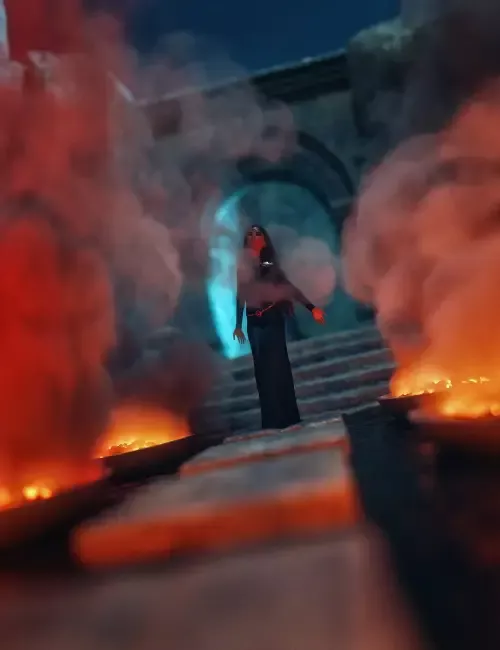
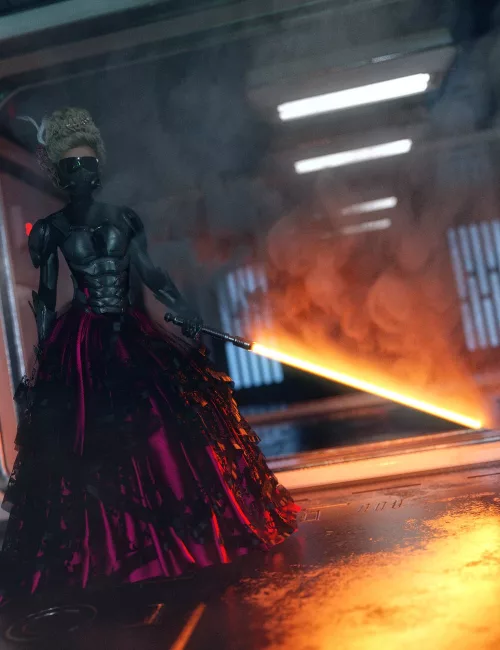
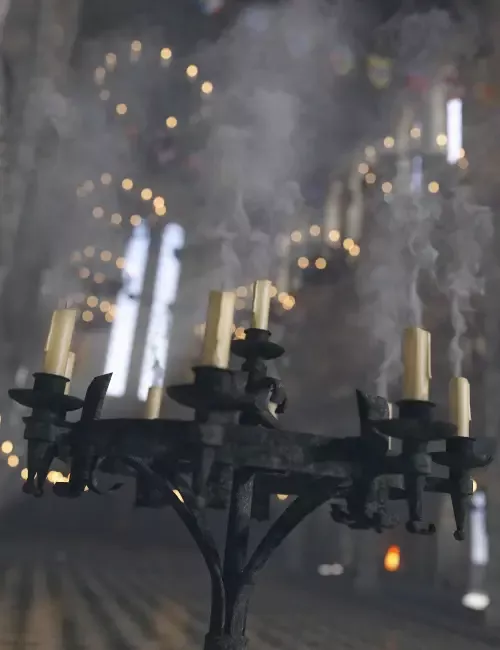
This set has 35 VDB Smoke Trails with 20 color options and 56 density presets. The density presets are provided to help make the smoke trail less visible or more visible, regardless of your lighting setup. When each smoke trail is loaded, it will not be visible in the default viewport. You will see a little blue cube primitive in your scene. When rendered in Iray, the VDB smoke trail will be visible and the cube will not be. The smoke trails are scaled to be small by default. The smoke trails load as scene subsets and the density and color presets are shaders presets. The shader presets are compatible with other VDB sets.
Q: Why does my smoke trail look blocky?
A: VDB volumes are made up of little blocks, similar to how an image is made up of pixels. The following 4 factors can, in combination with one another, make any VDB volume appear blocky - render dimensions, distance from the camera, scale, and density.
Please note, if you use a primitive shape with subsurface scattering enabled on it to create an atmospheric effect within your scene, the VDB volumes will not be visible if they are inside that atmosphere.
SUPPORT LINK
https://www.daz3d.com/mmx-vdb-smoke-trailsDOWNLOAD
https://nfile.cc/***/106530-DAZ.rar.htmlYou must login to show full link. No account? Create Account