
FF's Adventures Gone Wrong - Camera Anchor and Poses for Genesis 9
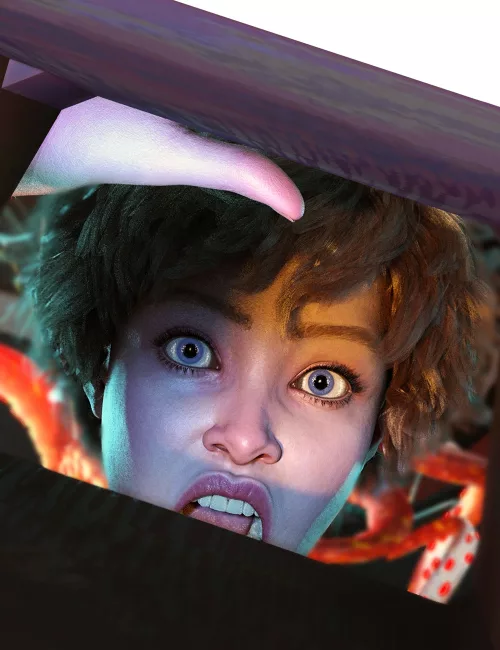
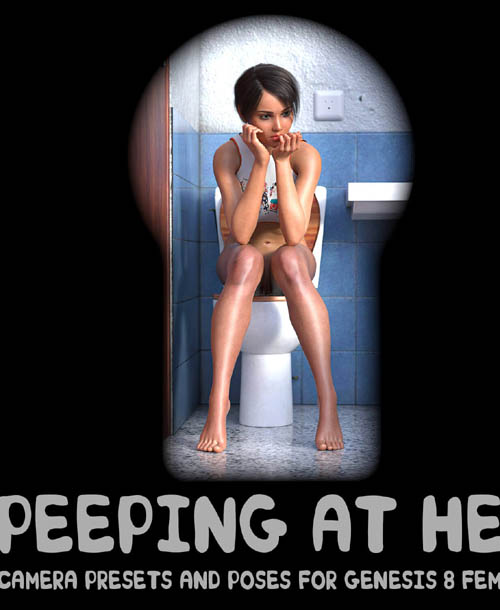
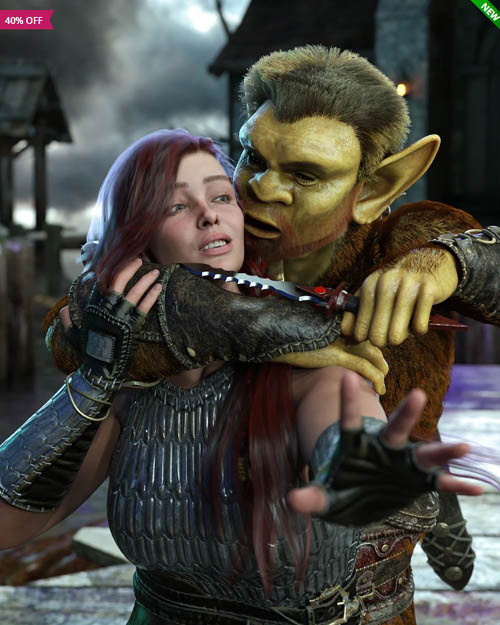
Poses tell your story. But a really good camera angle takes a good pose to a higher level, elevating the tale with added drama and tension.
FF's Adventures Gone Wrong - Camera Anchor and Poses for Genesis 9 helps you, the artist achieve this goal by giving you 28 poses for Genesis 9 (20 single stance poses and 4 two-person vignette poses), 104 Camera Presets, and introduces the Camera Anchor - a new concept of combining poses with cameras that you can chose the best angle that will help you tell your story.
The basic workings of the Camera Anchor are as follows. You load in your Genesis 9 figure; pick one of the poses in this set to use (or, conversely, you can use the Camera Anchors or any of the included Camera Presets with any of your poses in your runtime); apply the pose to your Genesis 9 figure and load in the Camera Anchor associated with the pose you've chosen. The Camera Anchor will load in with 4 or 5 attached Cameras, all set up to make the pose look good and/or more dramatic. Parent your Genesis 9 figure (or figures, if using one of the two-person vignette poses) to the Camera Anchor, and use it as a handle to move both the figure(s) and the associated cameras around in your scene. Note - the Camera Anchor is visible in your scene/viewport, but it will not appear in your renders.
In addition, there is included a PDF tutorial on how the Camera Anchor works, as well as some tips on using the DazStudio Cameras to help you raise the bar on your renders.
As always, FeralFey poses are fact-checked for gravity, balance, and realism.
SUPPORT LINK
https://www.daz3d.com/ffs-adventures-gone-wrong--camera-anchor-and-poses-for-genesis-9DOWNLOAD
https://nfile.cc/***/102653-DAZ.rar.htmlYou must login to show full link. No account? Create Account