
The Power of AniMate 2 : Animating with Precision in DAZ Studio
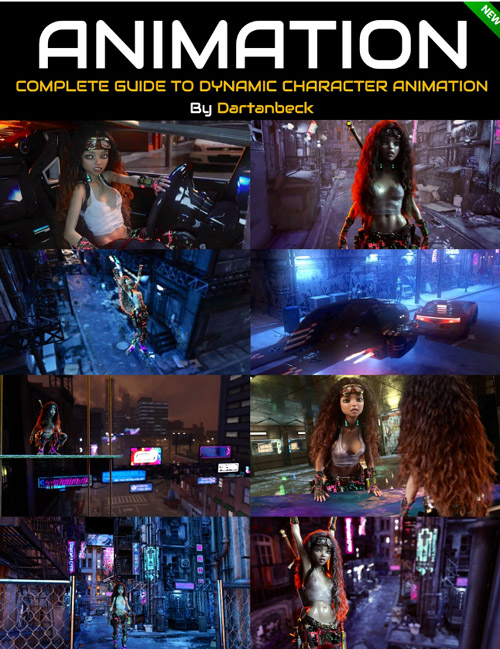
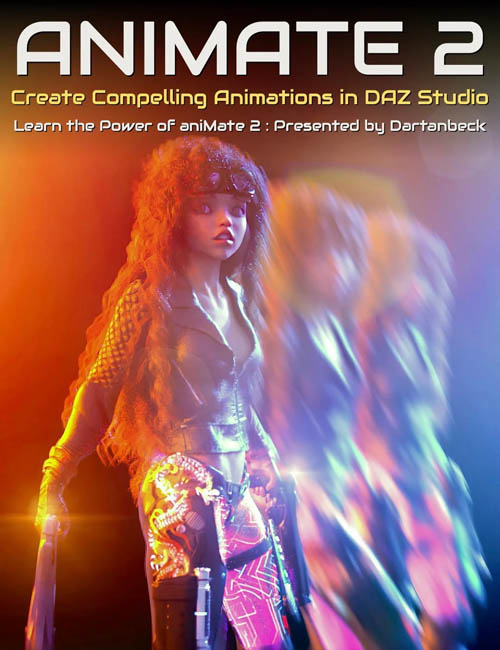
Let's get focused on mastering “aniMate 2” in DAZ Studio! AniMate 2 combines a user-friendly interface with sophisticated features, making it a valuable and core tool for animating your visual stories. Dartanbeck uses AniMate 2 at the heart of his workflow and reveals in this tutorial set how to make the most of this and other hyper-useful tools such as LimbStick, Bone Minion and Mixamo for effective animation storytelling in DAZ Studio.
This tutorial set by Dartanbeck is for you if...
- You're interested in uncovering the hidden and often overlooked powerful features of aniMate2, enhancing your animation capabilities in DAZ Studio.
- You want to learn how to efficiently use aniBlocks, including advanced techniques like trimming, blending, and customizing motion paths for more dynamic animations.
- You're keen on exploring the vast potential of aniBlock packs, cross-generation animation conversion, and integrating unique movements for characters and vehicles.
This is for you if you want to accomplish:
- Making the most of aniMate2, ensuring a solid foundation for creating professional and intricate animations in DAZ Studio.
- Expanding your creative horizons by learning how to modify and combine aniBlocks, achieving impressive new motions and animations.
- Gaining expertise in leveraging specialized tools and resources like Motion Captured Animations, LimbStick, Bone Minion and more, to elevate your animation projects
Total tutorial set running time :5 hours and 1 minute
Required for this Tutorial Set
aniMate2 is a key part of the workflow demonstrated in this course and is required.
Recommended for this Tutorial Set
Bone Minion by RiverSoft Art
LimbStick by 3D Universe
Daz Studio Animation Tools - Set 1 by 3D Universe (for use with Mixamo downloads)
In this tutorial set you'll learn:
- Applying aniBlocks to figures and adjusting animations with precision, focusing on detailed character interactions like holding a pistol.
- How to utilise Bone Minion for pose conversion, enabling users to set up and refine object interactions within their animations.
- Techniques for fine-tuning animations are demonstrated, including limb stick adjustments, facial animation customization, and the use of various tweeners for smooth transitions.
- Learn how to manipulate aniBlocks for specific effects like reversing, mirroring, trimming, and combining different blocks for complex animations.
- Gain insights into creating custom aniBlocks, saving them for reuse, and adjusting keyframes within DAZ Studio's timeline.
- Mixamo animations and their integration with DAZ Studio are explored, highlighting the process from importing and applying animations to baking them for further editing.
- The course delves into the utility of tools like the LimbStick plugin for precise control over character interactions and the graph editor for advanced animation adjustments.
- Techniques for rendering animations within DAZ Studio are taught, including the use of shadow capture and Iray reflections to create realistic scenes.
- You'll see the use of HDRI for character renders, grasping the importance of scene setup and camera angles for animation realism.
- AniMate 2's flexibility is highlighted through its ability to speed up, reverse, and modify animations, enabling the creation of dynamic and realistic sequences.
- You'll be shown how to use partial aniBlocks for customizing movements and the significance of baking keyframes to refine animations further.
Bonus content includes converting entire walk construction kits for different figures and creating icons for aniBlocks.
Sample Video
SUPPORT LINK
https://www.daz3d.com/the-power-of-animate-2--animating-with-precision-in-daz-studioDOWNLOAD
https://nfile.cc/***/93000-DAZ.rar.htmlYou must login to show full link. No account? Create Account