
UltraHD Iray HDRI With DOF - Beaches and Boardwalks

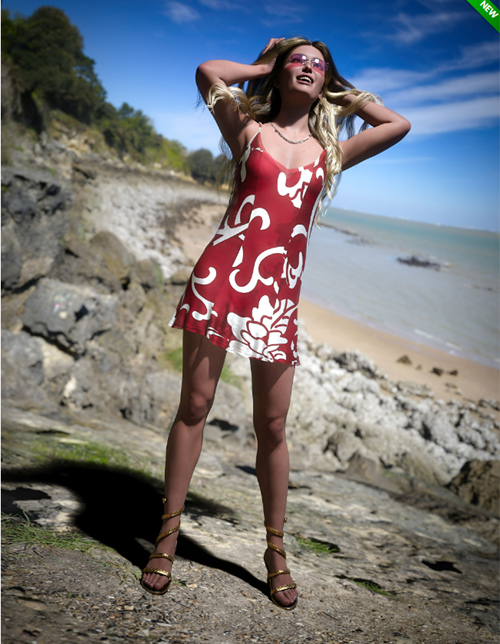
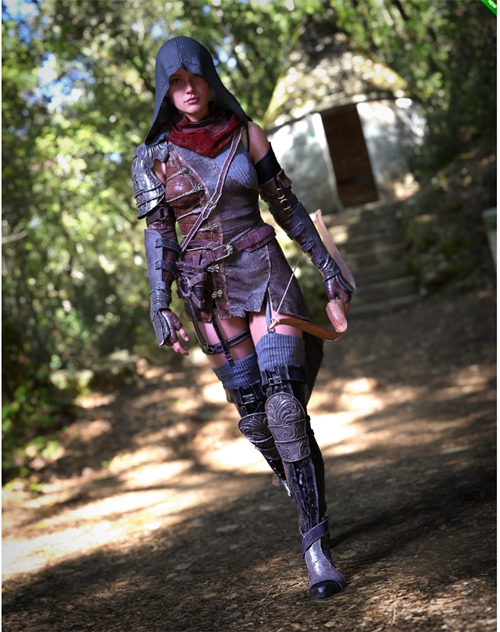

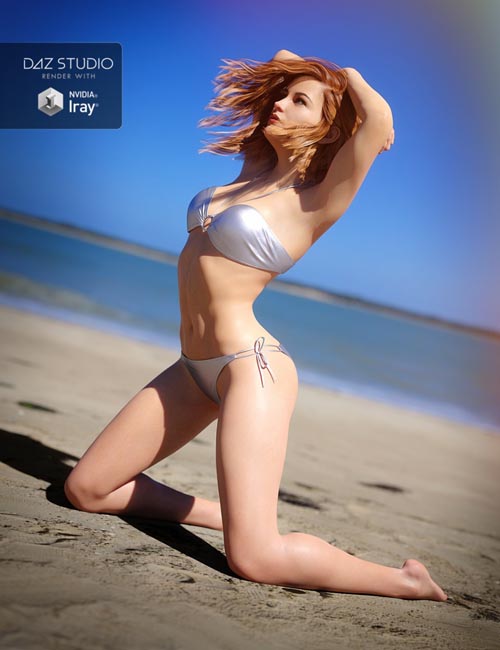
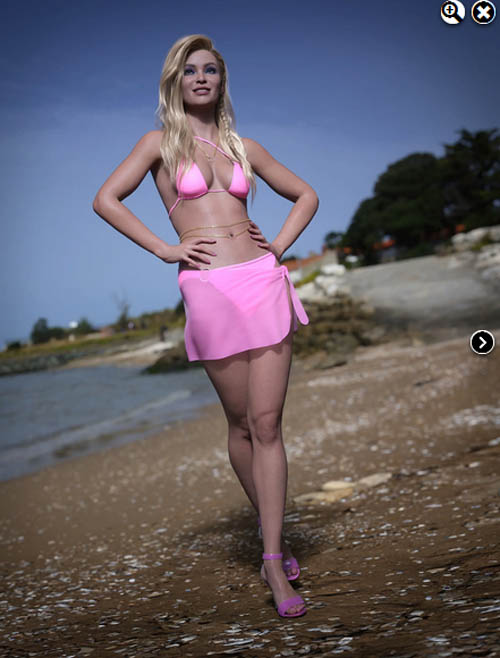
Most Iray HDRI environment sets don't allow the depth of field use easily and directly out of the box.
UltraHD Iray HDRI With DOF - Beaches and boardwalks does!
You won't have to tweak anything — all the presets are there for you to just click and render.
With UltraHD Iray HDRI With DOF - Beaches and boardwalks, you'll get 6 ultra HD (up to 16K) custom-made environments, with or without depth of field presets.
The theme of this set is nice beaches and promenades near the Atlantic Ocean around La Rochelle in France.
All these environments depict rocky and sandy beaches but also boardwalks in Chatellaillon, Angoulins, and on the Ile d'Aix. They were shot in the morning with a nice sun illuminating the landscapes.
Each environment is provided in 4 different resolutions based on your needs and computer capabilities:
- 16000 x 8000
- 8000 x 4000
- 4000 x 2000
- 2000 x 1000
Each resolution is provided with or without depth of field capability, which gives you a total of 48 different possibilities.
You can also use the DOF-enabled environment and not activate the DOF of the camera for a third and different effect, so the number of possibilities increases to 72 different possibilities.
You will also get:
- 12 dome rotation presets to change the background or the sun position based on your camera point of view
- 1 DOF enabled camera preset, built especially for full-length portraits
- 2 bloom ON/OFF presets
- 8 brightness presets
- 5 shadow presets
- 6 vignetting presets
This just gives infinite possibilities!
Basically, based on your need, you click on the wanted resolution, click on the wanted depth of field option, click on the wanted dome rotation preset, and you're good to render.
Take advantage of the HDR environment speed (versus the full 3D environment that is way slower to render) with optimized depth of field!
SUPPORT LINK
https://www.daz3d.com/ultrahd-iray-hdri-with-dof--beaches-and-boardwalksDOWNLOAD
https://nfile.cc/***/91793-DAZ.rar.htmlYou must login to show full link. No account? Create Account