
Instant Portrait PRO - Rooms
by BBlK | on 13-Sep-23 | 0 comments |
Related Articles
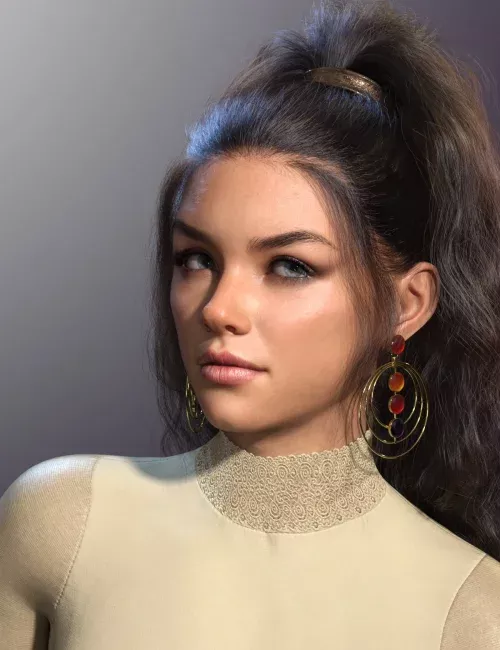
Subtle Portrait Lights and HDRIs
Struggling to get great portrait renders? These Subtle...
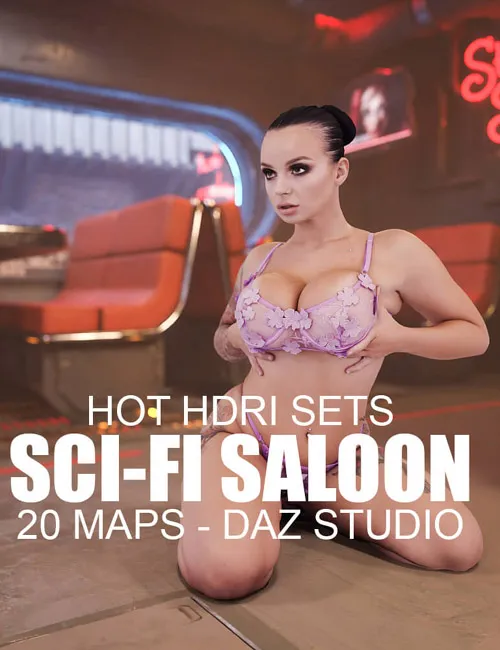
Hot HDRI Sets - Sci-Fi Saloon - 20 Maps - DAZ Studio
Instant 360-degree backgrounds for your sci-fi renders!...
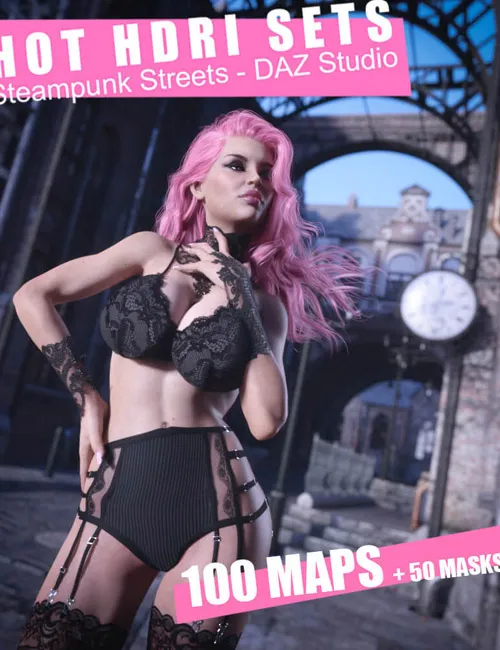
Hot HDRI Sets - Steampunk Streets - DAZ Studio by Dreamlight
Instant 360-degree backgrounds with super fast rendering!...
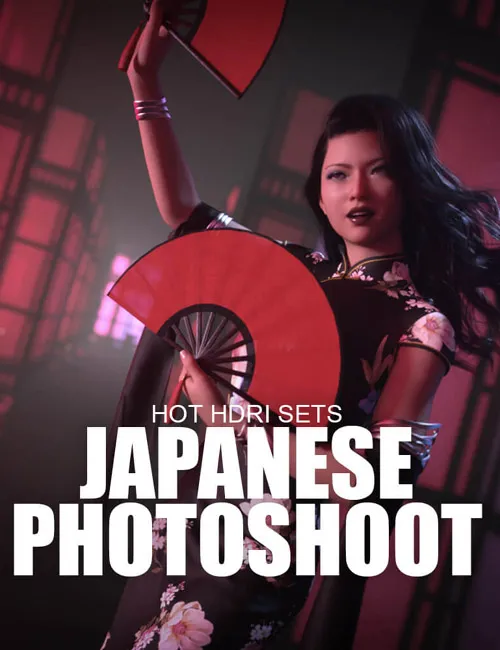
Hot HDRI Sets - Japanese Photoshoot - DAZ Studio
These beautiful 360-degree Japanese style HDRI maps for...
Hot HDRI Sets - Neon Dark City - DAZ Studio
Instant 360-degree futuristic backgrounds for your hot...
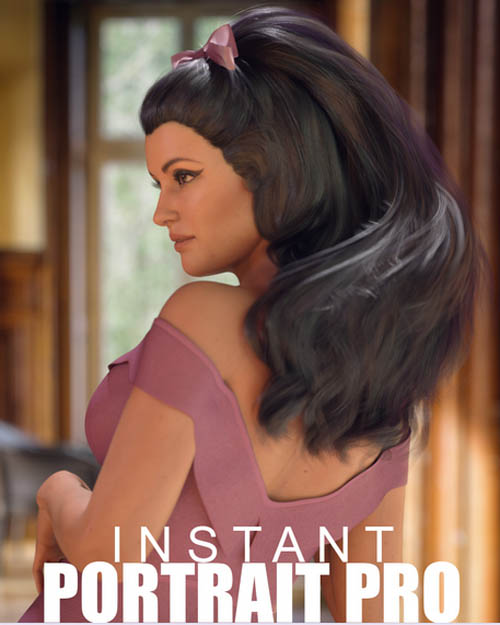
Render stunning portraits with ease! With Instant Portrait PRO - Rooms, all the heavy lighting, camera, and tech is done for you. With an ingenious separate background plate, soft HDRI lighting, and extra Daz Studio lights, you're ready to go out of the box. Simply load your character, adjust the pose, MOVE your character in the frame if needed (so it ends up centered), and hit render! Choose from 20 presets that include background images plus lights and HDRI maps. For those tech-savvy users, there are plenty of adjustments to be made. You can control the background, extra lights, and HDRI lighting individually.
Start rendering beautiful portraits effortlessly when you get Instant Portrait PRO - Rooms today!
Includes:
- Load Main Scene
- Background Plate image + emission presets 1-20
- Background Plate pose presets (scale + position)
- Iray Render presets 1-20 (HDRI maps)
- Can also be mixed and matched for more options
- Individual control of the background plate
- Individual control of the HDRI maps
- Left filler light (off by default)
- Right filler light (on by default)
- Top Back light
- Camera preset
- PDF file with instructions if you want more control over the results
SUPPORT LINK
https://www.daz3d.com/instant-portrait-pro--roomsDOWNLOAD
https://nfile.cc/***/83134-DAZ.rar.htmlYou must login to show full link. No account? Create Account
Dead link?. Comment bellow to request new link.
Category: Daz3D |
Note: Now support Premium only because I have no more time to update for free users
Related Articles
Subtle Portrait Lights and HDRIs
Struggling to get great portrait renders? These Subtle...
Hot HDRI Sets - Sci-Fi Saloon - 20 Maps - DAZ Studio
Instant 360-degree backgrounds for your sci-fi renders!...
Hot HDRI Sets - Steampunk Streets - DAZ Studio by Dreamlight
Instant 360-degree backgrounds with super fast rendering!...
Hot HDRI Sets - Japanese Photoshoot - DAZ Studio
These beautiful 360-degree Japanese style HDRI maps for...
Hot HDRI Sets - Neon Dark City - DAZ Studio
Instant 360-degree futuristic backgrounds for your hot...
Information
Users of Guests are not allowed to comment this publication.