
Camera Tracking Importer for DAZ Studio - HitFilm Composite Shot
Have you ever wanted to:
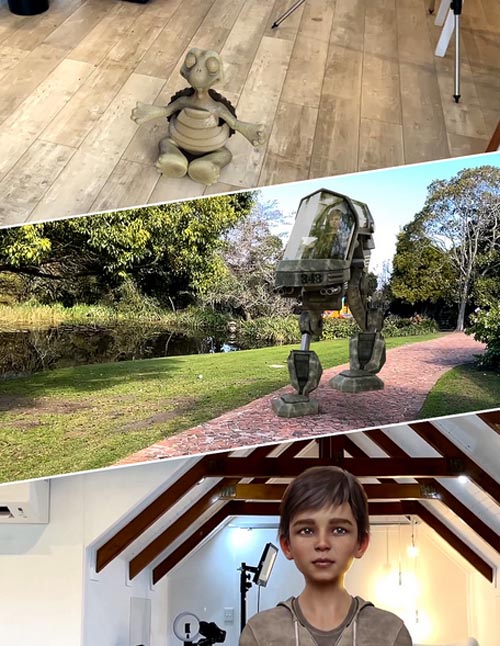
- Add 3D elements to a video you've made?
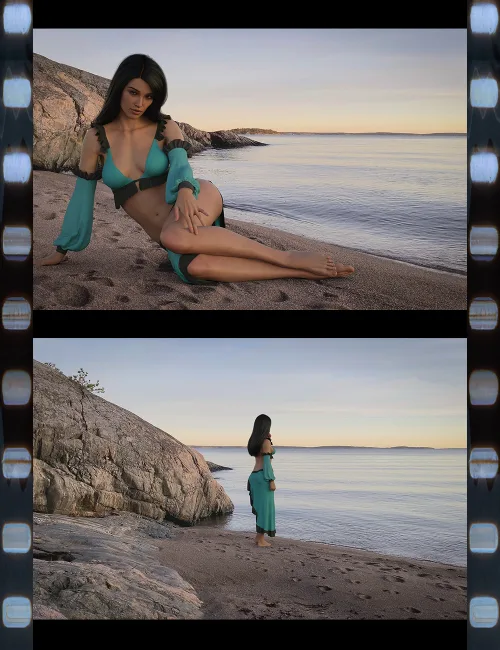
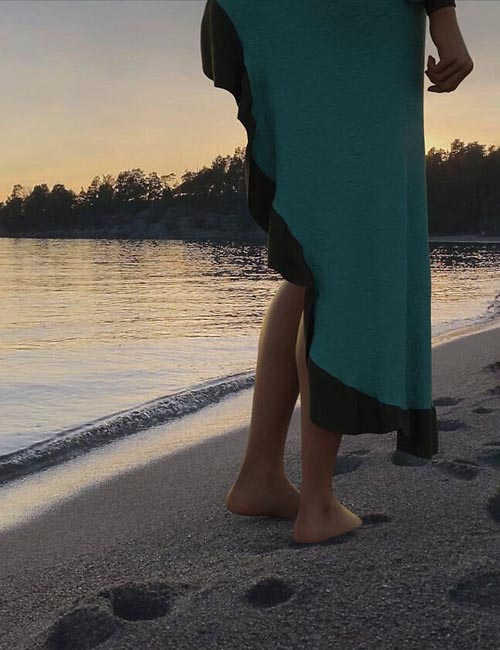
- Show off your 3D creations in a real-world setting?
- See what that Lambo looks like in your driveway?
Well, this utility can simplify the steps to adding any 3D content to your videos.
Using the free CamTrack AR app for iOS (sorry - no Android version available yet), video is recorded along with the real-time camera motions.
Our utility will take all this information and recreate the exact camera with animated motion in DAZ Studio. Additionally, this amazing utility can also:
- Create 3D anchor points from the points created in Camtrack AR in your scene that don't appear in your final render. These are perfect for placing the 3D objects exactly where you want them.
- Translate and rotate the scene to match your lighting direction and DAZ Studio scene center.
- Create a shadow/reflection-catching surface that will help your 3D objects cast shadows in the final video and make the integration more realistic.
- Set up all the relevant render settings to enable you to easily render out a sequence of images with transparent backgrounds for easy integration with your video.
Note: Unfortunately, DAZ Studio doesn't have a way of having a video as the backdrop to your scene. This does mean you need to use a video application to composite the rendered image sequence into your original video.
Below we include a walk-through of the process and also show how to use multiple video editing software to composite the final video including the free DaVinci Resolve application.
SUPPORT LINK
https://www.daz3d.com/camera-tracking-importer-for-daz-studio--hitfilm-composite-shotDOWNLOAD
https://nfile.cc/***/87673-DAZ.rar.htmlYou must login to show full link. No account? Create Account