
Icon Creator Pro

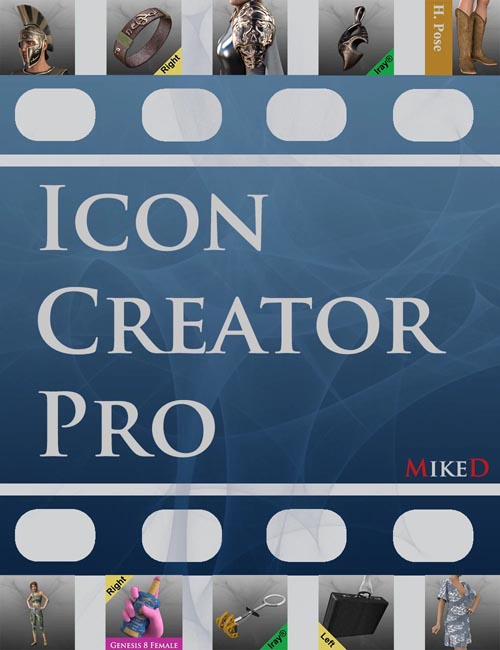
Welcome to the Icon Creator Pro script by MikeD! You can use this script to create icons for the assets (files) of the Content Library of DAZ Studio. This script is ideal for DAZ’s PAs, content creators, or any advanced user. It offers you great speed in your workflow and it can be programmed to load your selected assets in the scene on its own, without your constant presence. This makes it perfect for mass-creating icons like Material Presets etc.
It gives you the ability to use different images for the normal icon and for the tip icon. You are allowed to adjust the size of the icons (normal and tip), to keep up with future changes in DAZ’s standards. It is very easy to use, as it is based on a layers system like photo-editing software. Its usage is similar to that of the icon creation page of the Map Master Pro script, so, if you have already purchased the Map Master Pro, you will find this script familiar. Setting presets allows you to quickly reuse the same layer formats without recreating them from scratch. For the layers you can use both the default script images and custom images of your choice, enriching your library.
Now that it is required for all Content Library assets to have tip icons, this script is a must-have for any content creator, as it can save you precious time and effort.
Watch a video that presents the workflow and the main features of the script:
SUPPORT LINK
https://www.daz3d.com/icon-creator-proDOWNLOAD
https://nfile.cc/***/86399-DAZ.rar.htmlYou must login to show full link. No account? Create Account